
















You can change the weather for everyone from the Map page. Choose Weather, pick one of five kinds, and confirm. The weather does not jump. The panel says it changes over about a minute.
This needs the panel tools and a mission that is playing. The panel tools are a small addon of the panel’s own. They run on the server only, so players install nothing. See turn on the panel tools if they are off.
Set the weather
- Open the Map page while a mission is playing.
- In the section titled The mission now, choose Weather. The section also shows the weather now, as one of Clear, Cloudy, Rain, Storm or Fog.
- In the list titled Weather, choose Clear, Cloudy, Rain, Storm or Fog.
- Choose Set the weather.
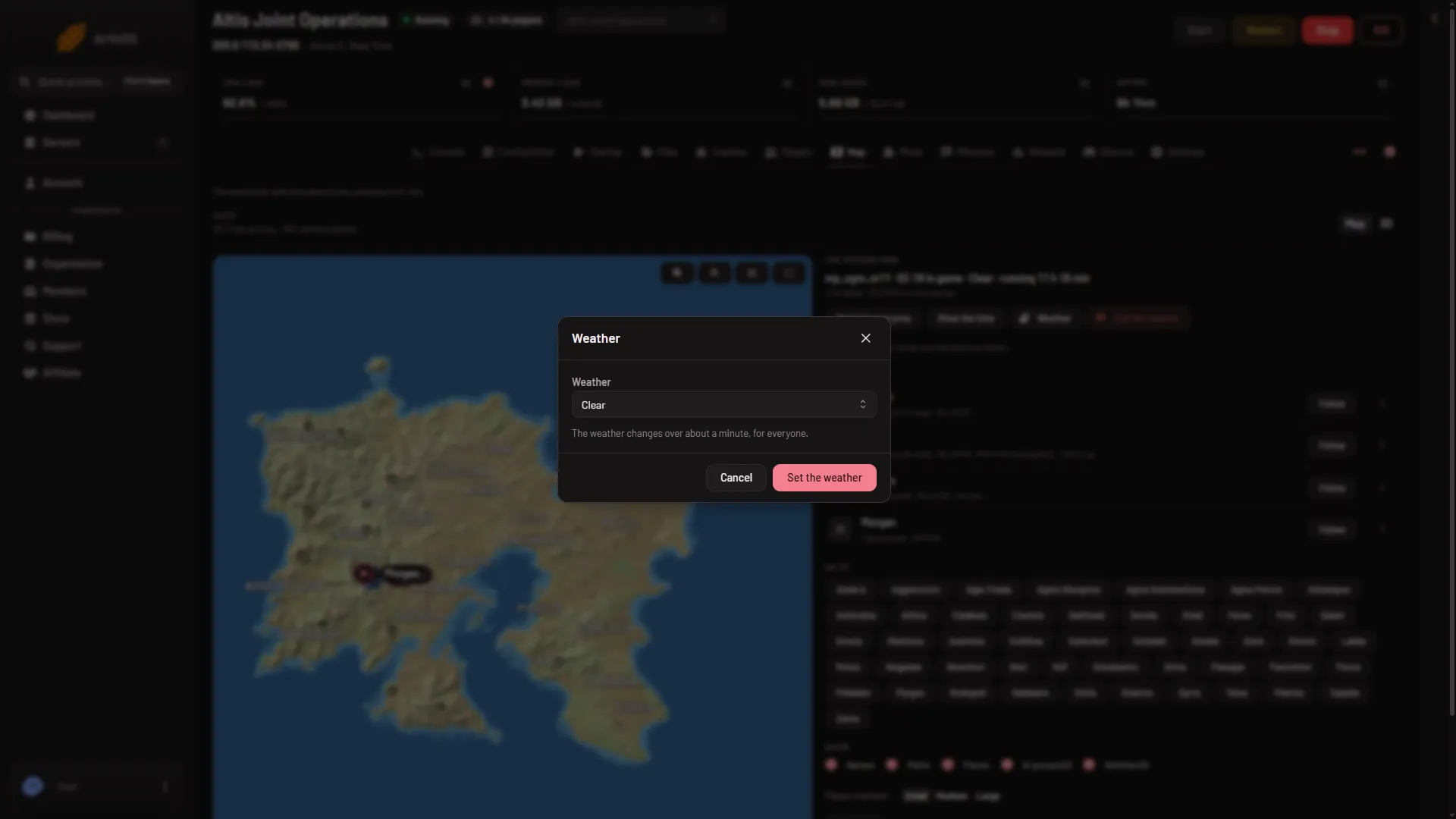
The box says: “The weather changes over about a minute, for everyone.” The list starts on Clear, so check it before you confirm.
When it happens
The command reaches the game within seconds. The weather then changes over about a minute. No restart is needed.
Not checked on 2.22.154089 as of 13 November 2026: missions that set their own weather, and whether they set it back.
If it does not work
- No button. Your role may not allow helping players from the map. Ask the owner for a role that allows it.
- “turn on the panel tools first”. Turn them on from the Map page, then restart the server.
- “the panel tools load at the server’s next start”. You turned them on while the server was running. Restart it.
- “the game is not running the panel tools now: they run while a mission plays”. Start a mission first.
- “the game did not answer in time”. The panel waits about 8 seconds for the game. Try again once the mission has loaded.
To move the clock as well, see change the time of day.