
















A Loafhosts Arma 3 server runs on Linux. Linux treats Data.pbo and data.pbo as two different files. (A PBO is a packed mod file.) The game can fail to find a mod file whose name has capital letters.
If you add mods with the Mods page, you do nothing. If you upload a mod by hand, turn on one switch.
Why it matters
Mods made on Windows often have capital letters in their file names. Windows does not care. A Linux server does.
Bohemia Interactive names two big mods that will not work with capital letters in any file name: CUP Terrains and ALiVE.
Mods from the Mods page
The Mods page makes every file of every mod it downloads lowercase. The page says so at the top: “Every file is made lowercase and each mod’s keys are copied for you.” You do not need the switch for these mods.
Mods you uploaded yourself
Turn on the repair switch. It makes the files lowercase again at every start.
- Open Startup and scroll down to [Repair] Make Mod Files Lowercase (1).
- Turn the switch on and save.
- Restart the server. The switch works when the server starts. A restart drops everyone who is on, so warn them first with A message to everyone on the Players page, then choose Send.
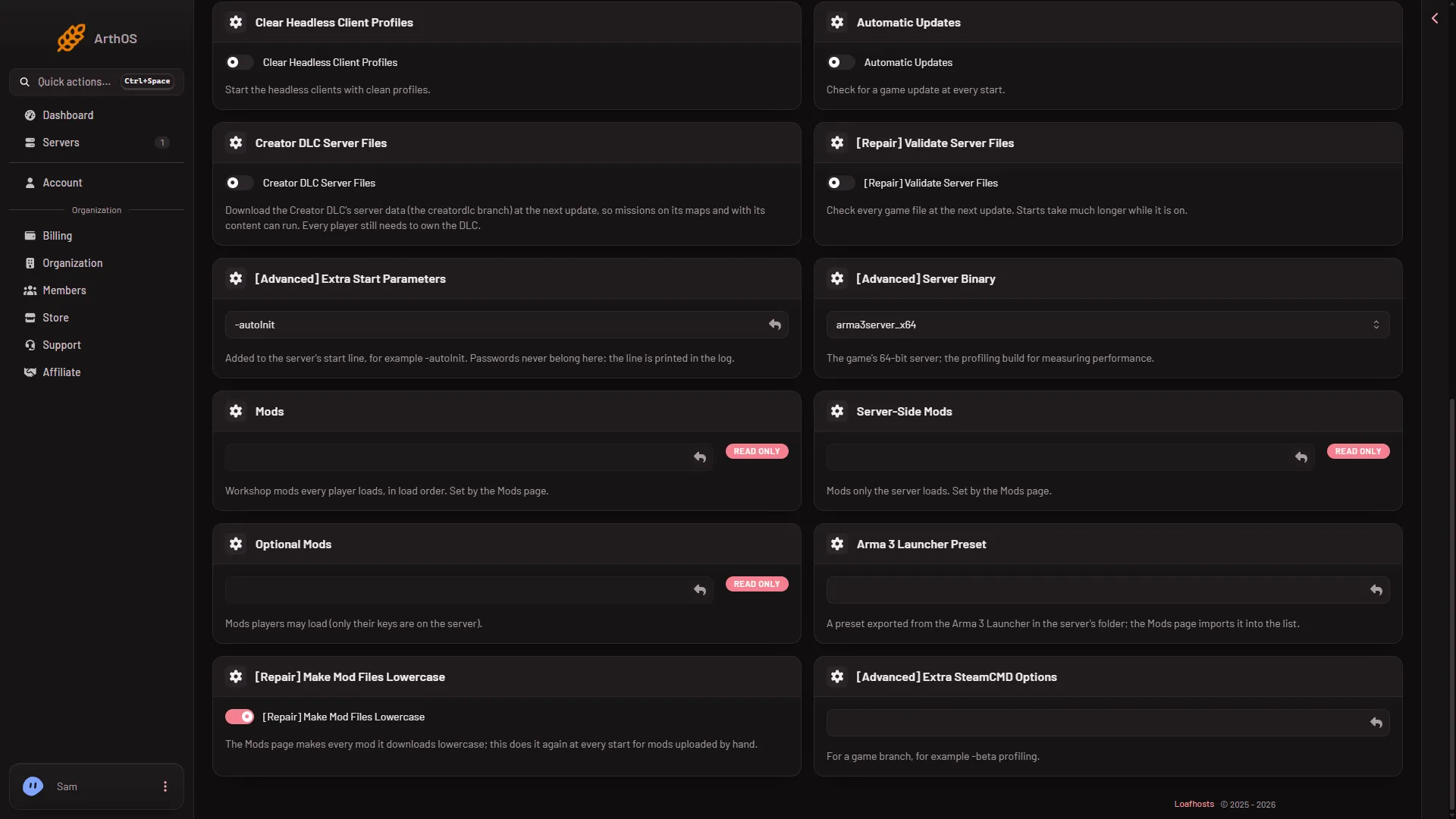
- Make Mod Files Lowercase
The panel’s own text for it reads: “The Mods page makes every mod it downloads lowercase; this does it again at every start for mods uploaded by hand.”
If you rename the files yourself
Before you upload, rename every file and folder inside the mod to lowercase on your own computer. The mod’s top folder needs a lowercase name with no spaces too.
If it does not work
- The mod is still missing after a restart. Check that its folder name is lowercase and has no spaces. See upload a mod by hand.
- The Crashes page says a mission or mod needs content the server does not load. The line names the addon. Add the mod that has it, and check the load order (the order the mods load in).
- The Crashes page says a mod’s extension did not load. That is a different fault. A mod that ships its extension only as a Windows
.dllcannot run on a Linux server. Remove it, or ask its author for a Linux build. - You turned the switch on while the server was running. It does nothing until the next start.
More about the game: Arma 3 servers.
Sources: Bohemia wiki: Dedicated Server