
















The Map page does not show Bohemia’s satellite picture. The panel draws each world itself, from what the game answers about it. This happens the first time a mission runs on that world with the panel tools on. Start a mission and the map shows within a few minutes.
What the page says
The page shows one of these messages.
- “The map is drawn the first time the panel tools run a mission on a world. Start a mission and it shows within a few minutes.” The panel tools are on, but no mission has run on this world yet. Start one.
- “The map is drawn from what the game itself answers about the world, by the panel tools. Turn them on to draw it.” The panel tools are off. Turn them on.
- “The panel is reading (world) from the game to draw it: (number)% so far. The map shows once it is whole.” The drawing is under way. Leave the page open or come back. It does not need anything from you.
- “The mission is on (world), which is not drawn yet: it shows once the panel tools have read it.” The server plays a world the panel has not drawn. It is drawn while this mission runs.
- “The server is stopped.” Start the server.
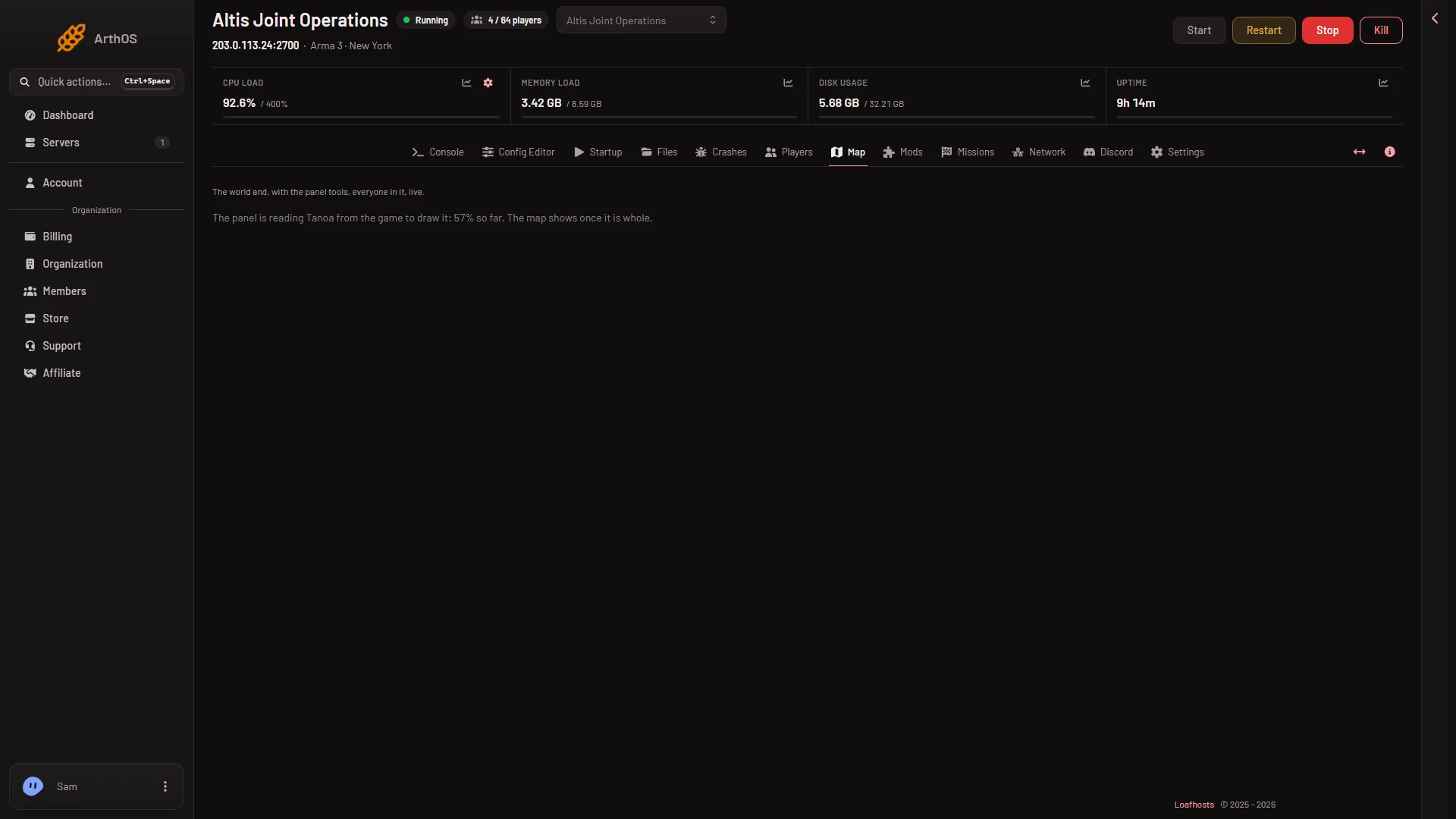
- Reading the world
The line (1) shows the world’s name and how far the reading has got.
Get the map drawn
- Open the Map page.
- In the panel tools card, choose Turn on the panel tools and confirm. The box explains that the panel adds its own addon to the server-only mods. Players install nothing.
- If the server is running, restart it. A restart drops everyone who is on, so choose a quiet moment and warn players first with A message to everyone on the Players page, then Send. The panel tools load at the next start. The panel places them only while the server is stopped or as it starts, because replacing them under a running server would end the game.
- Start a mission, or let the rotation start one. The server must be playing a mission on the world you want. On the Players page, Play another mission starts one at once and ends the mission playing now, so use it only when nobody minds. The rotation on the Missions page applies at the next start.
- Watch the percent on the Map page. When it is whole, the map and its named places appear.
What the map shows
The picture is at most 2048 pixels on a side. It is drawn from the game’s own heights, sea, forests, roads, buildings and named places. The panel keeps named places only. A 3D view of the same world is also available from the switch on the page.
If it does not work
- The percent does not move. The panel reads the world while a mission is on it. Check that the server is playing a mission on that world. The Players page shows the mission and its state.
- The panel tools say they load at the next restart. Restart the server.
- The panel tools are on but the map stays empty after a mission started. Give it a few minutes. If a newer version of the panel tools is waiting, it loads at the next restart.
- You changed the world. The message names the new world. It is drawn when the mission on it runs.
More about the game: Arma 3 servers.