
















The Crashes page can show a finding called A mod’s extension did not load. It means a mod on your server needs a file that only exists for Windows. Your Arma 3 server runs on Linux, so that file cannot run. Take the mod off the list, or ask its author for a Linux build.
What an extension is
Some mods are more than scripts and models. They also carry an extension: a small program the game loads next to the mod. A mod built for Windows ships that program as a .dll file. A Linux server needs the Linux kind, whose name ends in _x64.so. A mod that has the .dll and no _x64.so loads on a Windows server and fails on yours.
The panel’s own text for the finding says the same: a mod that ships its extension only for Windows cannot run here.
Find the finding
- Open the Crashes page. Each start of the server is one entry.
- Open the newest entry and look under What the panel can tell.
- Find A mod’s extension did not load.
Below the entry, Last lines shows the end of the game’s log. Compare any mod names you see there with the list on the Mods page.
Fix it
You have two choices.
Remove the mod. This is the quick fix.
- Open the Mods page, on the tab On this server.
- Find the mod. Its row has a link Open on the Workshop, so you can match the number from the log.
- Choose Take (mod name) off the list.
- Choose Apply and restart (1), or Apply if the server is off. The panel asks you to confirm and tells you what changes.
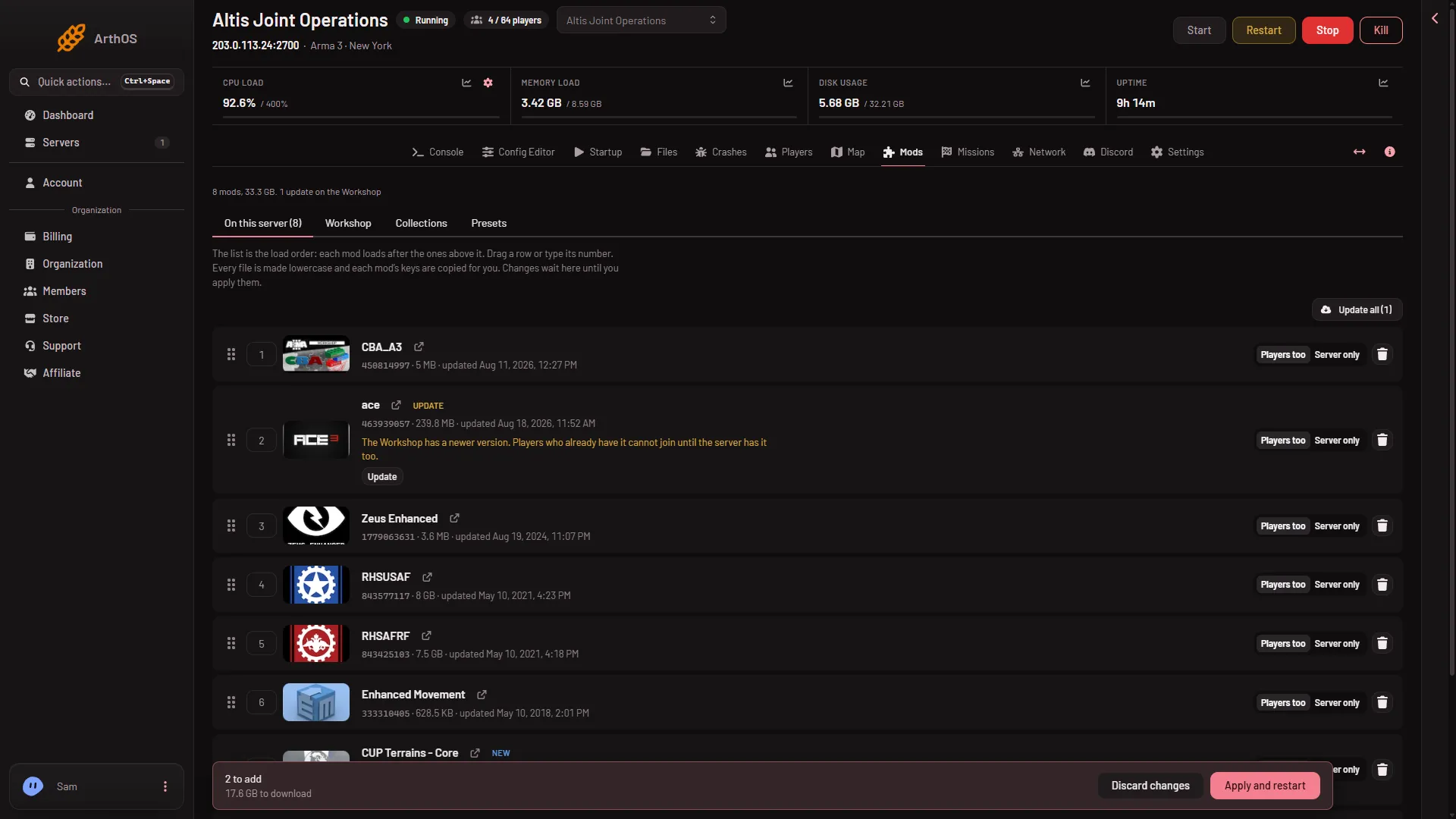
- Apply and restart
Players do not need to do anything. If the mod was one every player loads, they can leave it out of their own list too.
Ask for a Linux build. Write to the mod’s author on its Workshop page and ask whether a Linux server build exists. Until there is one, the mod stays off your server.
Mods that need other mods
If the mod you removed was needed by others, the panel shows “Needs (name), which is not on the list.” on the rows that rely on it. Take those off as well, or the next start will report them.
If it does not work
- The finding is still there after the restart. Open the newest entry, not an older one. Each start has its own entry, and old entries stay in the list.
- You cannot tell which mod it is. Compare the mod names in Last lines with the On this server list, and take off one mod at a time.
- A different finding appears. See the Crashes page.
More about the game: Arma 3 servers.
Sources: Bohemia wiki: Dedicated Server