
















To go back to an earlier campaign save, stop the server first. Then open the Missions page, find the copy in Campaign saves, and choose Put back. The copy replaces the save in use and the mission loads it at the next start.
Why the server must be stopped
The game writes its save while it runs. If the panel put a copy in place on a running server, the game would write over it. So the panel refuses. The Put back buttons stay greyed out until the server is stopped. The card says “Stop the server to put a copy back.”
Before you start
You need a copy to put back. Copies are made with Copy aside. See Antistasi saves and how to copy them.
Putting a copy back replaces The save in use. The panel copies the save in use aside first, as the box says, so the current progress is kept as a copy too. That extra copy counts toward the ten the panel keeps, so with ten copies already, Put back drops the oldest one.
Put a copy back
- Stop the server. See start, stop and restart.
- Open Missions and find the card Campaign saves.
- In the list of copies, find the one you want. Each row shows when it was made and its size. The newest is on top.
- Choose Put back on that row.
- A box asks “Put this copy back?” and says “The save in use is copied aside first, then replaced by this one.” Choose Put back (1) to agree.
- The panel says “The copy was put back. It is used from the next start.”
- Start the server.
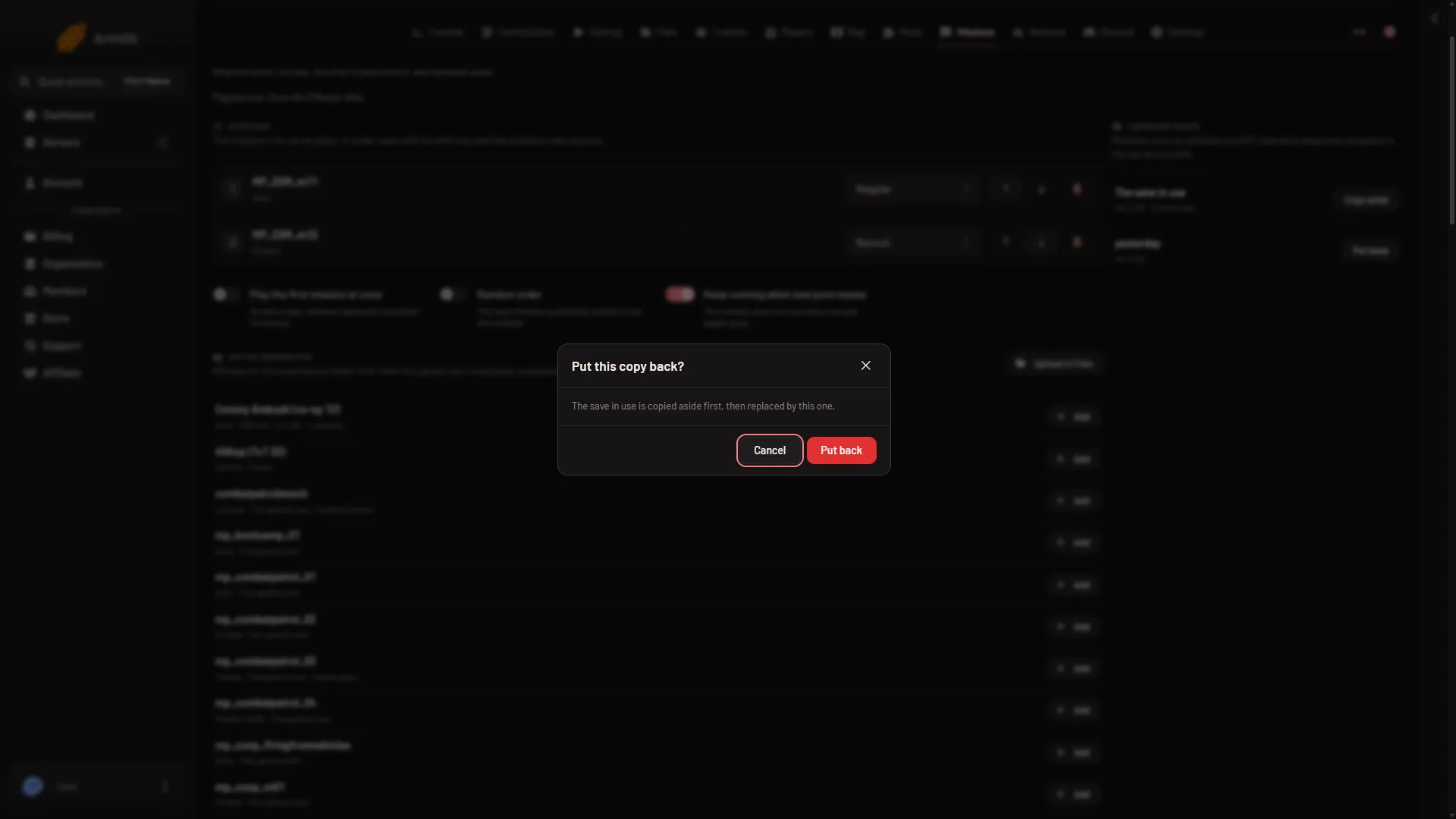
- Agree to put it back
The copy is used from the next start. What the mission does with the save is up to the mission.
What it changes
Only the save in use changes. Your mission files, mods and settings stay as they are. The copies you made stay in the list. The panel keeps the newest ten.
If it does not work
- Put back is greyed out. The server is not stopped. Stop it and wait until it is offline.
- The panel says stop the server first. The server started again before you pressed the button. Stop it and try again.
- There are no copies. Nothing made one. Copies are made only when you choose Copy aside.
- The old progress is not there after the start. Only the one save file,
Player.vars.Arma3Profilein the server’s profile (serverprofile/home/Playeron Loafhosts), is replaced. Whether a mission keeps anything elsewhere is up to the mission. Check its own notes. - The buttons are missing. Your role on the panel may not allow changing files.
More about the game: Arma 3 servers.