
















A map exchange string is a block of text that holds a map’s generation settings. Paste it into Map exchange string in the New world card on the World page, and the server makes a new world from it. The panel’s own note says the string sets the whole map, preset and seed included.
Get a string
The string starts with >>> and ends with <<<, with a long run of letters and digits between.
- From a friend. Ask them to copy theirs.
- From a map you like. In the game, go to the load game screen, choose the save, and use the map exchange string button. Copy the text from the window that opens.
- From the map generator. The new game screen has a Map exchange string field. Set the sliders you want, then copy the string from it.
Use it on the server
- Open the World page.
- In New world, type a Name.
- Paste the string into Map exchange string (1). Copy the whole text, from the first
>>>to the last<<<. If a line break came with it, that is fine, the panel removes spaces and line breaks. If the>>>and<<<marks are missing, the panel adds them. - Choose Make the world and agree in the box. This drops everyone who is on, so warn them first with Message everyone on the Players page. The server stops, a backup is taken and the world is made. See start a new world.
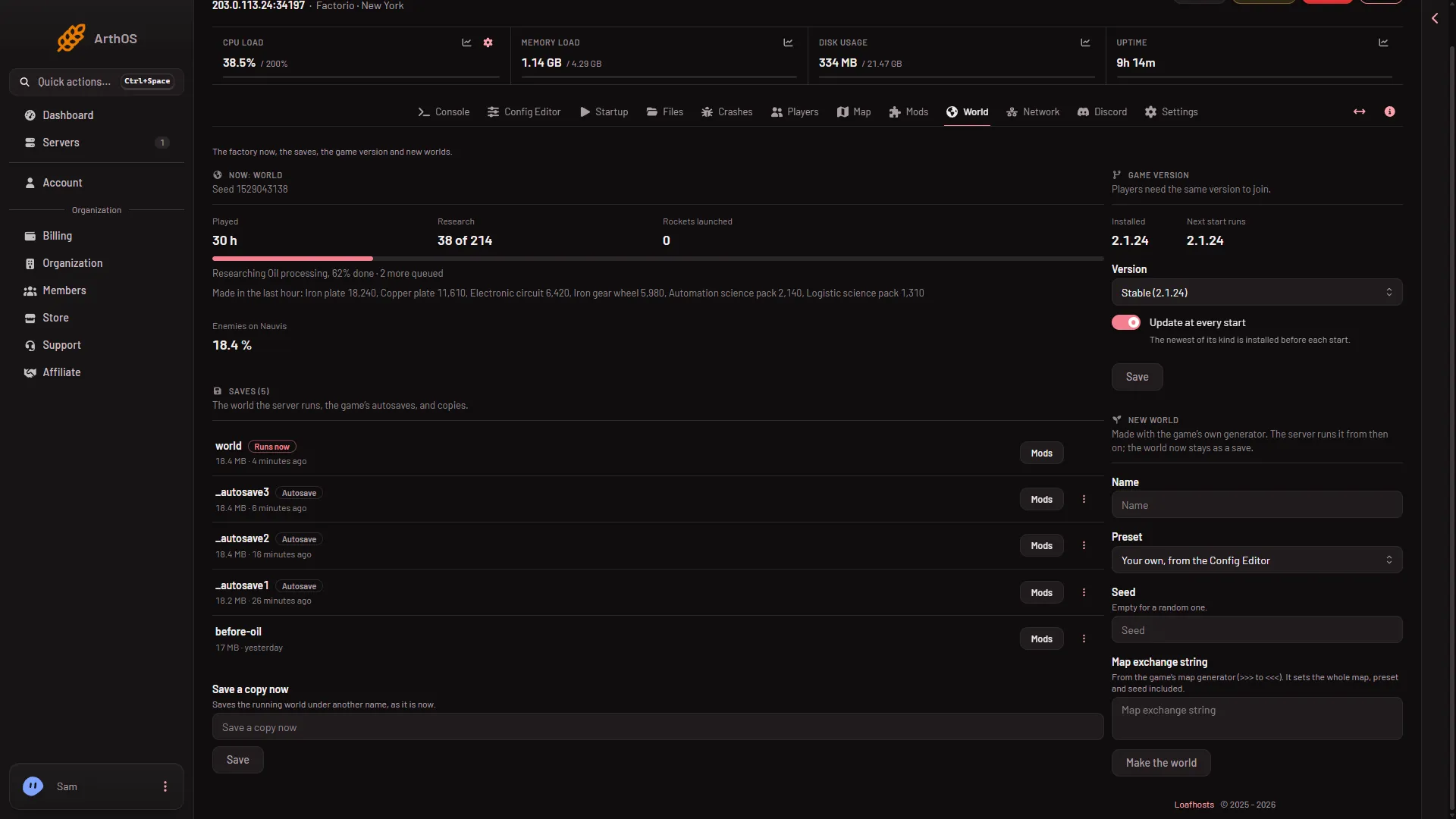
- Paste the string here
Check the result
Not checked on 2.1.24 as of 13 November 2026: whether the world the server makes is exactly the map the string describes. After the world is made, open the Map page and compare it with the map in the game’s own generator.
See the seed for what the seed does.
What a string does not carry
The string holds map generation settings. Players still need the same game version and the same mods as the server to join.
If it does not work
- That is not a map exchange string. The panel accepts only letters, digits,
+,/and=between the marks, up to 20,000 characters. A string with other characters was cut or changed on the way. Copy it again. - A save has this name. Pick another name.
- A backup cannot be taken first. The panel gives the reason. Fix it, or tick Go ahead without a backup when one cannot be taken.
More about the game: Factorio servers.
Sources: wiki.factorio.com: Map generator, wiki.factorio.com: Command line parameters