
















The seed is a number that the game’s map generator starts from. With the same settings, the same seed makes the same map. Set it in the New world card on the World page, or leave it empty for a random one. The seed of the world that runs now is shown in the Now card.
Read the seed of the running world
- Start the server and open the World page.
- Look at the card Now: (world name). It shows Seed with a number.
The card is shown only while the server runs. When the server is stopped it says The server is stopped.
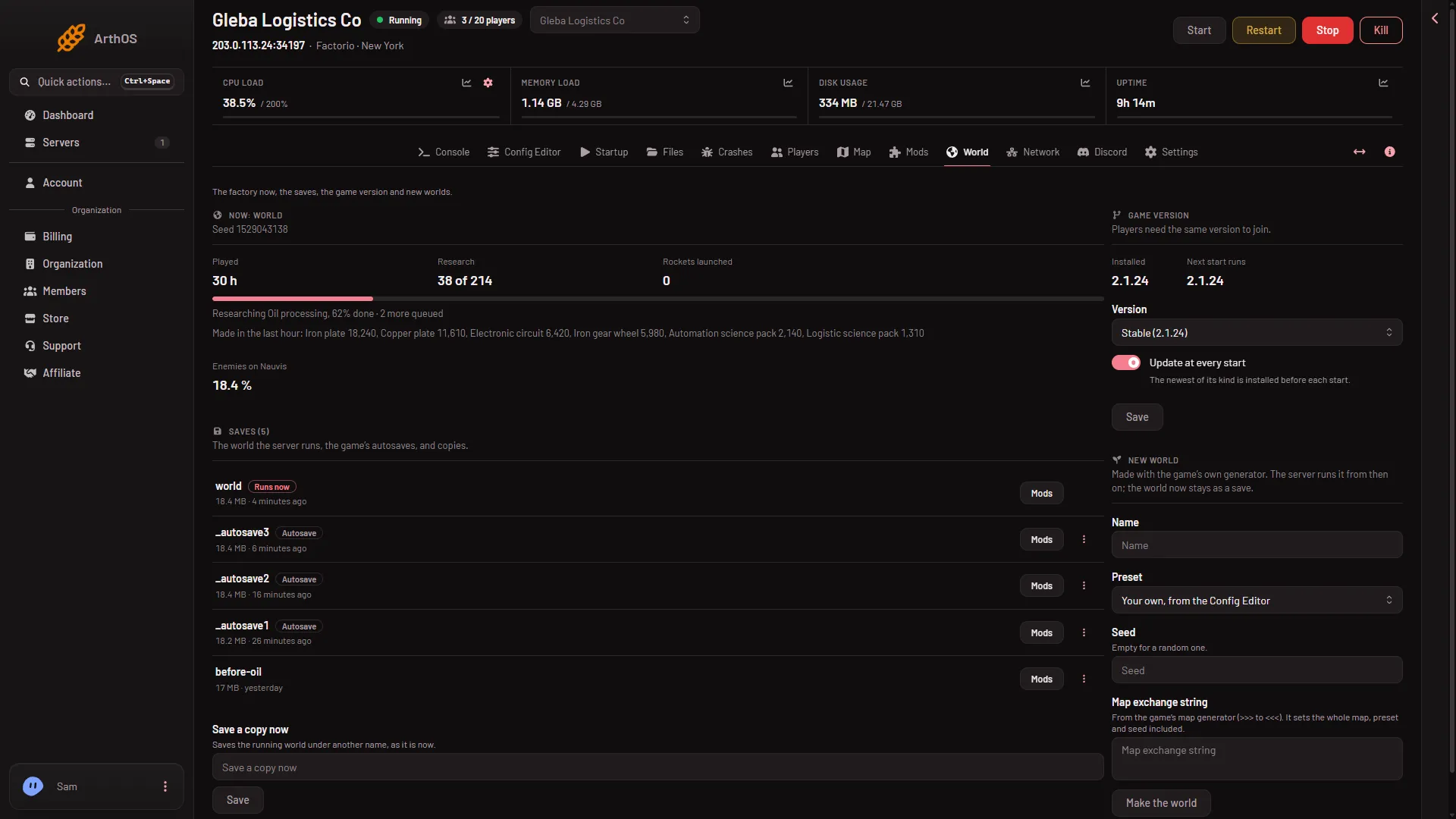
- The Now card
An admin can also type /seed in the game’s chat or console. The game answers with the seed.
Set the seed of a new world
- On the World page, find the New world card (1).
- Type a Name.
- In Seed, type a whole number. Leave it empty for a random one. Letters, spaces and decimals are refused with A whole number.
- Choose Make the world. This drops everyone who is on, so warn them first with Message everyone on the Players page. The server stops, a backup is taken and the world is made. See start a new world.
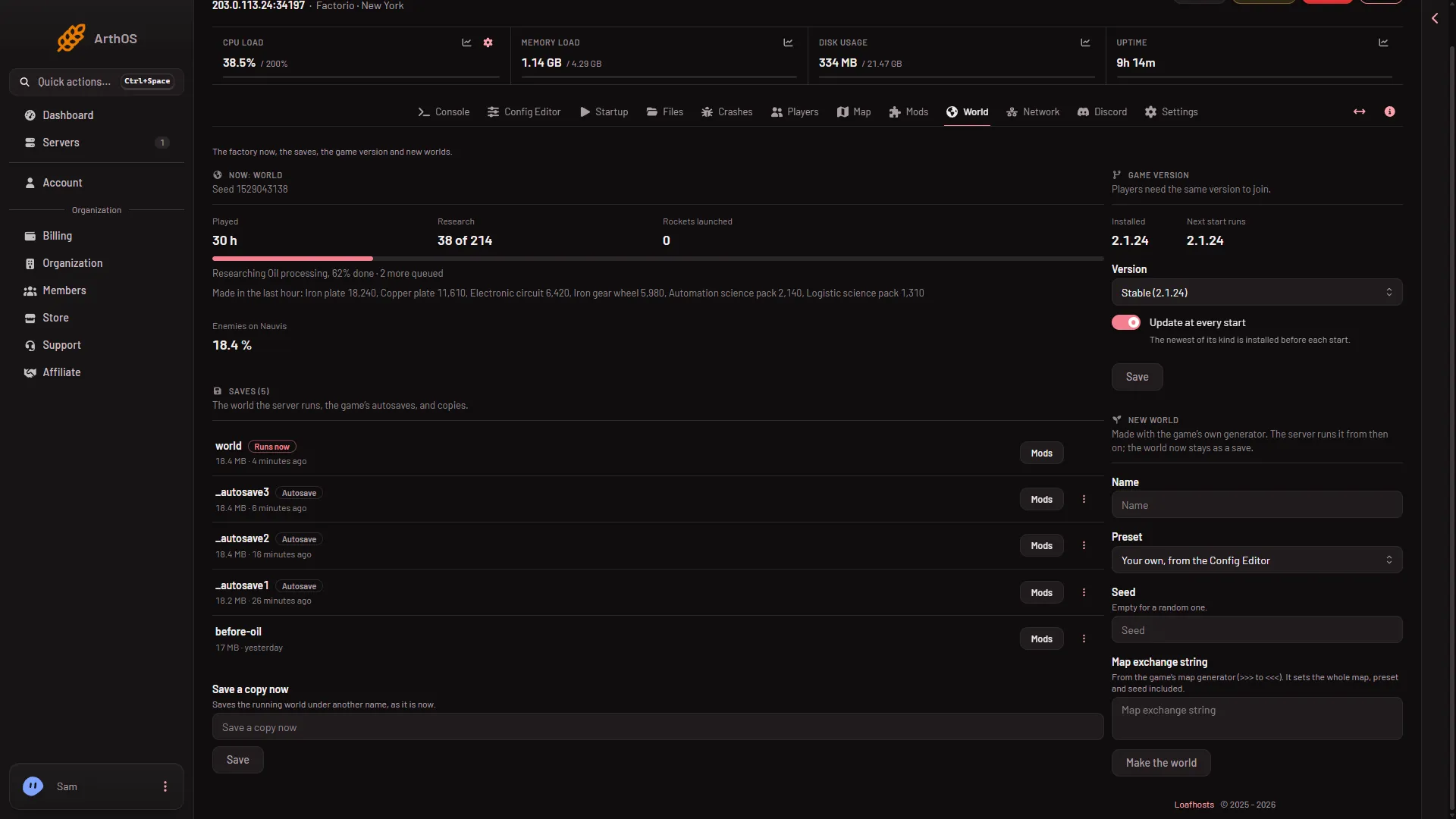
- The New world card
With Space Age on, one seed covers all the planets.
What else changes the map
The seed is only one input. The Preset box starts on Your own, from the Config Editor, so the map also depends on the values in the Config Editor under New world map. Pick another preset and that changes the map too. A friend who uses your seed with other settings gets a different map. See the presets.
To copy a whole map, settings and seed together, use a map exchange string instead.
If it does not work
- The Seed is not shown. The server is stopped or still starting. Start it and wait until it has loaded its world.
- A whole number. Remove everything except digits.
- The map is not the one you expected. Another preset or other New world map values change it. Compare the settings, not only the seed.
More about the game: Factorio servers.
Sources: wiki.factorio.com: Map generator, wiki.factorio.com: Console