
















You can put a Factorio mod on the server from a .zip file on your own computer. Open Mods, go to Add a mod, and use Upload a mod at the bottom. The file must be named as the mod portal names it: the mod’s name, an underscore, and its version, such as my-mod_1.2.3.zip.
Before you start
- Players need exactly the same mods as the server to join. See mods mismatch on join.
- The mod must be made for the same Factorio major and minor version as the server (for example 2.1). A mod for 2.0 stops the server from starting.
- The file can be up to 500 MB.
- An upload downloads nothing, so it needs no factorio.com account. If the mod depends on other mods, those are fetched from the mod portal, and that needs the server’s account. See mod download refused.
Upload the file
- Open Mods, then the Add a mod tab (1).
- Open Add a mod
- Scroll to Upload a mod.
- In Mod file, choose your
.zip. The hint under the box says: “A .zip named as the mod portal names it, such as my-mod_1.2.3.zip.” - Choose Install.
- A box titled “Install (file name)?” shows “Installs the uploaded (file name).” and any mods it needs. Read it, then choose Install.
The panel stops the server, checks the mods, puts them in place, and starts the server again if it was running.
Check it worked
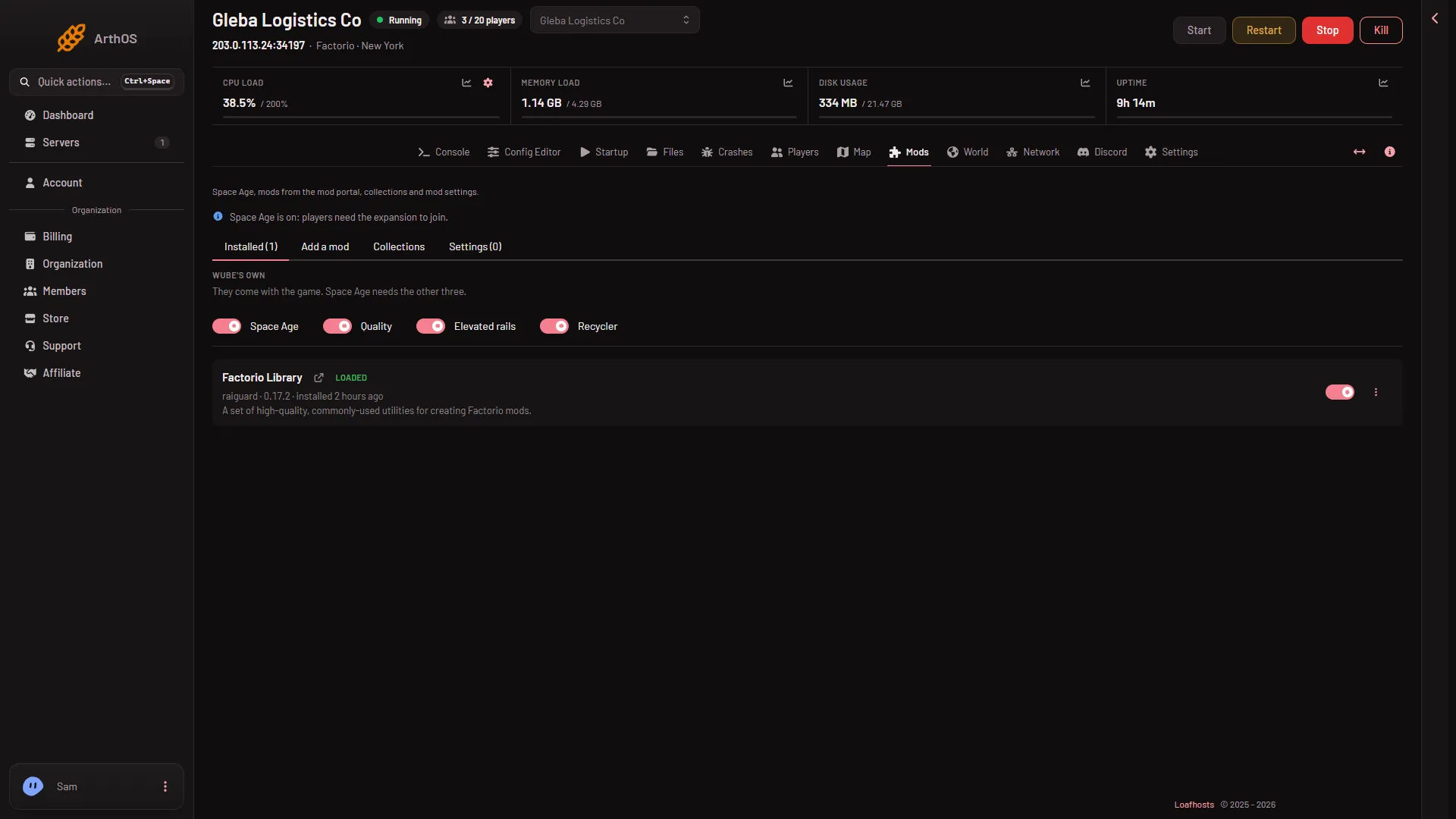
Open the Installed tab. The mod is listed with the word “uploaded” beside it. After the server starts, its chip changes to Loaded. If the chip says Refused, the game would not take it. See a mod could not load.
An uploaded mod has no Update to choice, and Update all skips it, because the panel does not know where a newer file would come from. To update it, upload the newer file.
If it does not work
- The box says “A Factorio mod is a .zip named name_version.zip.” The file name is wrong. Rename it to the mod’s name, an underscore and the version.
- The Install button is greyed out. The chosen file is not a
.zip, or your role may not allow installing. - The server will not start after the upload. The mod is for another game version, or needs a mod the server does not have. Remove it on the Mods page, or see remove a mod.
- Players cannot join. They do not have the same mod. Each player needs the same version.
More about the game: Factorio servers.
Sources: wiki.factorio.com: Multiplayer