












Palworld has three admin commands for moving around: /TeleportToPlayer, /TeleportToMe and /ToggleSpectate. They work only inside the game, typed in chat by a player who has admin rights. The panel cannot teleport anyone, and its console refuses these commands.
The commands
| Command | What it does |
|---|---|
/TeleportToPlayer (id) | Teleports you to that player. |
/TeleportToMe (id) | Teleports that player to you. |
/ToggleSpectate | Switches you to spectator mode. |
These are Pocketpair’s descriptions. Pocketpair adds “You can change with \ key.” for spectating. Not checked on 1.0.5 as of 4 November 2026: what that key changes. The id is the player’s Steam id. For a player on Xbox or PlayStation, use the id the game shows for them. See finding a player id.
Use them in the game
- Join the server.
- Press Enter to open chat.
- Type
/AdminPasswordand a space, then the server’s admin password, and press Enter. The password is in the Config Editor, in the Passwords card, as Admin password. See make yourself admin. - Press Enter again and type the command, for example
/TeleportToPlayerand a space and the id.
Without step 3 the commands do nothing. Everyone who knows the admin password has these powers, so share it only with people you trust. Anyone who may change the server’s startup settings, or read its files, can see it: PalWorldSettings.ini holds it as it is.
Why the panel does not do it
The game’s API is how the panel talks to the game. The panel keeps it on while the Admin password is 16 characters or more (a new server gets a 20-character one). The API has no call for moving a player. The Players page says so: “Messaging one player, teleporting and giving items are not something the game lets the panel do: admins do them in game after /AdminPassword.”
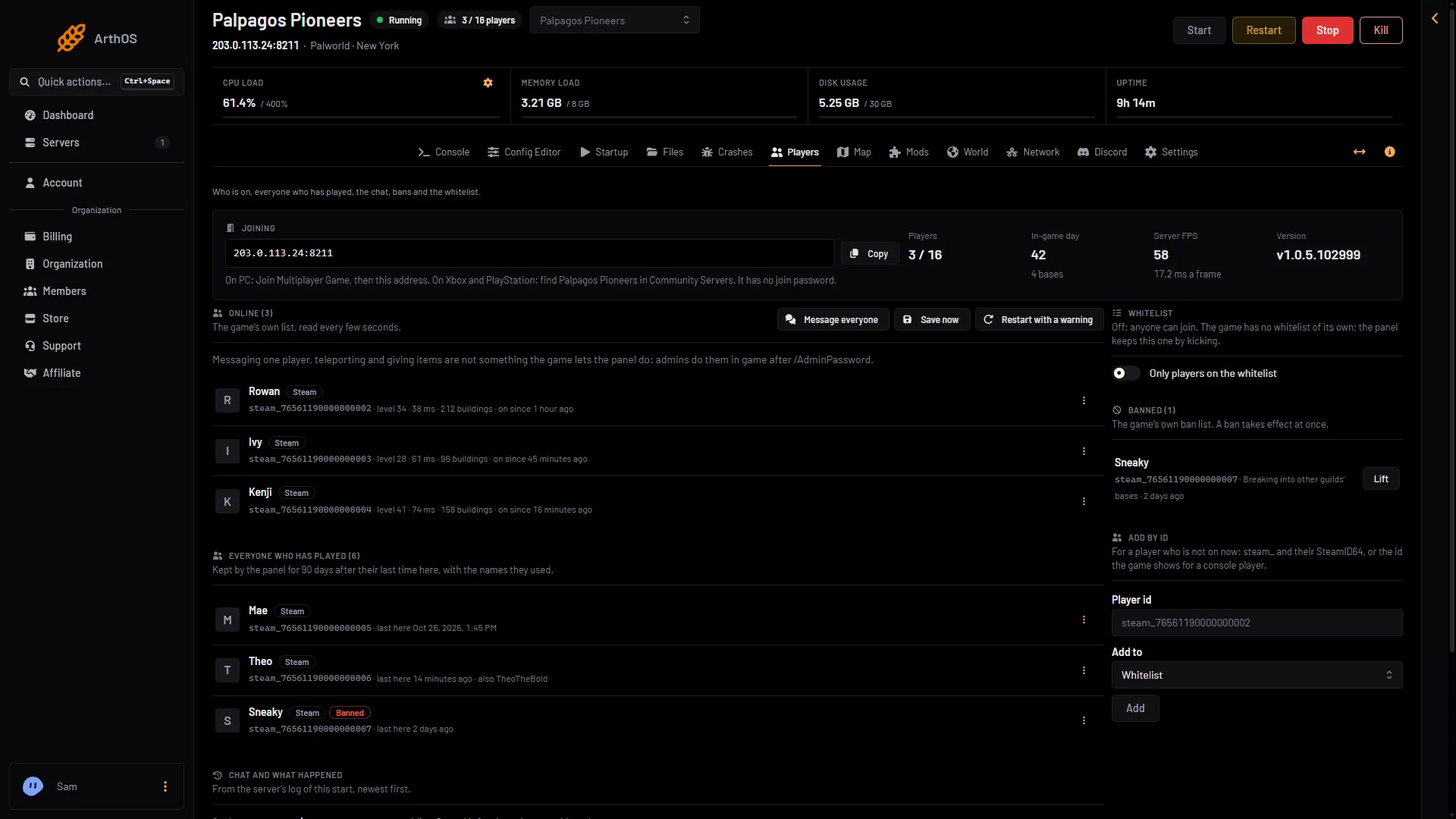
- Who is on
If you type one of these in the panel’s Console, it answers with a message like “TeleportToPlayer works only in the game: press Enter, type /AdminPassword and the server’s admin password, then /TeleportToPlayer”. It works the same way with or without the /, and in any case. /AdminPassword is refused in the console the same way.
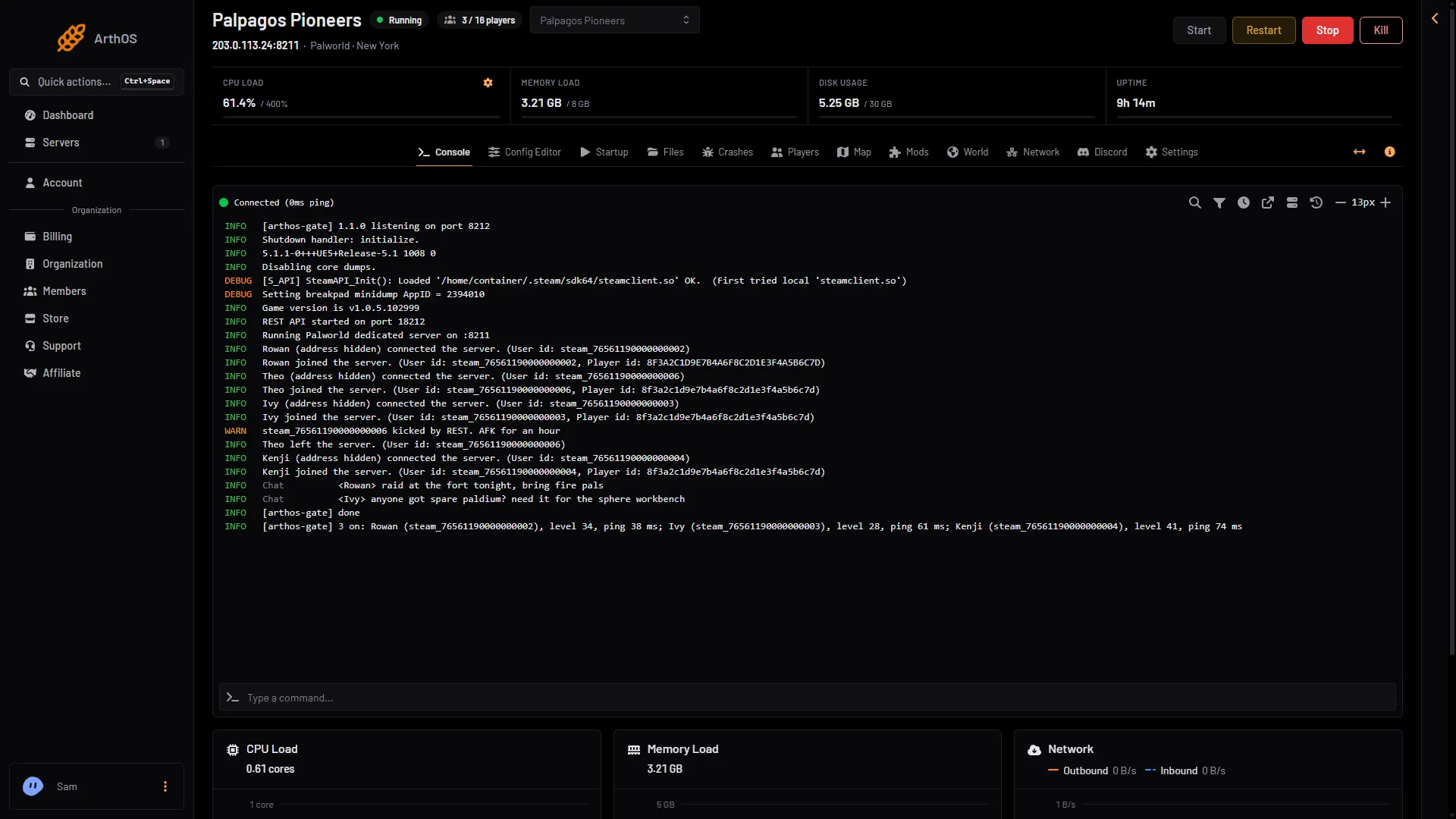
- The command box
The console does run these admin words: Broadcast, KickPlayer, BanPlayer, UnBanPlayer, Save, ShowPlayers, Info and Shutdown. See server commands.
What the panel can do instead
- The Map page shows where every player is, with the coordinates the game’s own map shows. You can tell a player where to go. See the live map.
- A player’s card on the map has Copy their id, which gives you the id to use in the commands. The card also has Kick and Ban if your role may moderate.
If it does not work
- Nothing happens in chat. You have not used
/AdminPasswordyet, or the password was wrong. Do it again. - The console says the command works only in the game. That is the answer. Use chat in the game.
- The id is refused. Check it is the right id for that player. Whether the game accepts the
steam_prefix in these commands is not checked on 1.0.5 as of 4 November 2026.
More about the game: Palworld servers.
Sources: docs.palworldgame.com: Commands