












A Palworld world id is the 32-character name of a world’s folder in Pal/Saved/SaveGames/0. The server loads the world whose id is written as DedicatedServerName in GameUserSettings.ini. The World page shows every id and marks the one in play.
Find the id in the panel
- Open the World page.
- Under Worlds, each row shows the world’s id, its size and how many characters it holds.
- The row tagged In play (1) is the world the server loads at every start. Read its id from the row.
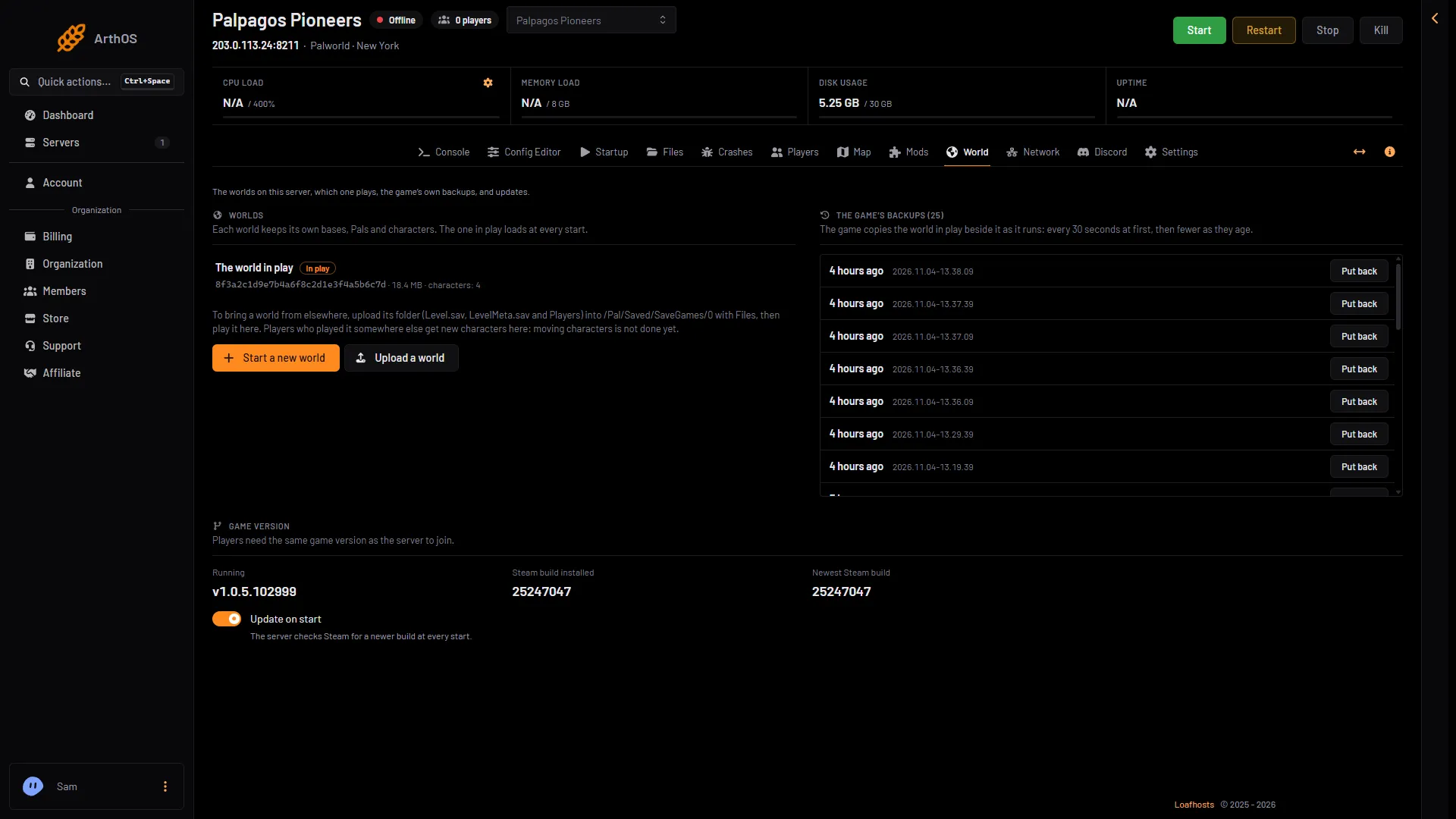
- In play tag
What the id looks like
It is 32 letters and digits, such as 0FE3A96E5CA44666BB2B74374AD9CE8B. The game names a world’s folder when it makes the world. The World page chooses which world loads. The id is also the name of the world’s folder in Files.
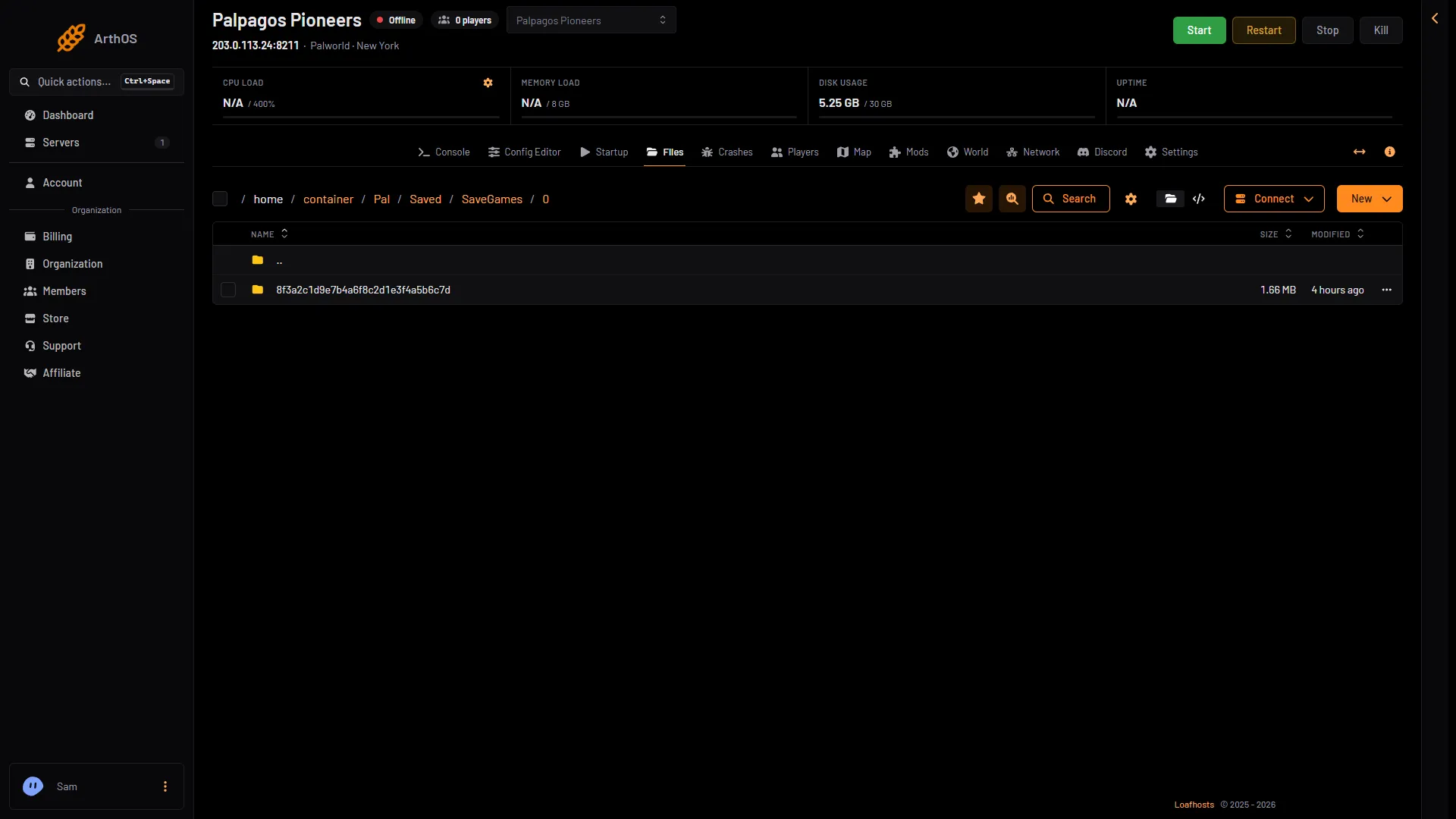
- The world folder named by its id
Where the server reads it
The setting lives in Pal/Saved/Config/LinuxServer/GameUserSettings.ini:
[/Script/Pal.PalGameLocalSettings]
DedicatedServerName=0FE3A96E5CA44666BB2B74374AD9CE8B
The server looks for a folder with that name in Pal/Saved/SaveGames/0 and loads it. With server mods on, GameUserSettings.ini is in another folder under Pal/Saved/Config. Open Config in Files and use the folder that holds it.
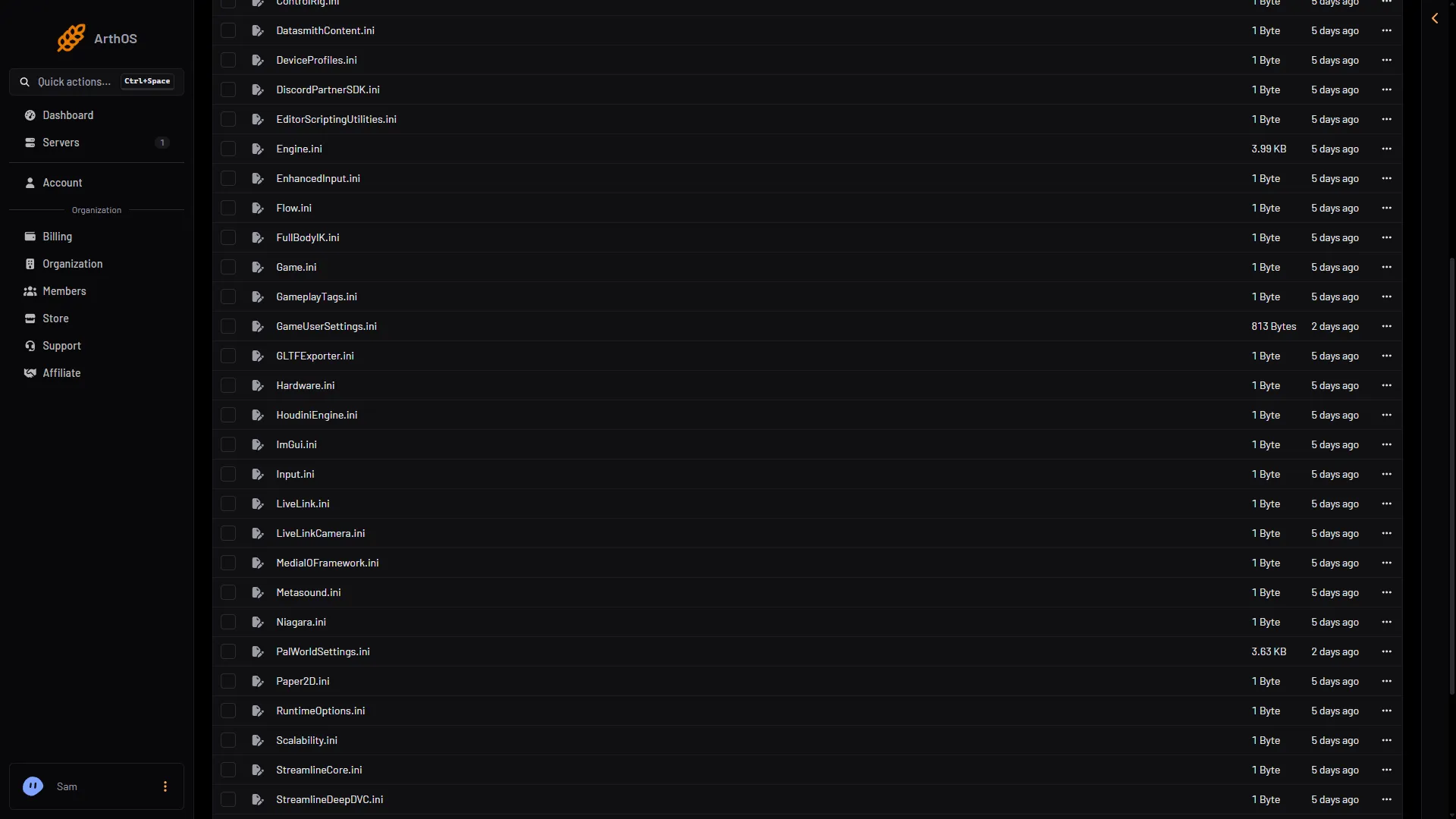
- GameUserSettings.ini
Change the world in play
Use the panel: on the World page, choose Play this world on another world, or Start a new world. Both are greyed out while the server runs. Stop it first. The choice loads at the next start, and the world you leave stays on the server. See switch Palworld worlds.
By hand
- Stop the server. The game writes
GameUserSettings.iniagain when it stops, so an edit made while it runs is lost. - Open Files, go to
Pal/Saved/Config/LinuxServerand openGameUserSettings.ini. - Set
DedicatedServerNameto the id of the folder you want. Copy it exactly, with no spaces. - Save the file, then start the server.
A name with no folder makes a new world
If DedicatedServerName names a folder that does not exist, the game makes a new, empty world with that name. It does this at its first save, about a minute after the server is up.
If it does not work
- The server started a new, empty world. The id was wrong, or the folder was moved. Check the id against the folder name on the World page, then set it right while the server is stopped.
- Your edit disappeared. It was made while the server ran. Stop the server first.
- The World page shows no worlds. The game makes its first world at the first start. See start a new Palworld world.
More about the game: Palworld servers.