









When players cannot join a Project Zomboid server, the cause is one of a short list: the wrong address or port, a server that is still starting, a password, a closed whitelist, a full server, a ping limit, a ban, or a version or mod mismatch. Go down the list below. The server’s _user.txt log tells you whether the player’s attempt reached the game at all.
Check the basics first
- Address and port. Players join with the server’s address and its game port. Both are on the Network page, where the game port is the first one, with a star. The port next to it is for direct connections, so do not use that one. Both ports are set for you, and you do not need to forward anything. In the game, the player chooses Join, opens the Favorites tab, adds the address and the port, adds any account details, chooses Save, then joins (PZwiki, Dedicated server).
- The server has finished starting. Open the Console page and wait for
*** SERVER STARTED ****. Players cannot join before it. - The server is running. A Loafhosts server stops by itself after 3 days with nobody on (Settings, Standby). Choose Start at the top of the server page, or players use the wake link (Make link in the Standby card).
Settings that keep players out
Open the Config Editor. Most of these rows are in the group Joining; Maximum players is in the group Server. Changes apply after a restart.
- Join password (
Password). Players must know it to join. Leave it empty for a server anyone can enter. - Anyone can make an account (
Open). Off, only players an admin has added can join. On the Players page, type the name in Username, then choose Add account. Or switch the setting on. - Maximum players (
MaxPlayers). Admins do not count towards the limit. If the server is full, raise it a little, or switch on Join queue so players wait in line. Above 32 players, see Project Zomboid server lag. - Refuse joins while the server is overloaded (
DenyLoginOnOverloadedServer). While the server is struggling, it keeps itself playable for the players already on. Joins can be refused until the load drops. - Kick above this ping (ms) (
PingLimit). A player with a ping above this is kicked. 0 never kicks for ping. - Kick players whose game files differ (
DoLuaChecksum). This keeps out modified clients. PZwiki notes a bug that can flag players wrongly on Linux servers. The game’s own advice is to keep it on for security, so switch it off only to test, and switch it back on.
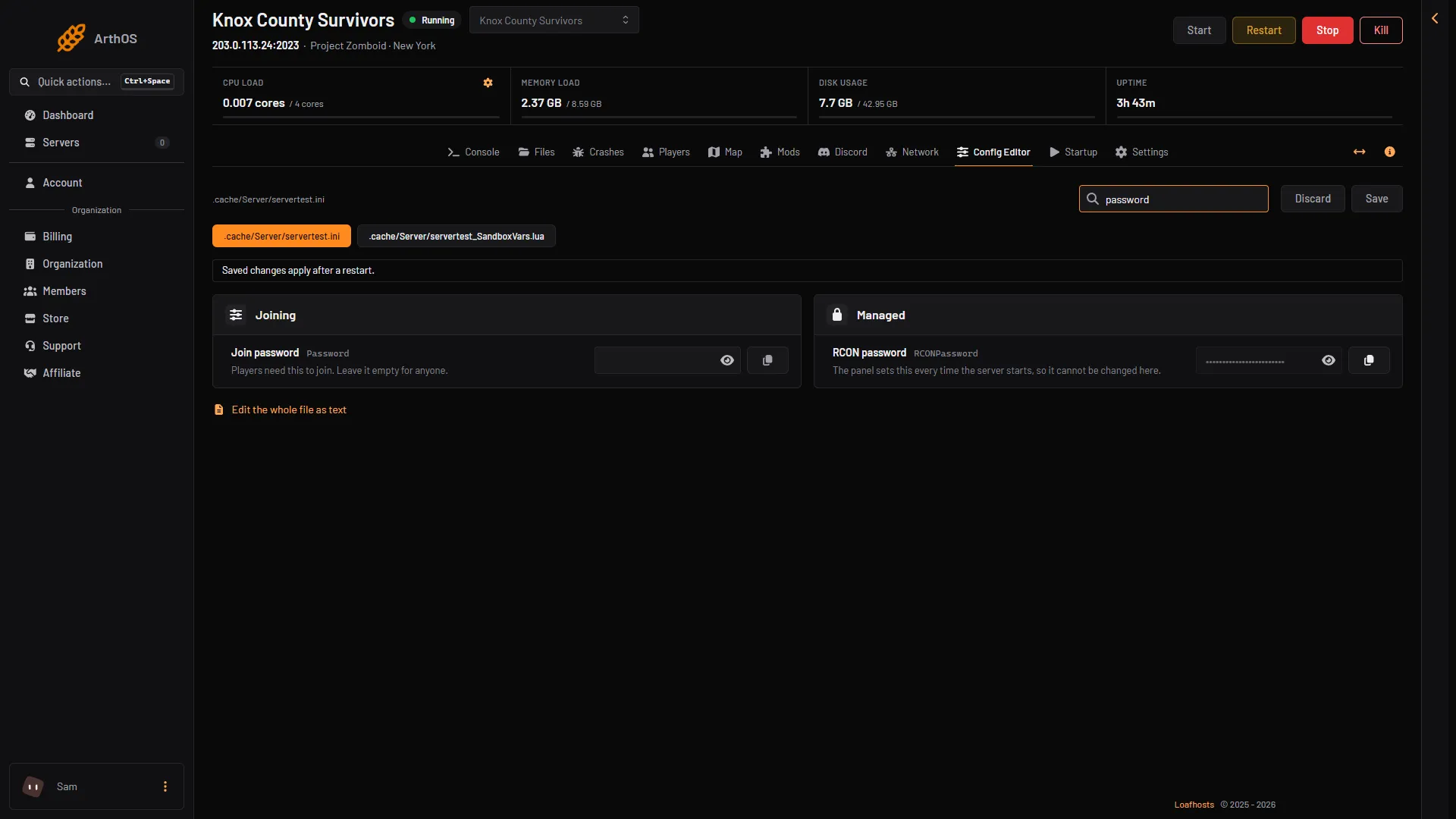
- Join password
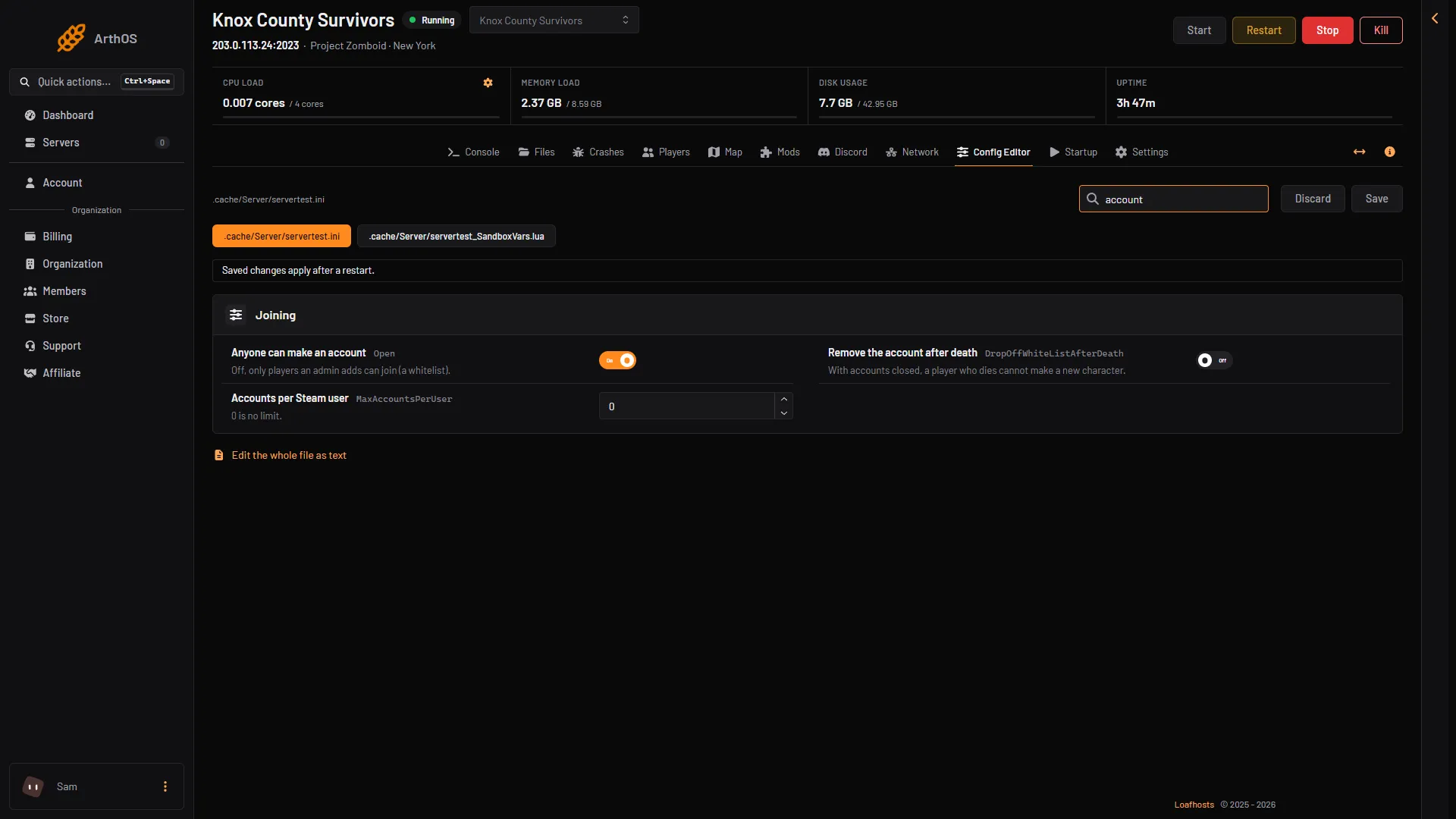
- Anyone can make an account
The player is banned
On the Players page, a banned player has the tag Banned. Choose Unban on their row. A ban by SteamID is in the list Bans (N).
The game version differs
A player on another build than the server cannot join. See Project Zomboid version mismatch.
Mods
- The server’s Workshop items are newer than the player’s. See Project Zomboid Workshop item version mismatch.
- Mods are still downloading. The game downloads the server’s Workshop mods to the player when they connect. A long mod list takes time, so ask the player to wait.
- A mod has a newer version on the Workshop. The Mods page shows an Update button. Until the server has the new version, players who already have it cannot join.
Look at the log
Open Files, then .cache and Logs. The newest file ending in _user.txt shows each join. That file appears once a player has tried to join, so it is not in the picture below:
"<name>" attempting to joinallowed to join"<name>" fully connected (x,y,z)
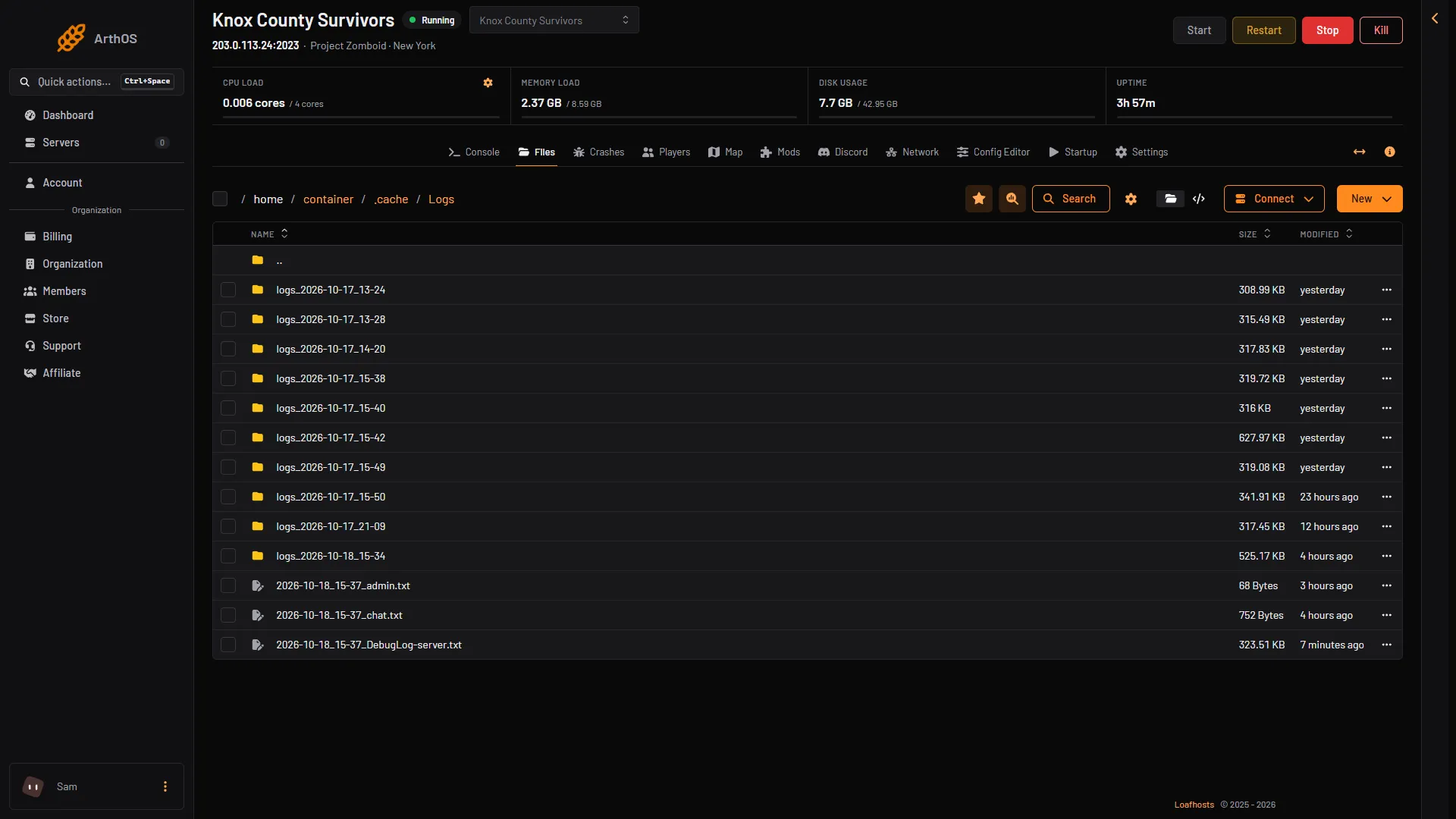
- Server log
A player who reaches fully connected is in. If you see no line for a player who tried, their attempt did not reach the game. Check the address and port again. Log times are UTC.
If it does not work
- The player is stuck at “Loading the world”. PZwiki lists this for Build 42.20 and later, as a bug reported on 3 August 2026. The workaround it gives is for the player to delete the folder named after the server inside
%UserProfile%\Zomboid\Saves\Multiplayer, and for you to remove their account on the Players page (open the row’s three-dot menu and choose Remove account). It may need repeating. Not checked on Build 42.21 as of 18 October 2026. - Only one player cannot join. Compare their log lines with a player who can.
- Nothing helps. Test with the server’s mods off, as PZwiki’s tech support page advises.
More about the game: Project Zomboid servers.
Sources: pzwiki.net: Dedicated server, pzwiki.net: Server settings, pzwiki.net: Tech Support, pzwiki.net: Build 42.21.0