









Open the Config Editor, type a password in Join password in the Joining group, save, and restart the server. Players must know it to join. Leave the row empty and anyone can join.
Set the password
- Open the Config Editor.
- In the Joining group, find Join password.
- Type the password in the box (1). The eye button shows or hides it.
- Save.
- Restart the server. The panel shows “Saved changes apply after a restart.” until you do. Use Restart now.
Players must know this password to join the server. The key is Password in the server’s ini file.
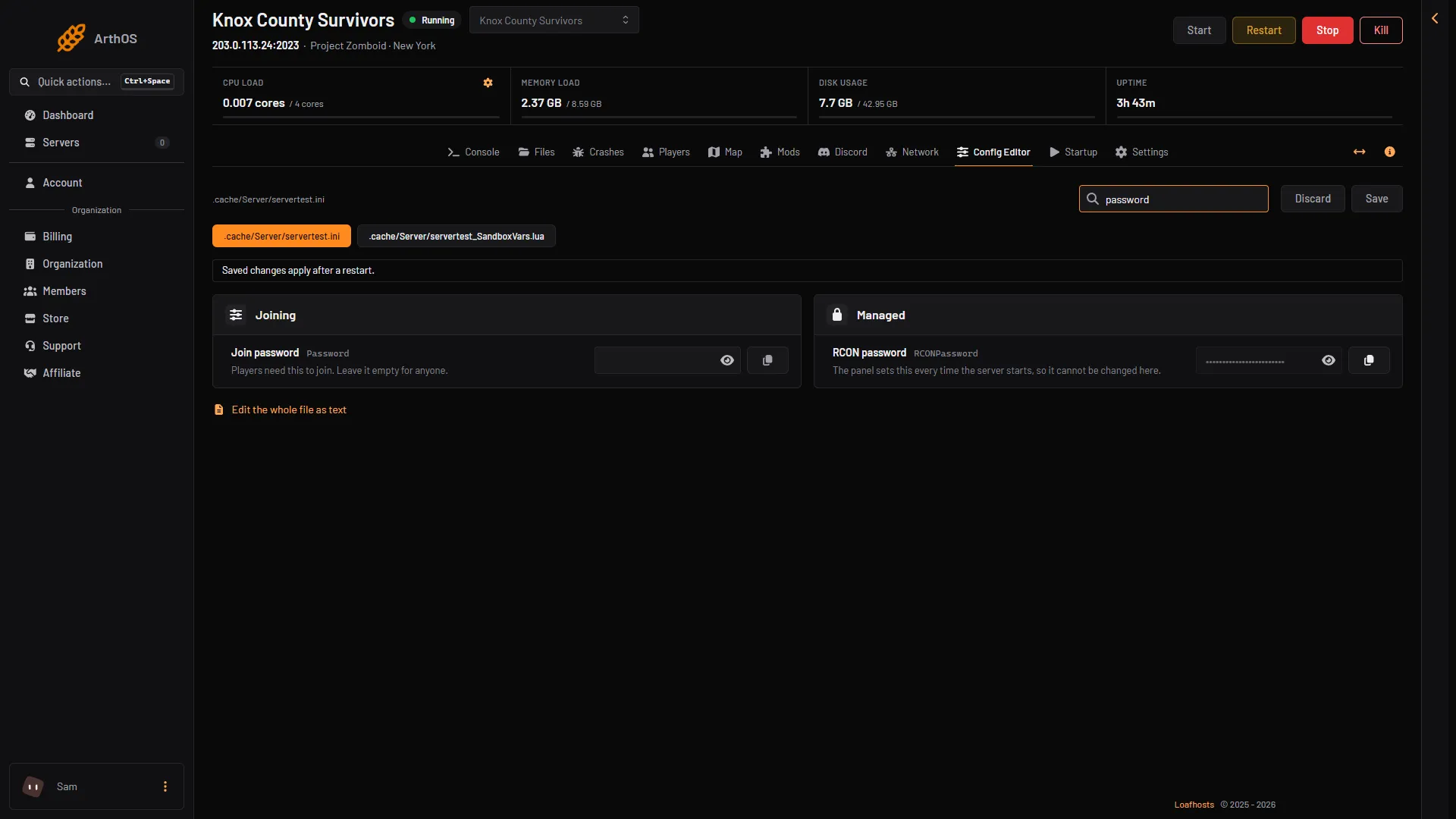
- Join password
Remove the password
Clear the Join password row, save and restart. With no password, anyone who has the address can join.
Three different passwords
These are easy to mix up:
| Password | Where | What it is for |
|---|---|---|
| Join password | Config Editor | Lets a player into the server |
| Account password | The player picks it when they first join | Their own account on this server |
| Admin Password | Startup | The in-game admin account |
A player who knows the join password still makes their own account. See connect to a Project Zomboid server.
Only certain people
A password is shared by everyone who knows it. If you want to choose who can join, turn Anyone can make an account off and add people yourself. See the whitelist guide.
If it does not work
- People still join without it. Restart the server. Saved changes apply after a restart. Check the row is saved and not empty.
- A friend cannot join after you changed it. Tell them the new password.
- A player forgot their account password. That is not the join password. See reset a player’s password.
More about the game: Project Zomboid servers.
Sources: pzwiki.net: Server settings, pzwiki.net: Startup parameters