

















Inventory size (InventorySizeMultiplier) sets how much a player’s character can carry. Container inventory size (BlocksInventorySizeMultiplier) does the same for blocks such as cargo containers. Both are multipliers in the Speeds group of World settings. 1 is realistic. Keen Software House, the game’s makers, give 3 for players and 1 for containers when a world file does not hold the setting.
Change them with the server stopped. Lowering them later can delete items, so read the warning below first.
Change the sizes
- Choose Stop and wait for Offline. World settings cannot be saved while the server runs.
- Open the Config Editor and choose World settings. A new server shows that tab only after two starts: see the world settings guide.
- Scroll to the Speeds group (1).
- Type a number in Inventory size for players, and in Container inventory size for blocks.
- Choose Save, then Start. The game reads the new sizes as it starts.
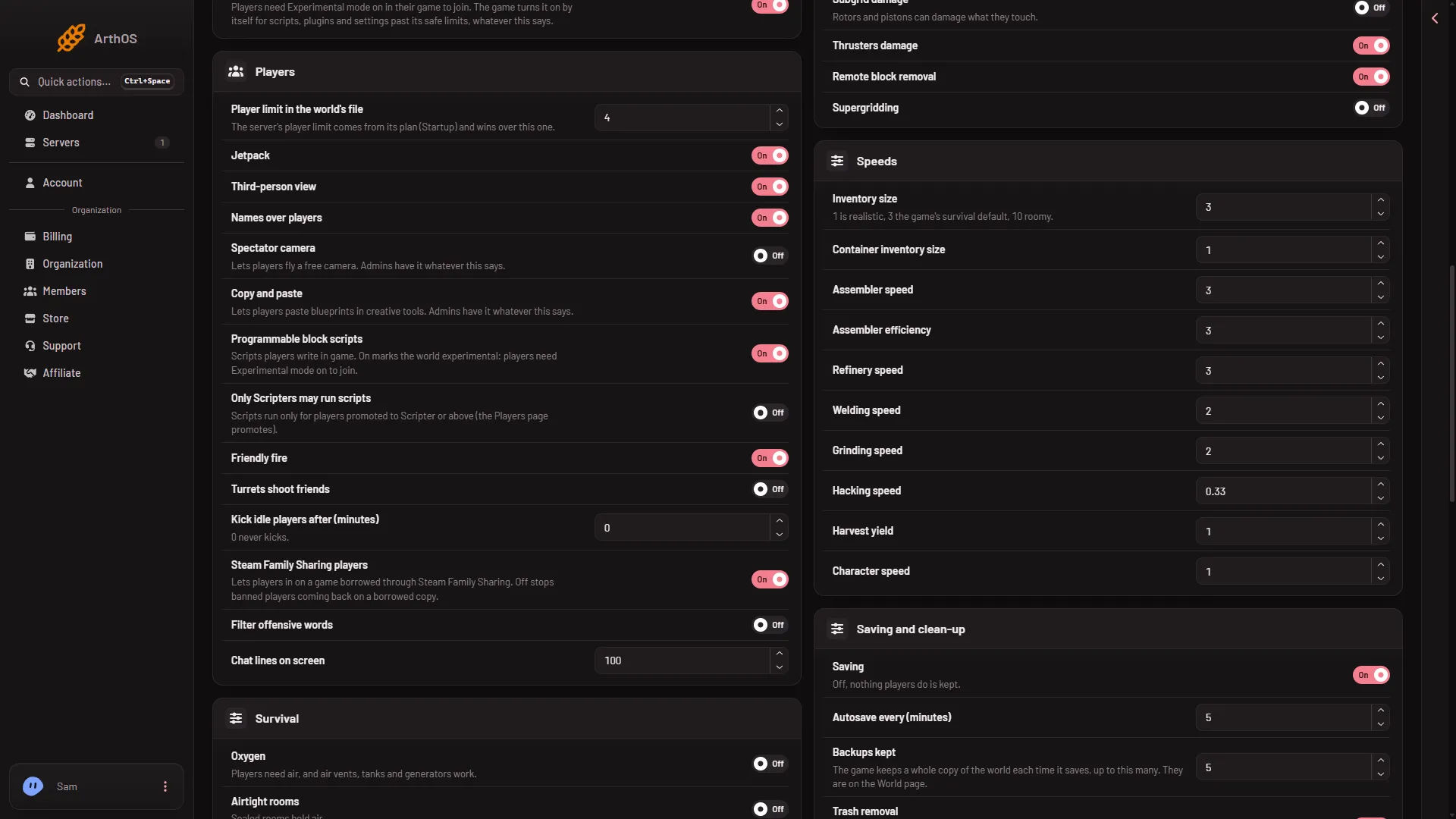
- Speeds group
Both rows take a number from 0.1 to 1000. The game’s own screens offer Realistic, 3, 5 and 10, and Keen’s dedicated server tool takes 1 to 100. So a number below 1 is outside what that tool allows, and so is a very large one. The panel accepts any number in its range, but Keen says values outside what its tools allow are not tested and not officially supported.
What the numbers mean
The number multiplies the size. At 1 a player’s inventory holds 400 litres, so 3 holds about three times as much. A container multiplies the same way, from its own size.
- 1: realistic. Players must plan what to carry.
- 3: three times as much as realistic.
- 10: ten times as much. Players can carry most of a build at once.
The two rows are separate. You can make players carry a lot while containers stay small, or the other way round.
When the change shows
It shows after the next start, for everyone, and for items already in the world. Raising a size loses nothing. See the full list in the world settings guide. To see what a container holds now, use the Inventories page: the Inventories page guide.
If it does not work
- Save is greyed out. The server is not offline. Stop it first.
- Items are missing after a start. The size was lowered and what did not fit was cut. Put the world back from a backup on the World page if you made one.
- The number is refused. Use a value from 0.1 to 1000.
Production speed has its own rows: assembler and refinery speed.
Sources: spaceengineers.wiki.gg: World Settings, spaceengineers.wiki.gg: SessionSettings, spaceengineersgame.com: Dedicated servers