Small
Up to 8 players
A few friends and their first base.
- 2 cores
- 6 GB RAM
- 30 GB disk
$19.50 /mo
Billed monthly
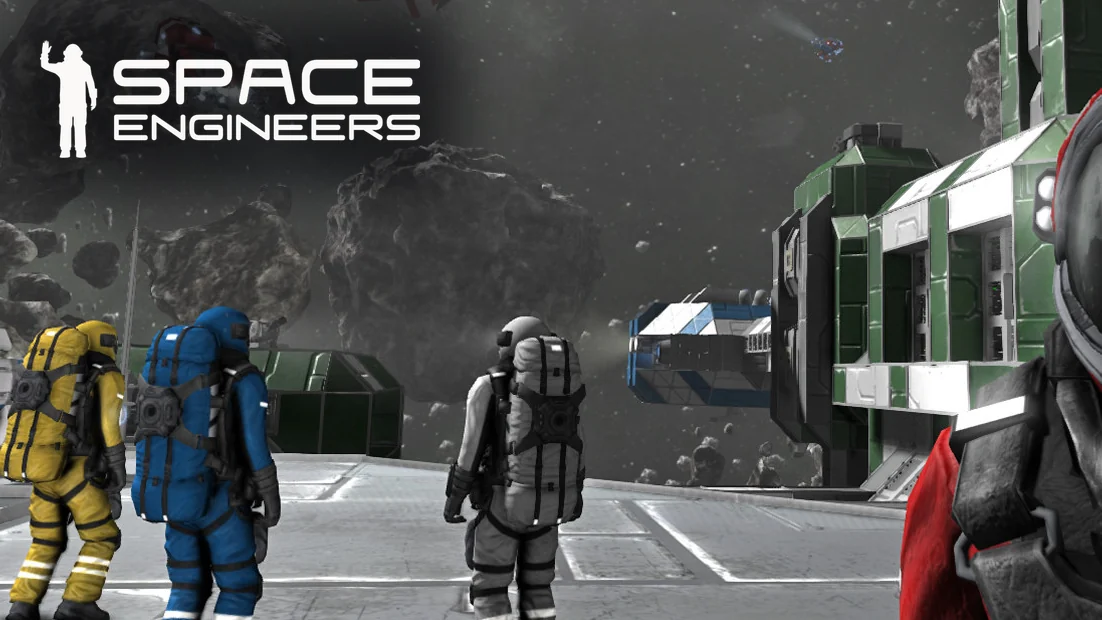
Space Engineers server hosting
See every planet in 3D with the ships and players on it, look inside every cargo container, kick, ban and rank players, and run Workshop mods with the world you choose.
$27.00/mo Standard plan, up to 16 players. Billed monthly
Plans
3 Space Engineers plans, sized by players online at once. Pay for longer and the monthly price drops.
Up to 8 players
A few friends and their first base.
$19.50 /mo
Billed monthly
Up to 16 players
A crew with ships, stations and mods.
$27.00 /mo
Billed monthly
Up to 32 players
A busy server with big fleets.
$33.00 /mo
Billed monthly
Every plan includes the ArthOS panel and DDoS protection. Need more? Set any number yourself with a custom build. Game servers can be refunded within 3 days. Dedicated servers are not refundable.
By continuing you agree to the Terms of Service and Privacy Policy.
Custom build
A custom build starts at 1 core, 1 GB of RAM and 10 GB of disk for $9.25/mo, and goes up to 16 cores, 64 GB and 500 GB. Plans are sized for a number of players; a custom build is sized by you.
$7.00 per IP per month. Optional. Limited availability, confirmed at checkout.
Your build
$27.00/mo
Billed monthly
By continuing you agree to the Terms of Service and Privacy Policy.
Not sure which plan? Try Space Engineers free for 3 days on a full server. No card needed.
Start a free trialIn ArthOS
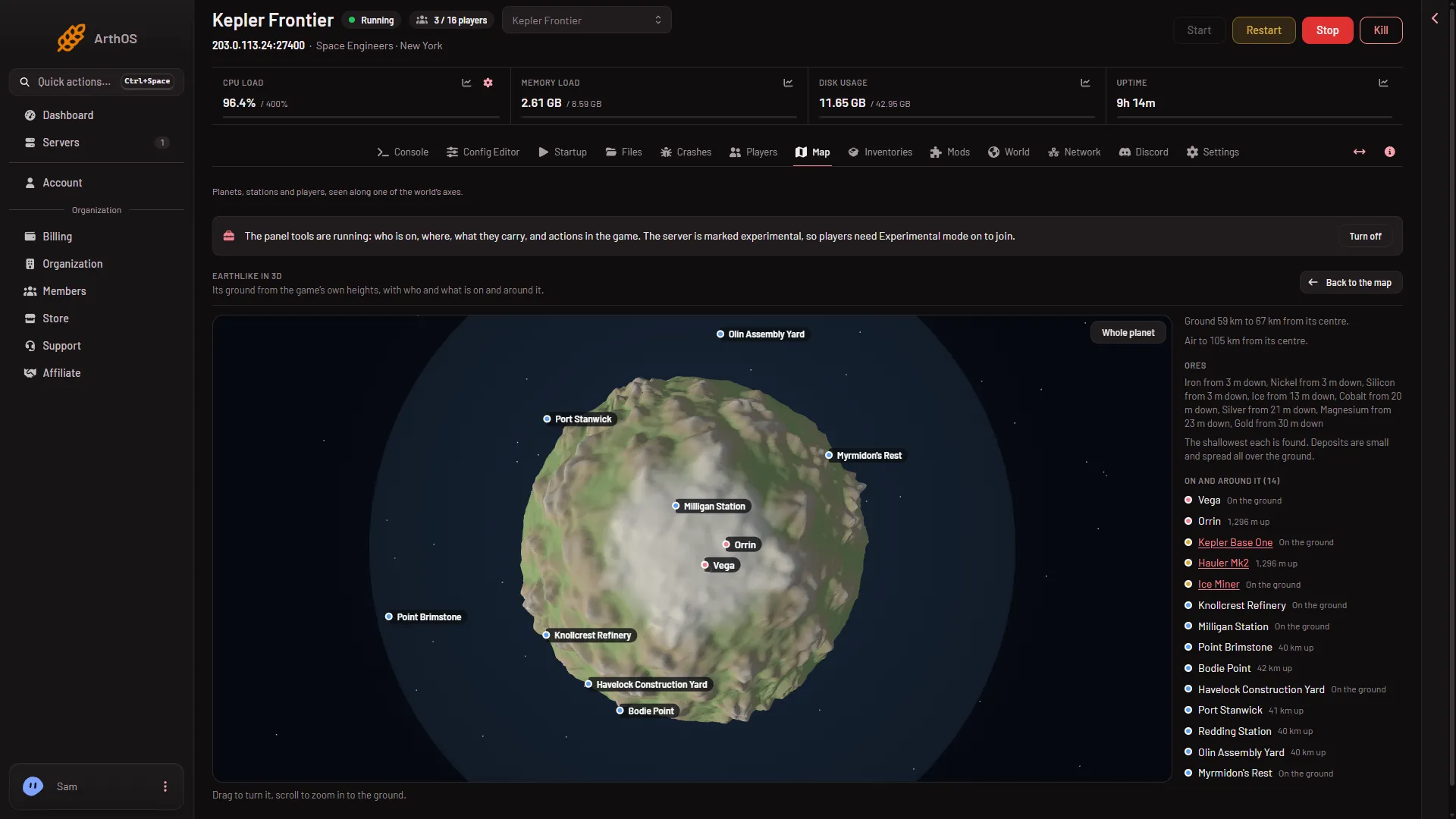
Map
Each planet drawn from the game's own heights, with its air and the ores it has, and every player, ship and station on and around it with their height above the ground. The flat map shows the whole system from above, the front or the side, with the trading stations.
Players
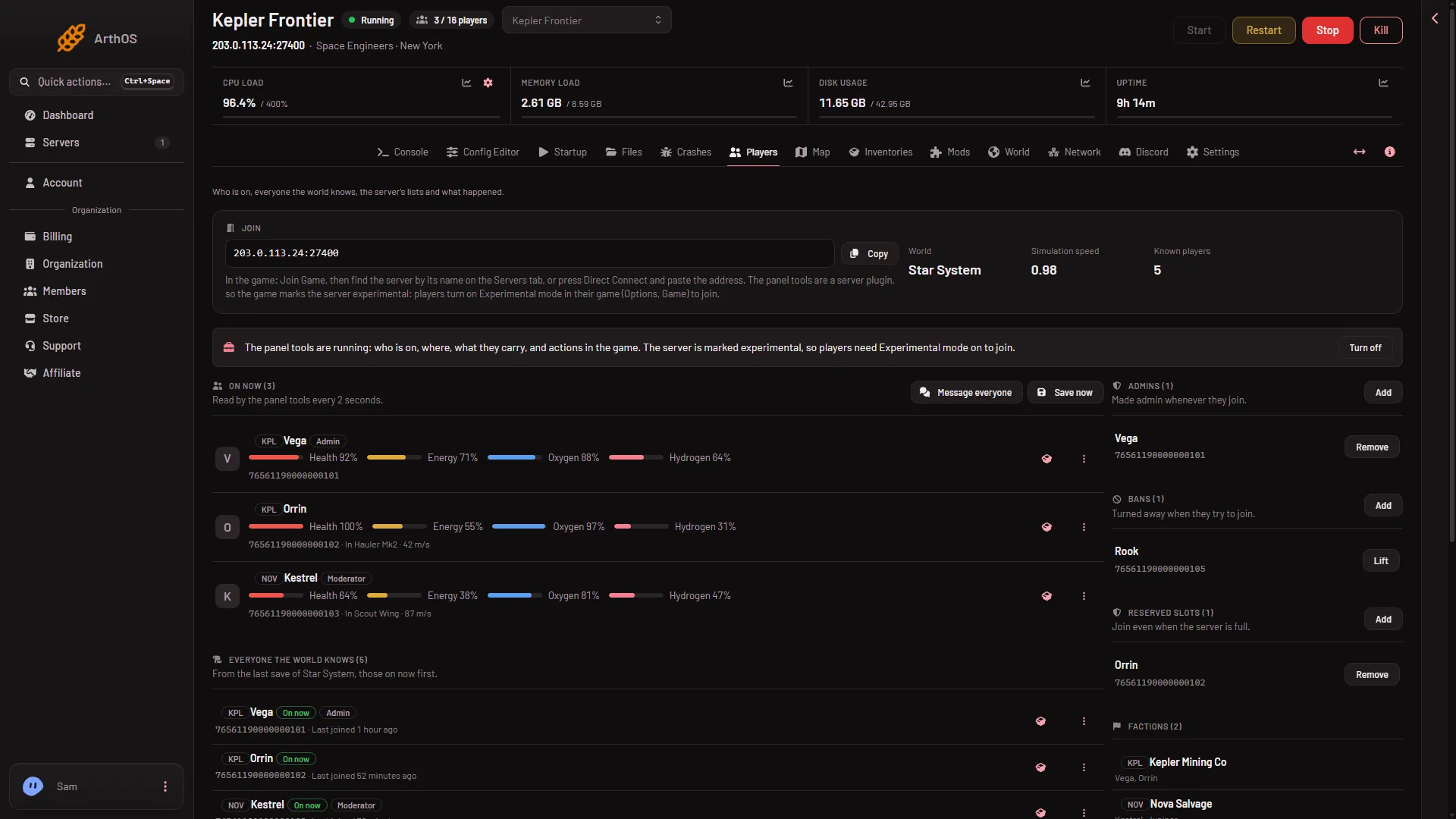
With the panel tools on, each player's health, energy, oxygen and hydrogen, the ship they fly and how fast. Kick, ban, change a rank, message one player or everyone, send a stuck player to the respawn screen or move them to a friend, and keep the admin, ban and reserved slot lists.
Inventories
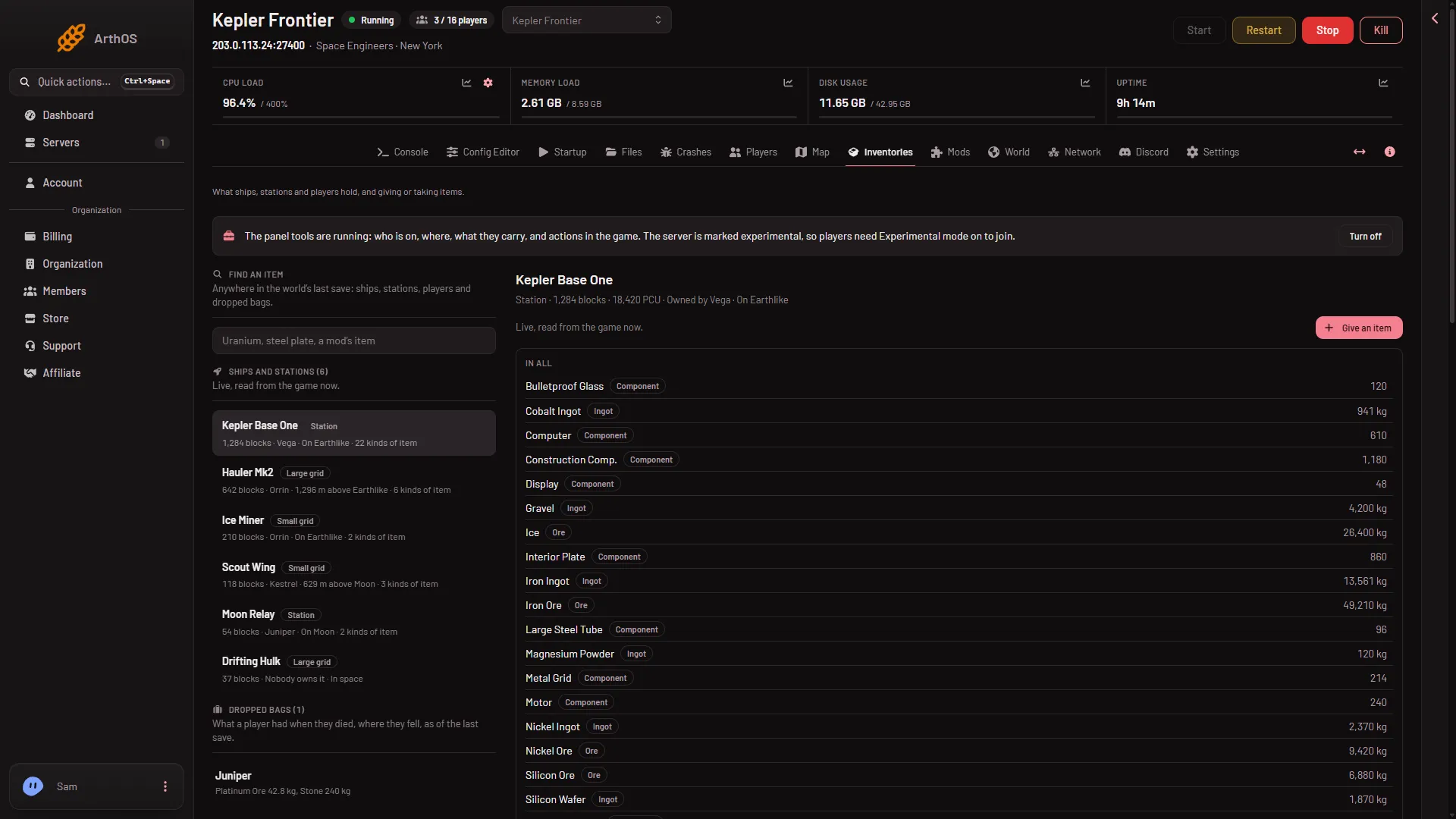
Every ship and station with each block's cargo and how full it is, everything added up, dropped bags, and a search for any item in the world. With the panel tools on, give an item from the game's own list, mods' items included, or remove one.
World
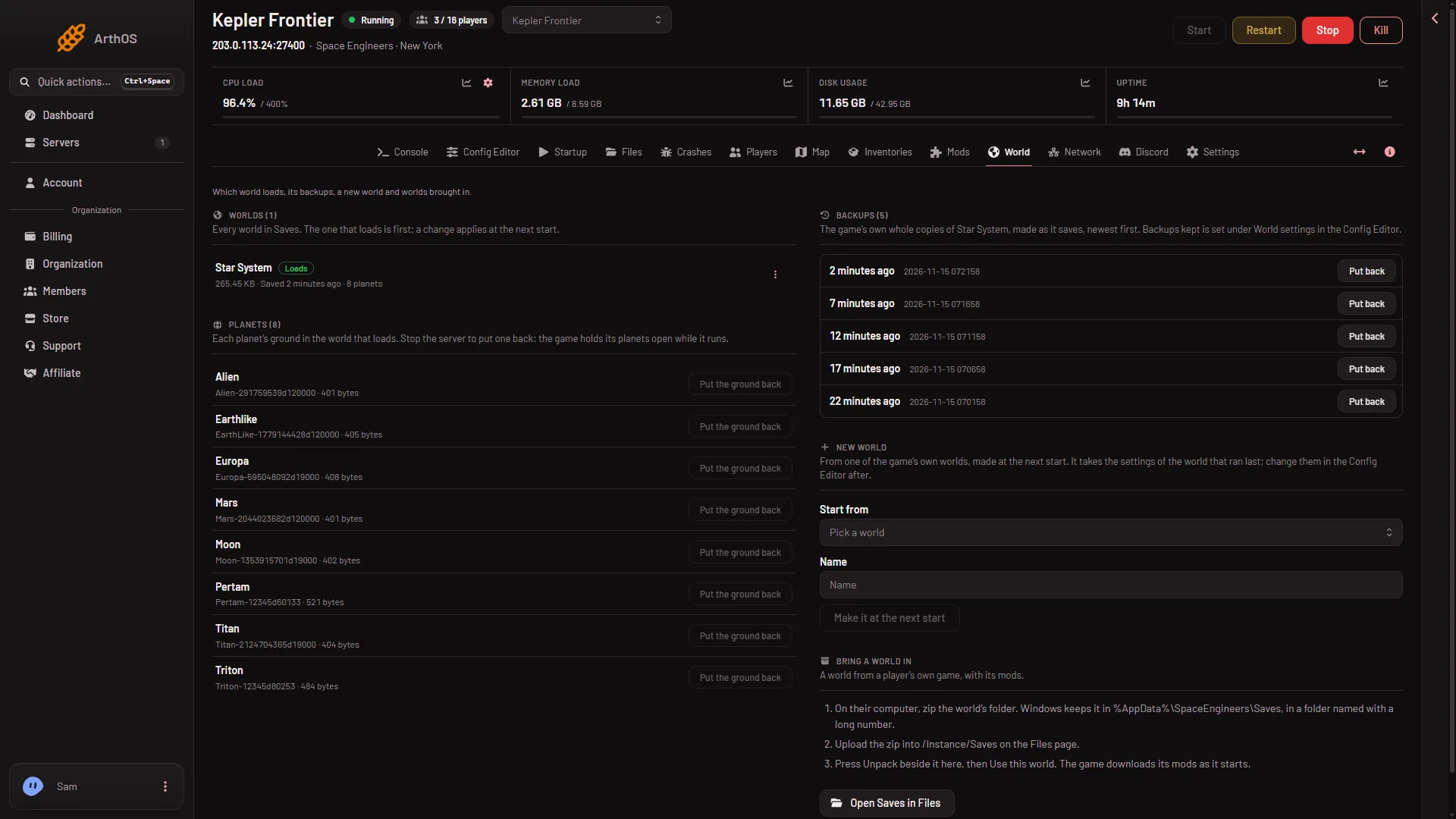
Every world on the server and the one that loads, the game's own backups of it with Put back, a new world from one of the game's own (Star System, Earth Planet, Lone Survivor and more), a world brought in from your own game, and a planet's ground put back as the game made it.
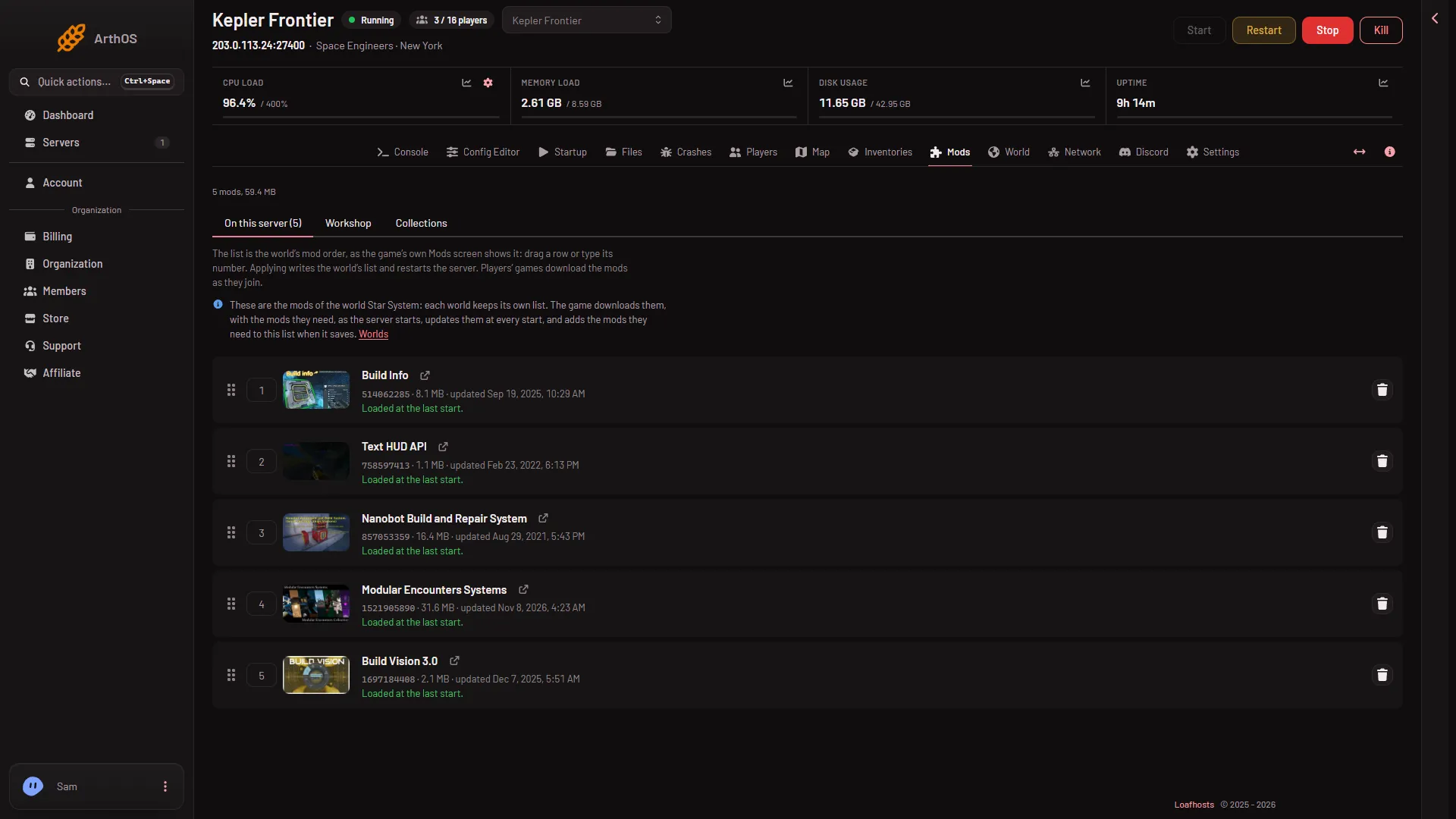
The world's mods in load order, by search, link or collection. The game downloads them, with what they need, as it starts.
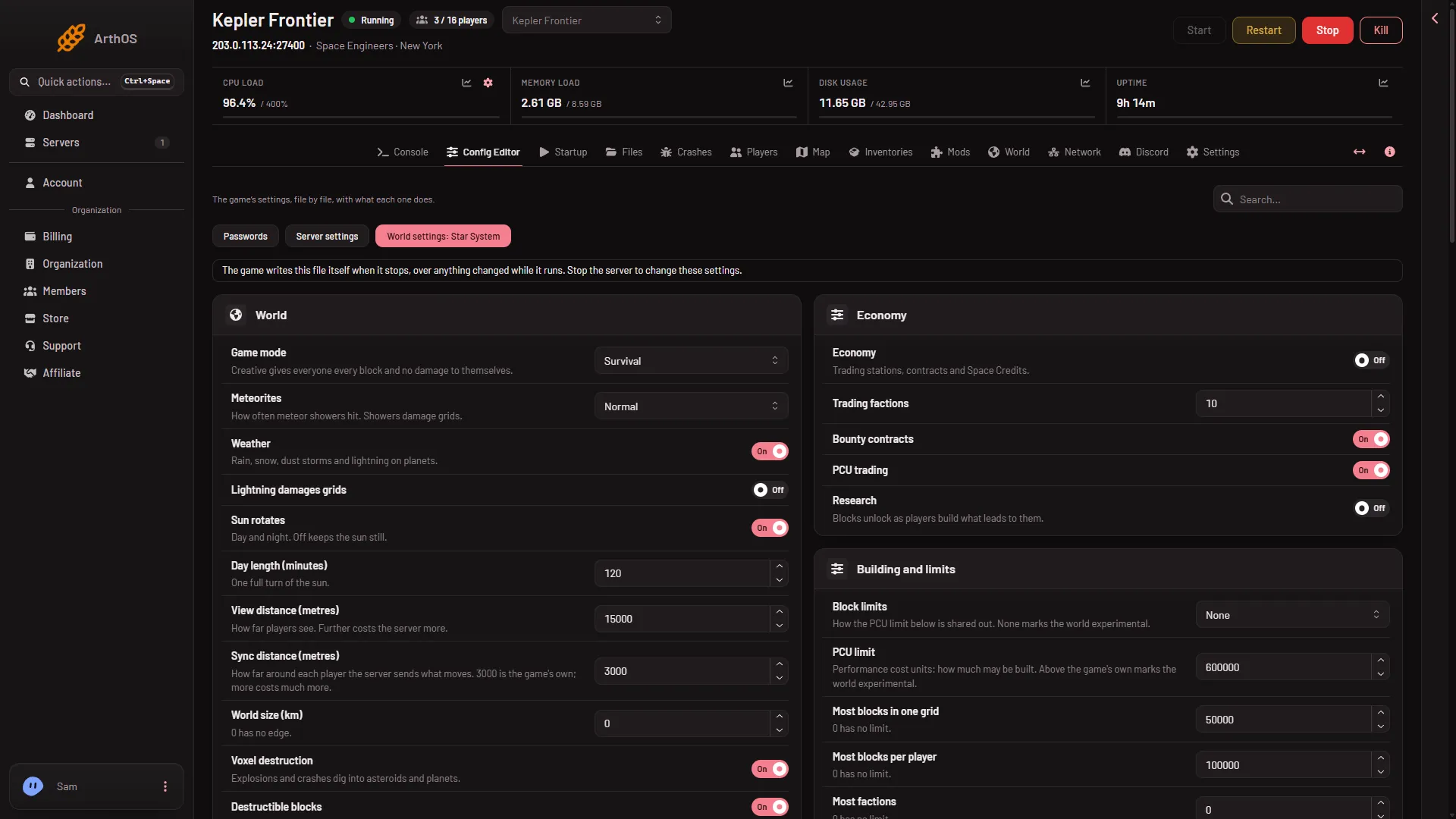
Game mode, meteorites, block and PCU limits, economy and more, in the words of the game's own World Settings screen.
Included with every server
Space Engineers FAQ
Not covered here? Ask us from the Support page in the panel. Contact support
Guides for this game
In Space Engineers, choose Join Game, then find the server by its name on the Servers tab, or press Direct Connect and paste the address from the Players page. A new server is marked experimental, so players first turn on Experimental mode in their game (Options, Game, General).
The panel's own server plugin. It reads who is on, where they are and what ships and players carry, and acts in the game: kicks, bans and ranks at once, and giving or removing items. They are off for a new server and the panel asks before turning them on. A plugin marks a server experimental, but a new server's world already is, so players need Experimental mode either way.
Yes, Steam Workshop mods for the world in use, by search, link, ID or a Workshop collection's link, in load order. The game downloads them with the mods they need as the server starts, and players' games download them as they join.
Yes. Zip the world's folder from your computer, upload the zip into Instance/Saves on the Files page, then press Unpack on the World page and Use this world. Its mods come with it.
Yes, in the Config Editor: game mode, meteorites, oxygen, block and PCU limits, speeds, encounters and economy, in the words of the game's own World Settings screen. The game writes the world's settings itself while it runs, so they are changed with the server stopped.
Up to 64 on a Loafhosts server. Small is sized for up to 8 players, Standard for 16 and Large for 32.
Game servers can be refunded within 3 days. Dedicated servers are not refundable.
See the Terms of Service
Yes. Start a free trial and you get a Space Engineers server on 6 cores, 8 GB memory and 50 GB storage for 3 days, with no card. Keep it after and the first month is 50% off.
$27.00/mo Standard plan, up to 16 players. Billed monthly