

















To kick players who sit idle, set Kick idle players after (minutes) to the number of minutes you allow. Use a whole number from 1 to 1440. 0 never kicks. The row is in the World settings tab of the Config Editor, and the server must be stopped to save it.
The game calls this setting AFKTimeountMin, “AFK timeout”. The spelling is the game’s own in its files. It is kept in the world’s Sandbox_config.sbc under <Settings>.
Set it
- On the Space Engineers panel, choose Stop at the top of the page. A normal stop saves the world and ends in 3 to 9 seconds.
- Open the Config Editor page.
- Choose the tab that starts with World settings, for example World settings: Star System.
- Find the Players group (1). Set Kick idle players after (minutes) to your number.
- Choose Save. Then choose Start.
The game reads world settings when it starts. The new limit works from that start.
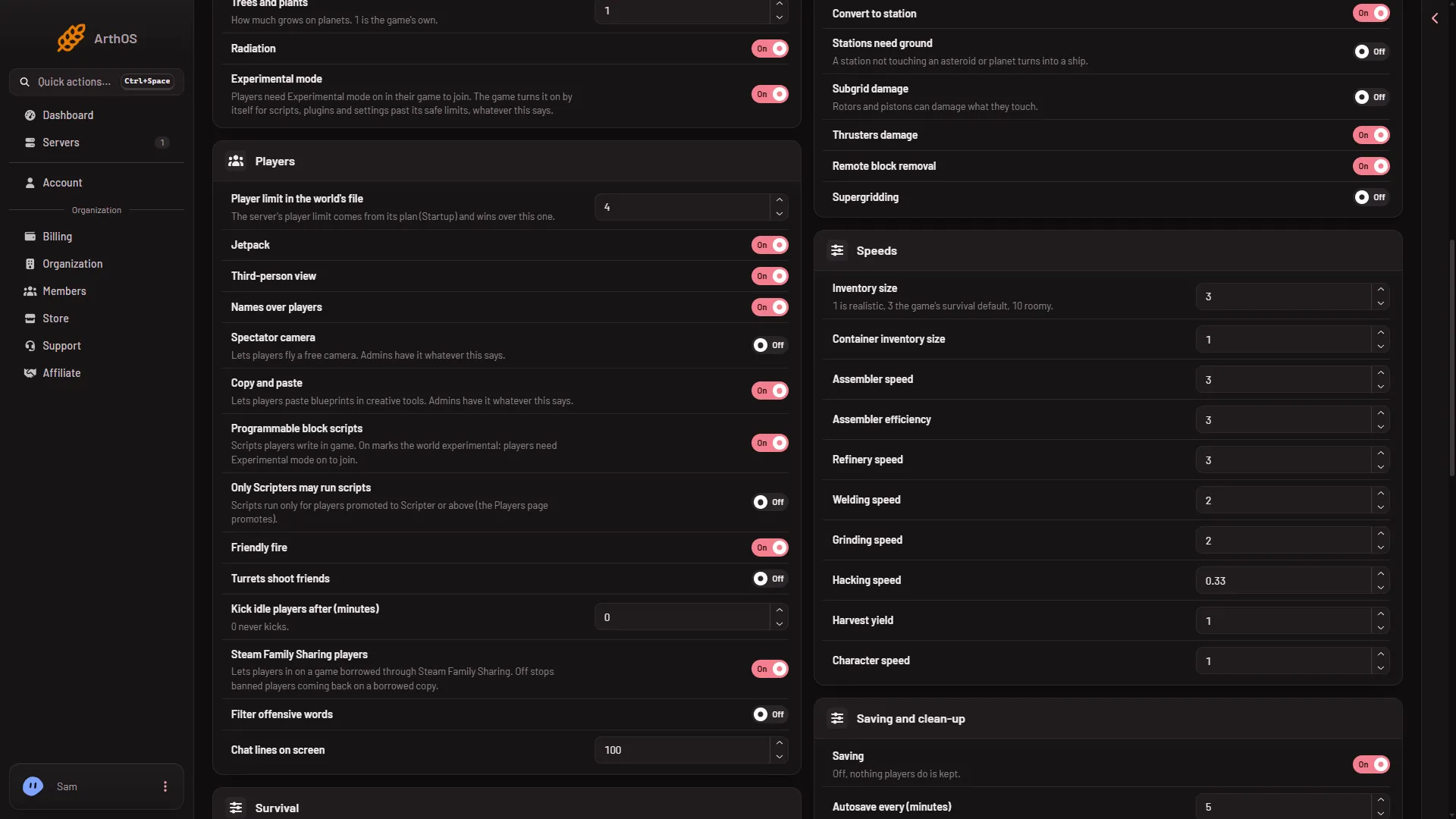
- Players
Why the server must be stopped
The game writes the world’s settings file itself when it stops, over anything changed while it runs. The page says so: “Stop the server to change these settings.” While the server runs you can type a value, but Save stays disabled.
Turn it off
Set the number back to 0, save with the server stopped, and start it again.
Kick one player now
This setting kicks by time. To remove a player right away, use Kick on the Players page. See kick a player. A kicked player can join again.
If it does not work
- Save is greyed out. The server is not stopped. Stop it and wait until it shows offline.
- There is no World settings tab. A new server shows only Passwords and Server settings until it has started twice: the first start makes the world, the next start names it as the world that loads. Start it again (or restart it), then stop it to change world settings. The same happens after Make it at the next start on the World page. Use this world shows the tab at once.
- Players are kicked at the wrong time. Check the number is in minutes, not seconds. The new value starts at the next start.