
















A Terraria server can hold three kinds of backup. The panel’s Backups copy the whole server. The game’s own backups are older saves of one world. TShock adds a timed backup of its own. Use the panel’s for the whole server, and the game’s for one world that went wrong.
The three kinds
1. The panel’s Backups (Settings, Backups)
- They copy the server’s files, worlds included.
- The page shows “(N) of (M) maximum backups created.” That is your limit.
- A backup copies the files as they are. The world is as the game last saved it. The backup’s note says “Taken while running. The world was saved first.” or “Taken while running. The game did not confirm a save.”
- Each one has Restore, Lock or Unlock, Browse and Export to Files.
2. The game’s backups (World page, The game’s backups)
- The game keeps earlier saves of a world beside it as
.bakfiles in theworldsfolder. - Each one has Put back.
- How many it keeps is set in the Config Editor as World backups kept, from 0 to 20. A new server keeps 2.
- They belong to the world. Deleting the world deletes them.
3. TShock’s own backups (TShock only)
- TShock backs up on its own timer into the
tshock/backupsfolder. - In the Config Editor, open the TShock file. Backup every sets the minutes (0 is off). The same group has Keep backups for and Save the world now and then.
The panel’s list sits on the Backups tab; the game’s own backups sit on the World page.
Make and restore a panel backup
- Open Settings, then Backups.
- Choose Create (1), then Create Backup. Leave Source on Server Files.
- To go back to one, choose Restore on that backup.
Not checked on 1.4.5.8 as of 13 November 2026: exactly what Restore replaces. Treat it as putting back the server’s files, not only one world, and make a new panel backup first.
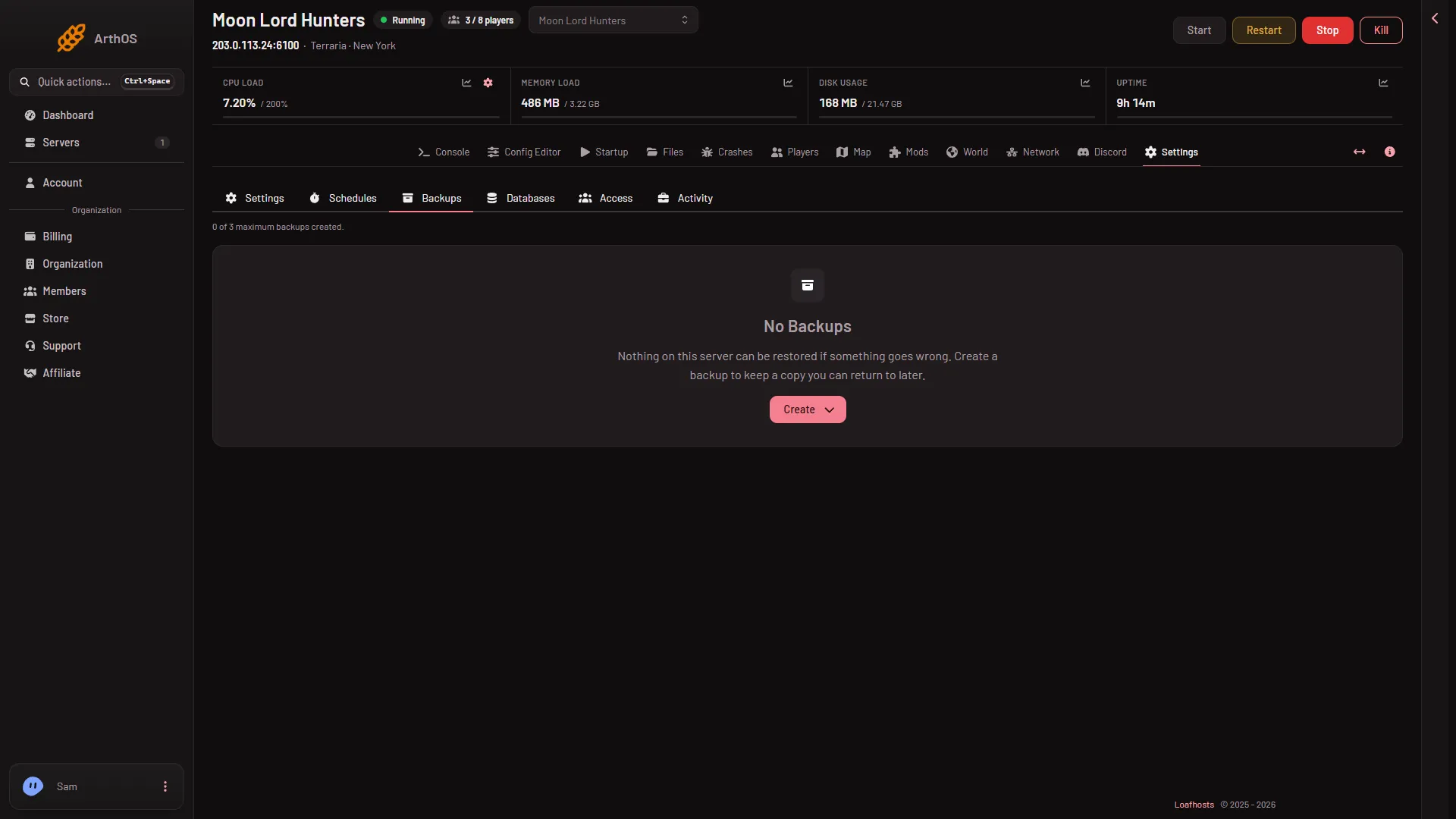
- Create
On the World page, Put back (2) returns one of the game’s backups.
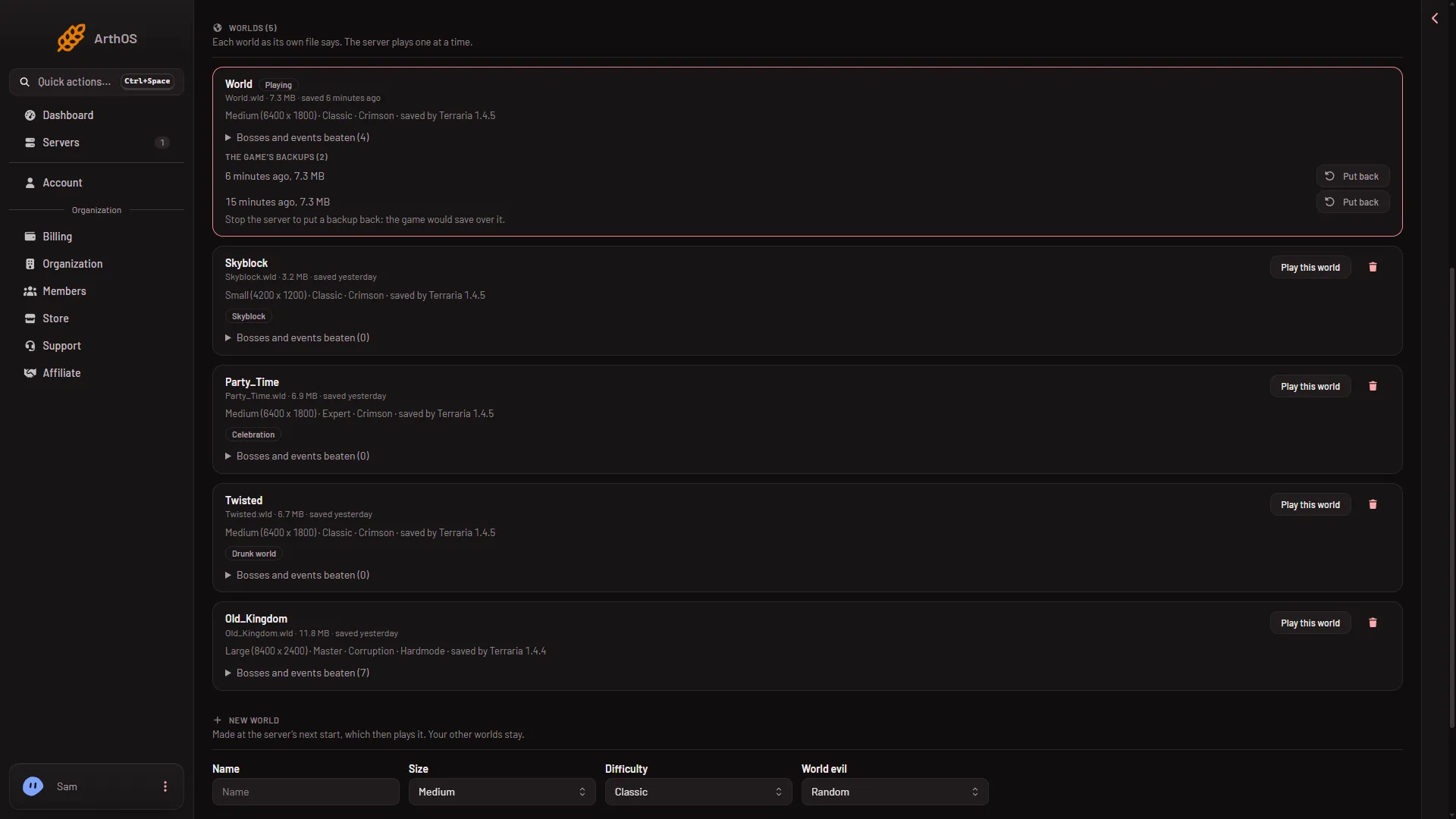
- The game's backups
- Put back
- Stop the server first
When to use which
- One bad save, the world went wrong. Use the game’s backups. On the World page, find the backup you want in The game’s backups and choose Put back. The server must be stopped. The page says: “Stop the server to put a backup back: the game would save over it.”
- Before something risky. A mod change, a version change, a switch of program. Create a panel backup first. Choose Create on the Backups tab.
- Everything is wrong, or a world was deleted. Use the panel’s backup. It holds the worlds and the settings together.
- TShock accounts and settings. The panel’s backup holds them too, because it copies the whole server.
- Restoring a panel backup. Read the note above about what Restore replaces first.
- A timer you do not have to think about. Make a schedule with a Create Backup step. See schedule restarts.
Limits that matter
- A backup you make by hand is refused when you are at the limit. Delete one first.
- A scheduled backup deletes the oldest backup that is not locked. Lock a backup you must keep. A locked backup is never deleted for room.
- A panel backup is only as fresh as the last save. If you want the newest changes in it, save first. Stopping the server saves the world.
If it does not work
- Put back is refused. The server is running. Stop it first.
- The panel’s backup does not have the latest changes. The game had not saved yet. Save, then make the backup again.
- The world is gone after you deleted it. The game’s backups went with it. Restore from a panel backup.
See Terraria servers for the rest of the game.
Sources: terraria.wiki.gg: Server, github.com: TShock