
















Open the Players page and press Save the world now in the block The world. The page says “The world is being saved.” This works on Vanilla, TShock and tModLoader, because it sends the game’s own save command. Use it before you take a backup, copy the world, or do anything risky.
In the panel
- Make sure the server is running.
- Open the Players page.
- In The world, press Save the world now (1).
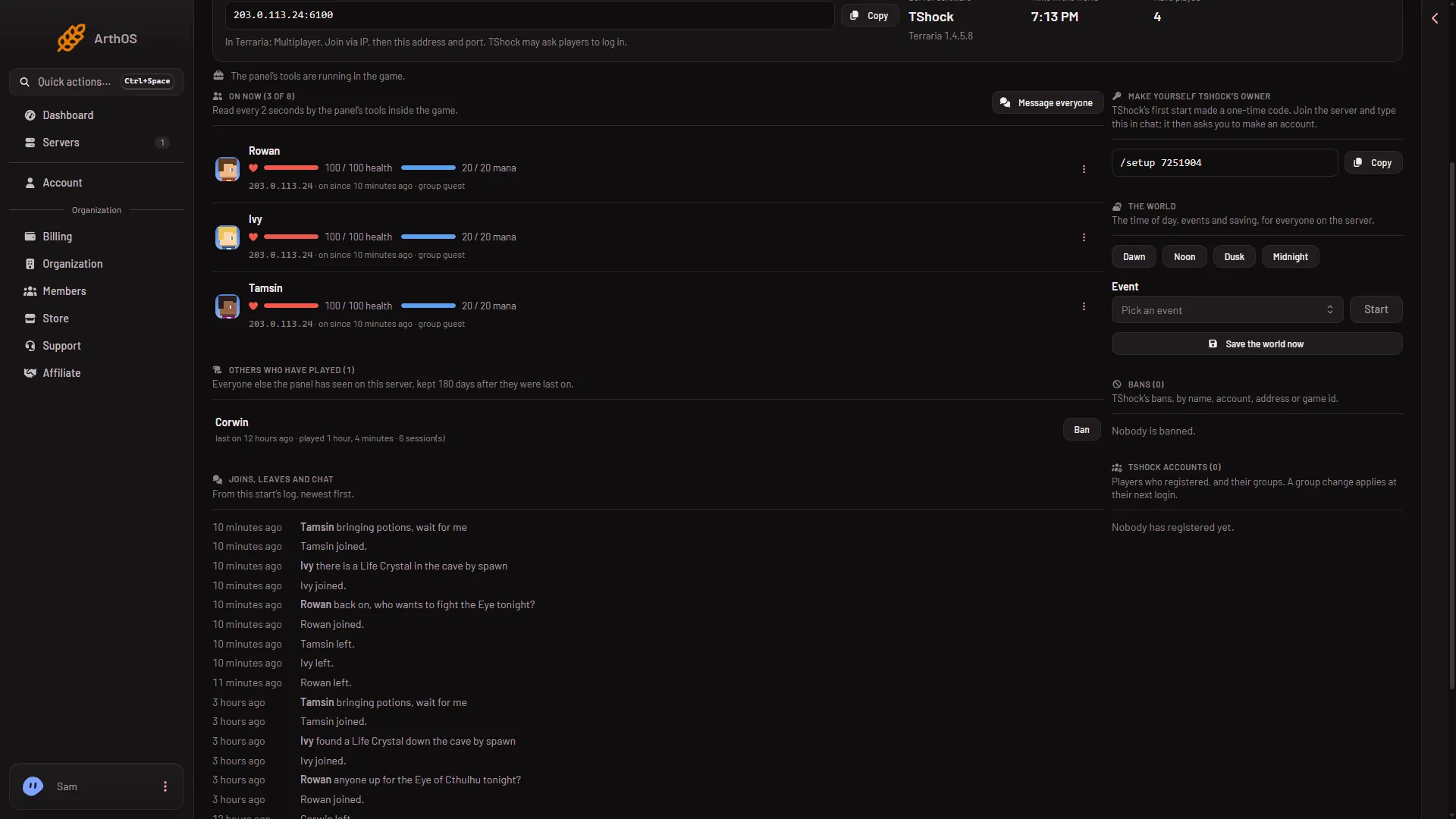
- Save the world now
You need a role that allows game actions. Roles are changed on the organization page: Settings, Access, Manage roles. The save is at once and needs no restart.
When the game saves by itself
- Now and then. The game saves the world on its own every so often. The game’s documentation does not give a fixed time.
- When the server stops. A stop from the panel sends
exit, which saves and then quits. This is the clean way to stop. If the server is still running after the seconds shown in Seconds until auto-kill (Settings, Auto-Kill), it is killed, and a kill does not save. See start, stop and restart. - When the last player leaves. Since Terraria 1.4.5.0, a server saves the world when the last player leaves.
A server with nobody on is paused, and time only passes while players are connected. Not checked on 1.4.5.8 as of 13 November 2026: what Save the world now does on an empty server. See an empty server is paused.
What a save gives you
The game keeps earlier saves of the world beside it as .bak files. The Config Editor setting World backups kept sets how many, from 0 to 20. The World page lists them, and Put back returns one. See restore a world backup.
A panel backup (Settings, Backups) copies the server’s files as they are. So the world in it is as the game last saved it. A backup taken while the server runs notes “Taken while running. The game did not confirm a save.” or “The world was saved first.” Press Save the world now first, then choose Create and Create Backup. See panel backups.
TShock adds its own saving settings in the Config Editor: it can save the world now and then, save when the last player leaves, and back up on a timer.
If it does not work
- “The server is not running.” Start it, then press the button again.
- The button does nothing. Your role does not allow game actions.
- Too many actions. Wait a minute and try again.
More about the game on Loafhosts: Terraria servers.
Sources: terraria.wiki.gg: Server