
















Use the power buttons on the server page: Start, Stop, Restart and Kill. Stop saves the world first. Restart stops the server and starts it again, and disconnects everyone who is on. Kill does not save.
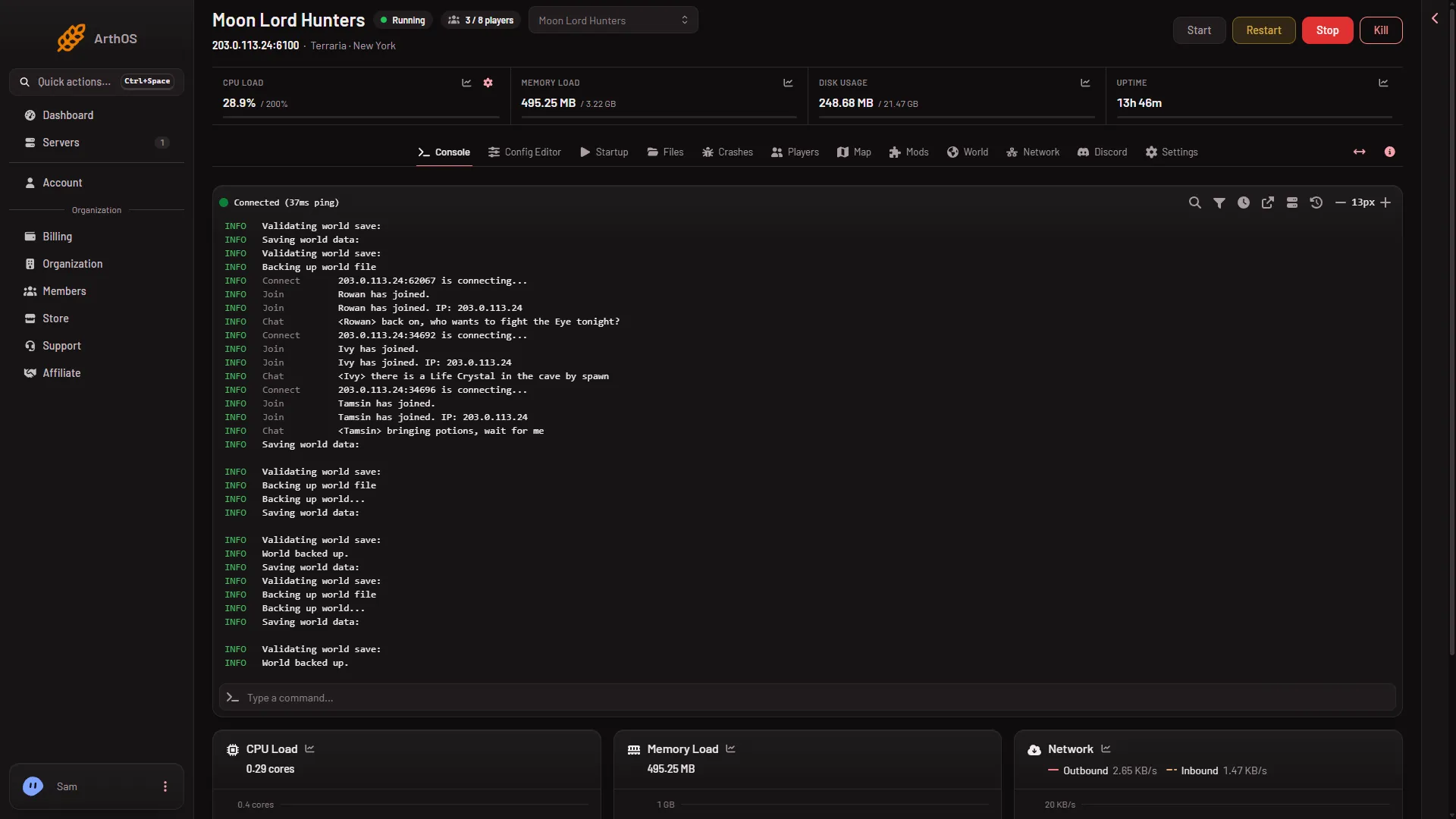
Start
Choose Start. The server is ready when the Console says Type 'help' for a list of commands. A new server with no world makes one first, and a large world can take a minute or two.
Stop
- Choose Stop.
- A box asks “Stop this server?”. It says everyone connected is disconnected and the server stays off until someone starts it again. Confirm.
- The panel sends the command
exitto the game. The console printsSaving before exit..., the world is written, and the server shuts down.
exit saves and quits on Vanilla, TShock and tModLoader alike. Hold shift while clicking to skip the box next time.
Restart
- Choose Restart.
- The box “Restart this server?” says the server shuts down and starts again, and anyone connected is disconnected and can rejoin once it is back. Confirm.
A restart is a stop, with the same save, and then a start. Everything that is read at start is read again:
- Changes on the Startup page and the World page take effect.
- With Update at start on, the server software is brought to the version you set. A download can add time to the start.
- On tModLoader, the mods on the list are loaded again. A mod that cannot load is not loaded and stays on the list. See the Mods page.
- TShock and tModLoader load the panel’s own tools again, so live positions and player actions come back once the server is up.
Players who were on are disconnected. They can join again when the ready line appears.
Kill
Kill ends the process at once, without a save. The box says anything written since the last save is lost. Use it only when Stop does not work and the server is stuck.
The server also kills itself if a stop takes too long. Seconds until auto-kill on the Auto-Kill card in Settings sets how long it waits. A kill does not save either.
Saving between stops
The game saves the world now and then, and the Terraria wiki notes that a server saves on shutdown only through exit. Since game version 1.4.5.0 it also saves when the last player leaves. To save without stopping, use save in the console or Save the world now on the Players page.
If it does not work
- Stop seems to hang. Large worlds take longer to save. Wait for
Saving before exit...to finish. If it never ends, use Kill and expect to lose what was not saved. - The server does not come back after Restart. Open Crashes. It lists one entry per start and names the cause it finds in the log, such as a world that could not load or a mod that did not load. If no known cause matches, it says so and shows the last lines of the log.
- Players are still on after you pressed Stop. They are disconnected when the server shuts down. Tell them before you stop.
To restart on a timetable, see schedule restarts. More about the game: Terraria servers.
Sources: terraria.wiki.gg: Server