
















The Console tab shows what the Terraria server prints and lets you type commands to it. The server is ready when the console says Type 'help' for a list of commands. Wait for that line before you ask players to join.
Send a command
- Open Console.
- Click the box at the bottom that says Type a command….
- Type the command and press Enter.
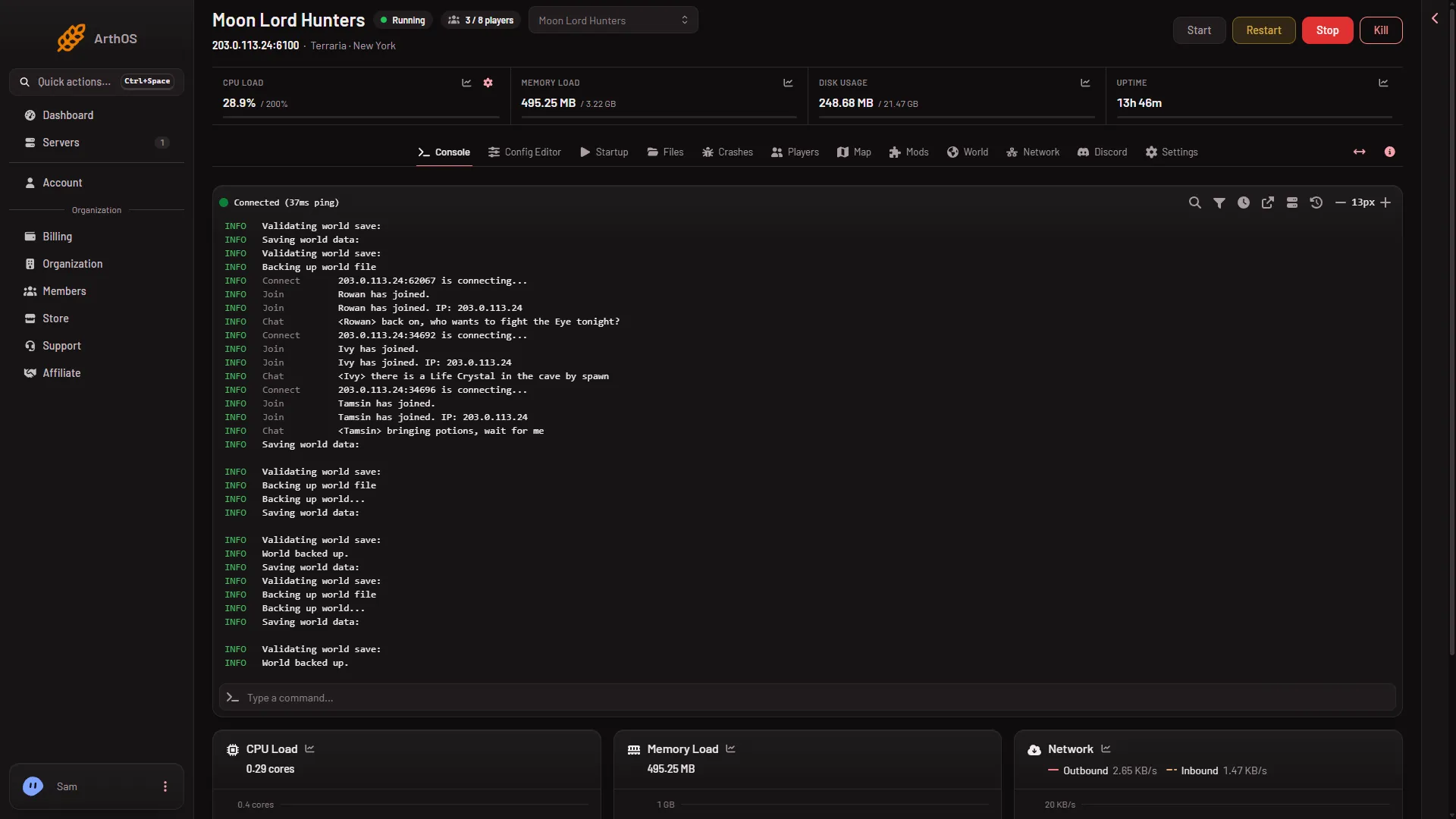
The server answers in the console. Commands work only while the server runs.
Commands worth knowing
helplists the commands the server knows. It is the safe first command.savesaves the world now.exitsaves the world and shuts the server down. The Stop button sends this same command.sayfollowed by words sends a message to everyone on Vanilla and tModLoader. On TShock the command for this isbcfollowed by words. The Players page sends the right one for you with Message everyone.
Kick, ban, time of day and messages are also buttons on the Players page. Use those when you can: they type the right command for the program the server runs.
save and exit work on all three programs: Vanilla, TShock and tModLoader. The game’s own list of console commands is on the Terraria wiki.
What the launcher changes in the console
The launcher starts the server and tidies its output. Two things differ from a plain Terraria window:
- The join password line is hidden. Where the game would print
Password:, the console showsPassword: (hidden here; it is under Passwords in the Config Editor). - World making is shortened. When a new world is made, the game prints a long run of percent lines. The console collapses them to one line per step, written
World: (step).
The world pauses when nobody is on
A dedicated Terraria server does not run the world while nobody is connected. Time only passes when players are on. A quiet console on an empty server is normal.
If it does not work
- The ready line never appears. Read the lines above it. A world that could not load, a download that failed or a mod that did not load stop a start. The Crashes page reads the last starts and names the cause.
- A command does nothing. The server may be offline or still starting. Wait for the ready line.
- You need a password and cannot see it. It is not printed on purpose. Open Passwords in the Config Editor.
More about the game: Terraria servers.
Sources: terraria.wiki.gg: Server