
















Server language sets the language of the server’s own messages: joins, deaths and events. It does not change what players see in their own game. Each player’s game shows its own language. A new server uses English. Pick another language in the Config Editor and restart the server.
The languages
The list has eleven choices:
- English
- German
- Italian
- French
- Spanish
- Russian
- Chinese (Simplified)
- Portuguese (Brazil)
- Polish
- Japanese
- Korean
Change it
- Open the Config Editor for your server.
- Choose the file Server settings.
- In the group Server, open the list Server language and choose a language.
- Choose Save. A running server shows “Saved. Restart the server to apply the changes.”
- Restart the server. The server reads the language when it starts. A restart drops everyone who is on, so warn them first with Message everyone on the Players page.
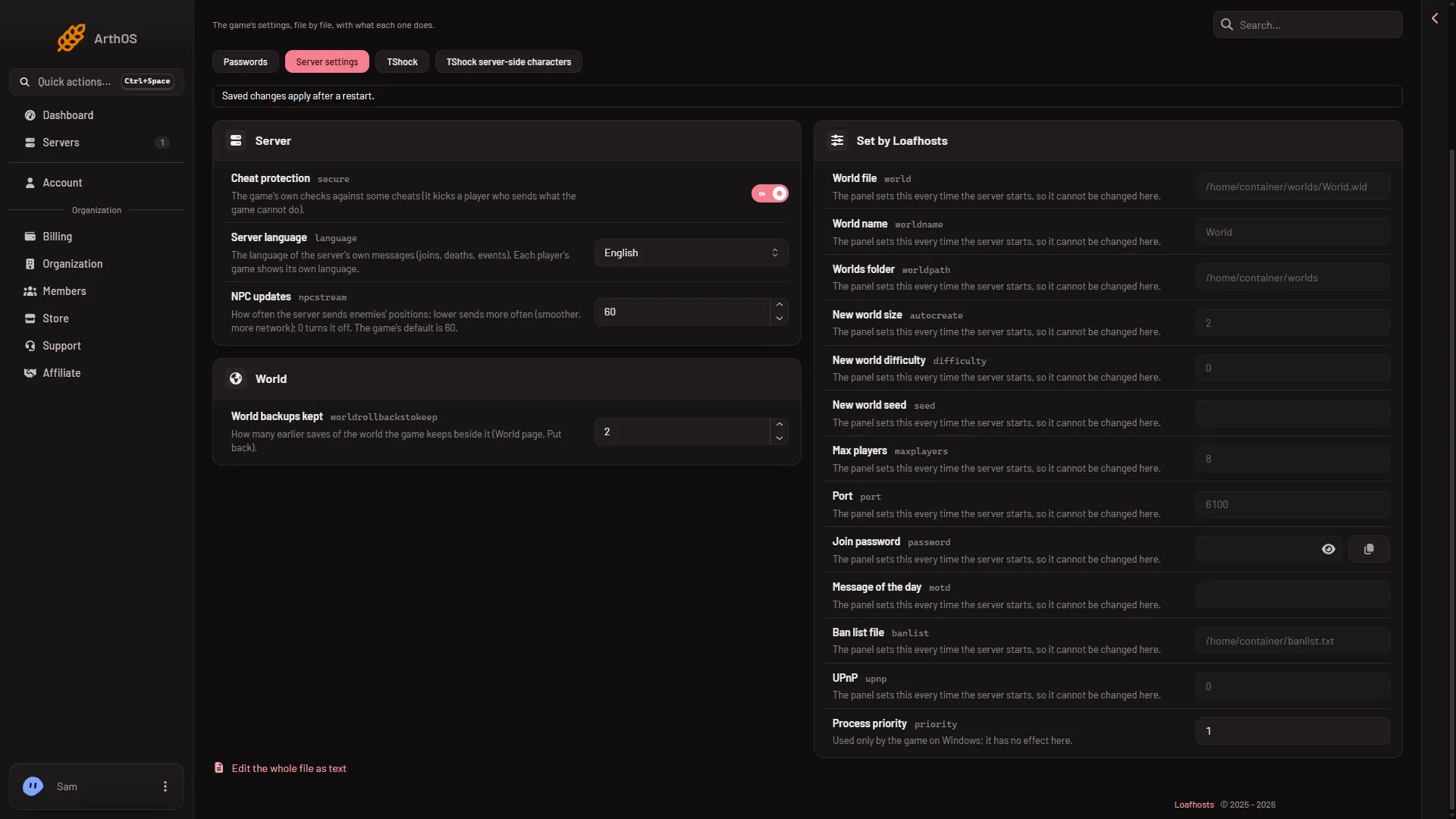
- Server language
The list (1) shows English here. Choose another language from it.
What changes and what does not
The server’s own messages change. These are the messages about joins, deaths and events.
These do not change:
- What a player sees in their own game. Their game keeps its own language.
- Chat. Players write in whatever language they like.
By hand
The setting is the key language in serverconfig.txt, with the game’s language code as the value:
language=de-DEThe codes are en-US, de-DE, it-IT, fr-FR, es-ES, ru-RU, zh-Hans, pt-BR, pl-PL, ja-JP and ko-KR. Edit the file in Files, then restart the server. The panel does not rewrite this key at start.
If it does not work
- Messages are still English. The server has not restarted since you saved. Restart it.
- A player still sees their own language. That is right. This setting is for the server’s messages only.
More about the game: Terraria servers.
Sources: terraria.wiki.gg: Server