
















Lift a ban with Lift in the Bans list on the Players page. When it takes effect depends on the program your Terraria server runs. TShock lifts it while the server runs. For Vanilla and tModLoader the panel says it applies at the next start.
Lift a ban
- Open the Players page.
- Find Bans with its count.
- Press Lift beside the ban.
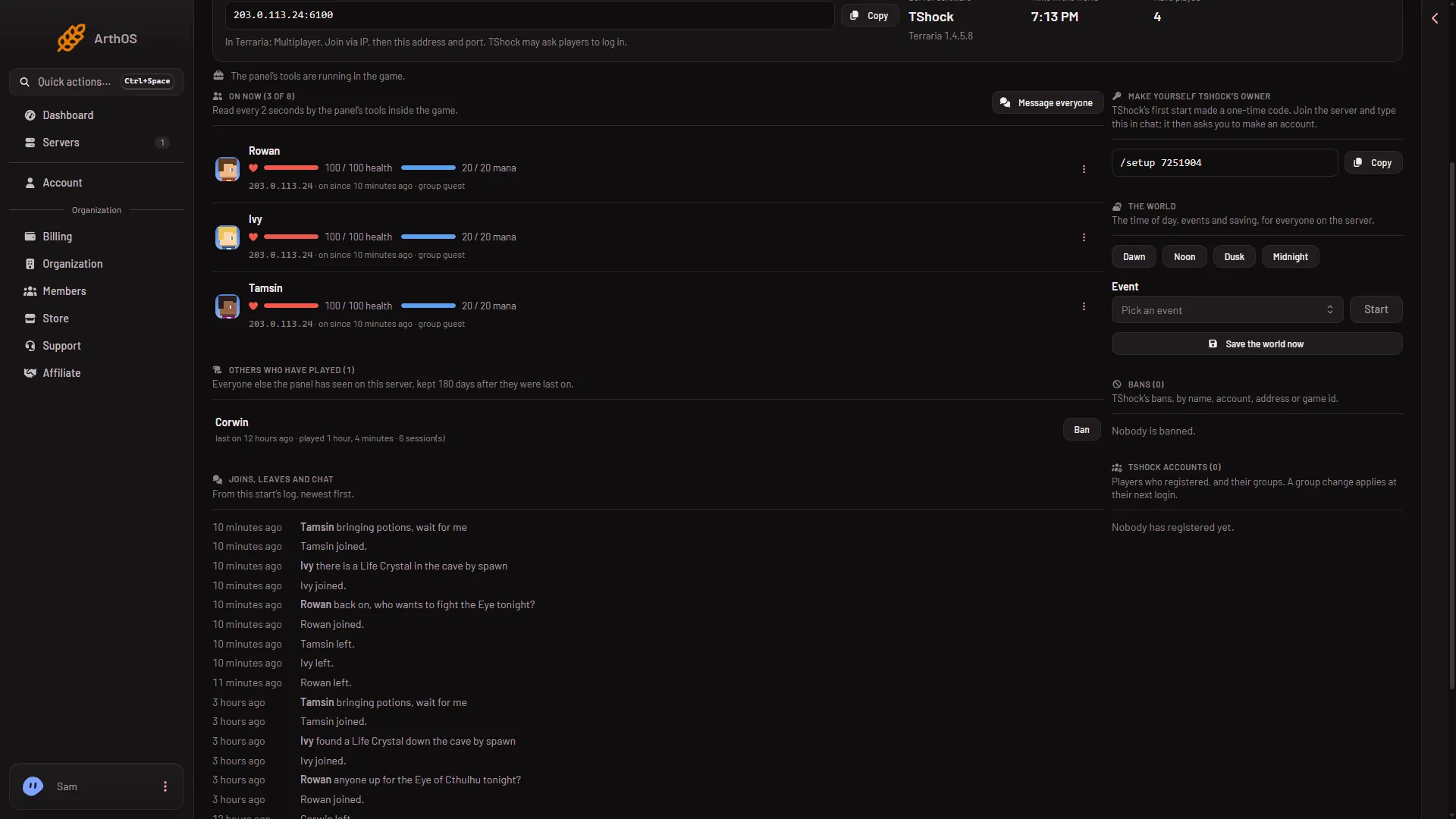
- Bans list
The Bans list (1) reads “Nobody is banned.” when it is empty, as here. Each ban in it has its own Lift button.
What each program does
Vanilla and tModLoader. The list says: “The game’s ban list: a name and the address it joined from. Lifting a ban takes effect at the next start.” The panel removes the name and its address from banlist.txt. This works whether the server is running or stopped. The page then says “Taken off the ban list. A running server reads its list at its next start, so it may turn them away until then.” To apply it, restart with Restart at the top of the server page. A restart disconnects everyone who is on, so warn them first with Message everyone.
TShock. The list says “TShock’s bans, by name, account, address or game id.” Each ban shows its kind (name, address, account or game id) and “until” a time or “for good”. Lift deletes the ban in TShock. The server must be running. If it is not, the panel says “the server is not running”. Start it, then lift.
If a ban seems not to lift
- Vanilla or tModLoader, player still turned away. The panel says a running server reads its list at its next start. Restart the server, after warning anyone who is on.
- TShock, Lift fails. The server is not running. Start it and try again.
- TShock, the list looks short. The panel says “TShock’s database could not be read just now, so this list may be short.” Try again in a moment.
- The ban is not in the list. On Vanilla and tModLoader the panel answers “that name is not on the ban list”. Open the ban list file in Files and look for the name.
- The player was banned by more than one kind. On TShock, a name, an address and an account can be separate bans. Lift each one.
You need a role that allows moderating players to see Lift. Addresses show only to a role that allows seeing them.
Sources: terraria.wiki.gg: Server