
















The tModLoader version lives on the World page. The value latest means the monthly stable release. To stay on one release, type it in, for example v2026.09.3.1. By default the server brings tModLoader to that version at every start.
See the Terraria server page for the three server programs.
See what you run
- Open the World page.
- Find Server software. It shows the program the server runs now, so it shows tModLoader only on a tModLoader server. To set the tModLoader version before you switch, use tModLoader version on the Startup page.
- Installed shows the version the server has. Newest shows the newest release. If a newer one is out, the page says so.
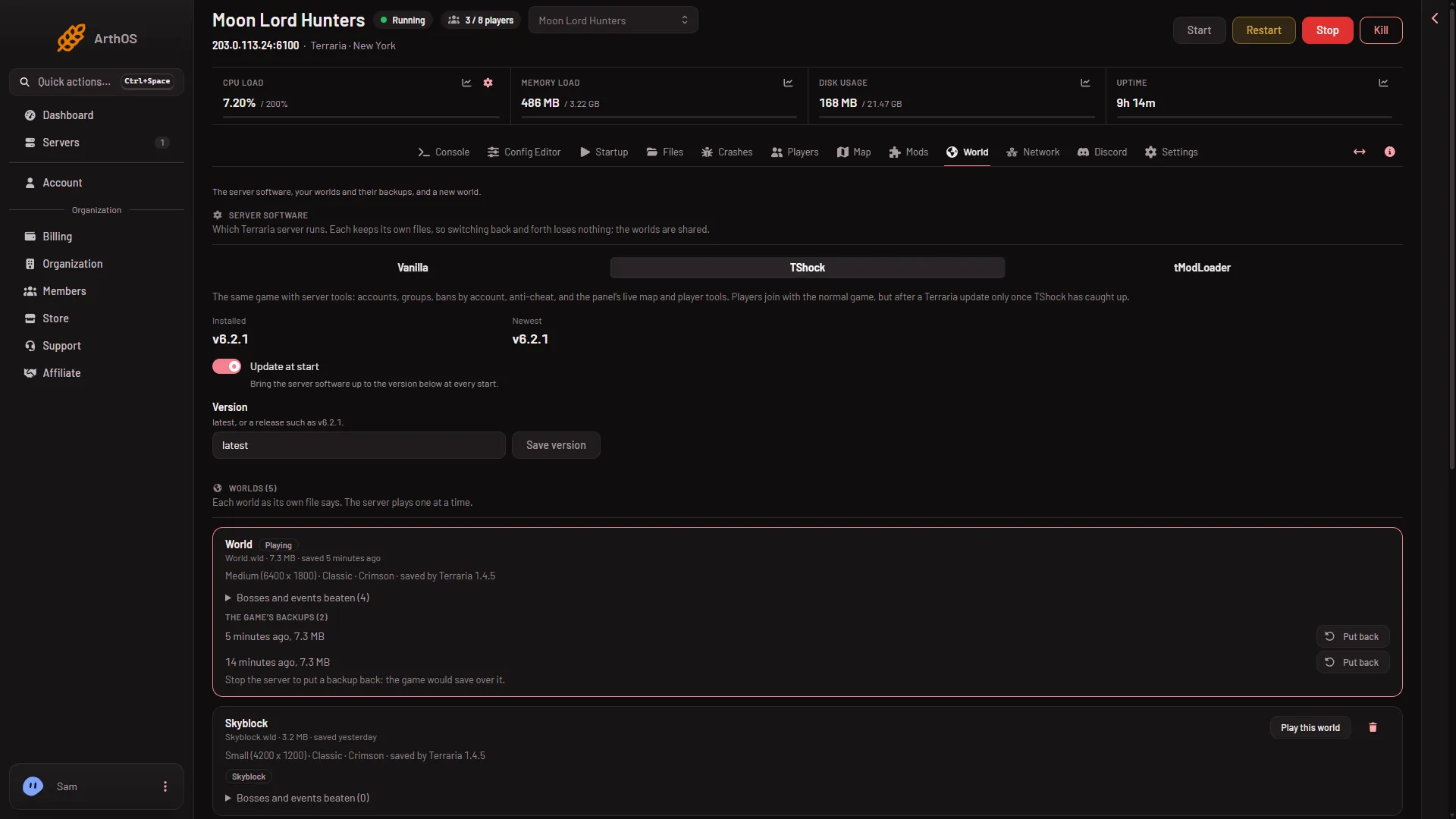
- Update at start
- Save version
The card has the same parts for each program. The picture is from a TShock server, where the Version field reads latest. On a tModLoader server it holds tModLoader’s version.
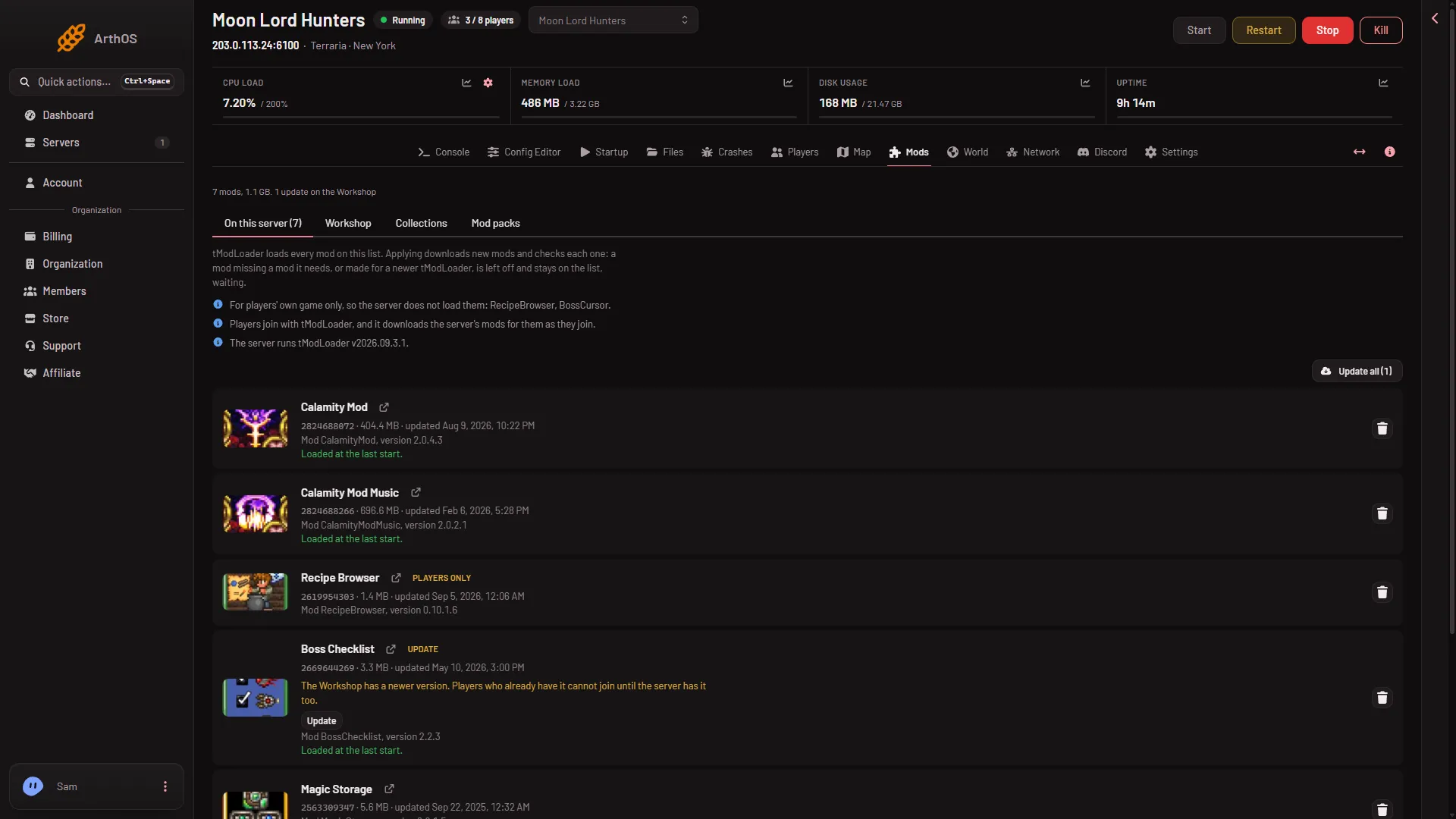
The Mods page also says “The server runs tModLoader (version).”
Follow the monthly release
- On the World page, set Version to
latest. - Choose Save version (2).
- Check Update at start (1) is on. It is on by default.
- Restart the server. A restart disconnects everyone who is on, so use Message everyone first.
At every start the server checks and installs the newest stable release. Because Update at start is on by default, and Version says latest, a server moves up by itself at its next start after a release.
Pin a release
- Set Version to the release, such as
v2026.09.3.1. - Choose Save version.
- Restart the server, after a warning to the players with Message everyone.
With a pinned release, the server installs that version and stays there. If you type something that is not latest or a release such as v2026.09.3.1, the panel refuses it.
To stop all automatic changes, switch Update at start off. The server then keeps the version it has. The page says: “A newer version is out. With Update at start off, the server keeps the one it has.”
The same setting is on the Startup page as tModLoader version.
Players must match
Players join with tModLoader. Its version must be the same as the server’s. If it differs, the server can refuse the player, and its log can show was booted: You are not using the same version as this server. When you update the server, tell your players to update their game too.
Mods after an update
A Workshop mod holds one build per tModLoader version. The server uses the newest build made for its own Terraria and not for a newer tModLoader. After a change:
- A mod made for a newer tModLoader than the server’s cannot load. The Mods page says: “Made for tModLoader (version), newer than this server’s, so it cannot load until the server’s tModLoader is updated.” The mod stays on your list, waiting.
- Check the Mods page after the first start on a new version.
If it does not work
- The start fails with a download problem. The Crashes page says “The server software could not be downloaded”. Start again in a few minutes. Or set Version back to
latest. - The version did not change. It changes at the next start. Restart the server.