
















On a TShock server the Players page lists every account players have registered, with the group each one is in. You change a group with one button. The change applies the next time that player logs in. Players who are online keep their old group until then.
A group is TShock’s way of deciding what a player may do. This guide covers the panel side: finding accounts and changing a group. This works only on a Terraria server that runs TShock.
See the accounts
- Open Players.
- Scroll to TShock accounts. The number in brackets is how many have registered.
- Each row shows a name and the group that account is in.
If the list is empty, it says “Nobody has registered yet.” Players register inside the game, so the list grows as they do. Only a role that may set up TShock and manage its accounts sees the list.
A player who is online also shows “group” and its name in the On now list.
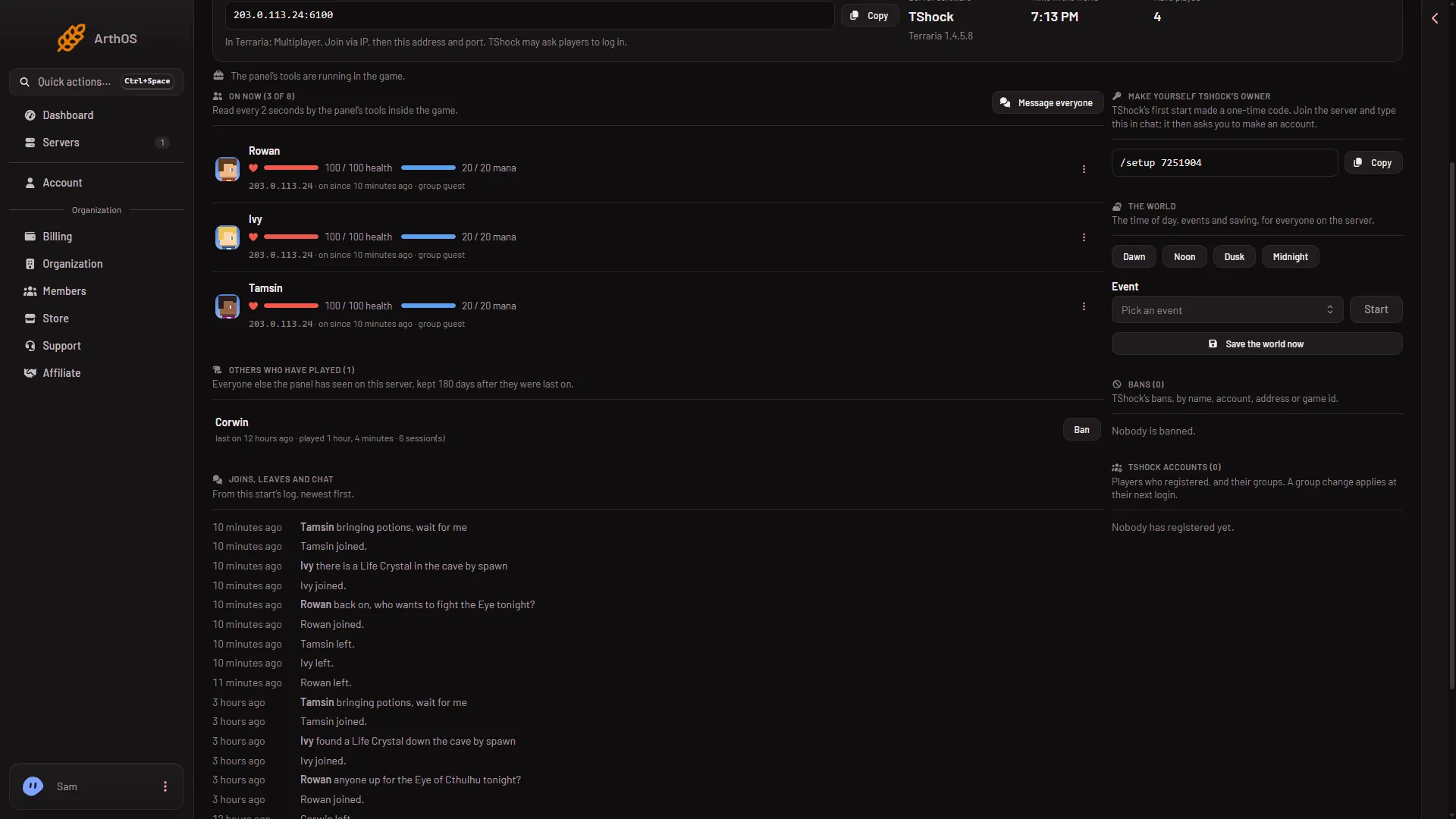
- TShock accounts
The card (1) is under Bans in the right column. Its hint reads “A group change applies at their next login.”
Change a group
- On the account’s row, press Group.
- The dialog Group of, followed by the player’s name, opens. Type the name of a group that exists in TShock in TShock group.
- Press Change group.
The panel answers “Group changed; it applies from their next login.” That answer means the panel sent the command to the game. It does not show that TShock accepted the group name. After the player’s next login, read their group on the row to check. The player has to leave and join again, or log in again, before the new group counts.
Group names may contain letters, digits, _ and -, and be up to 32 characters long. The panel refuses anything else.
The server must be running. The change goes to the game as a command, so a stopped server cannot take it. Start the server first.
Which group names exist
The panel does not list TShock’s groups. Open the TShock file in the Config Editor. Under Players, Group for new accounts and Group for guests name two groups that exist. On the staff server’s file they read default and guest. Not checked on TShock 6.2.1 as of 13 November 2026: the other groups TShock starts with, and how to make a new group.
Groups for new players
Two settings in the Config Editor, in the TShock file under Players, decide where new people start:
- Group for new accounts: the group a player gets when they register.
- Group for guests: the group of someone who has not logged in.
A change to those saved in the Config Editor applies after a restart. A restart disconnects everyone who is on, so use Message everyone on the Players page first.
If it does not work
- The server is not running. Start it, then try again.
- The group did not change for the player. They were online. Ask them to log in again.
- You do not see the accounts list. Your role does not allow it. Ask the owner of the organization to give your role the right to set up TShock and manage its accounts.
- The panel refuses the group name. Use only letters, digits,
_and-, at most 32 characters.
For making the first owner, see the one-time setup code.
Sources: github.com: TShock