
















A TShock ban is stronger than a plain Terraria ban. TShock can ban a player by name, by account, by address or by game id, and it keeps the bans in its own database. The Bans list on the Players page shows each ban with its kind and its end. This guide explains what each kind means and how to lift one. For the whole server see Terraria hosting.
What a ban can hold
The panel names four kinds:
- name is the character name.
- account is the player’s TShock account, the login made on the server.
- address is the network address the player joined from.
- game id is an id the player’s game sends to the server.
A ban can hold more than one of these. A name alone is easy to dodge, because anyone can make a new character. An account, an address and a game id are harder to dodge.
Vanilla and tModLoader servers work differently. They keep a plain text file, banlist.txt, with a name and an address. The Bans hint on those servers says so: “The game’s ban list: a name and the address it joined from.”
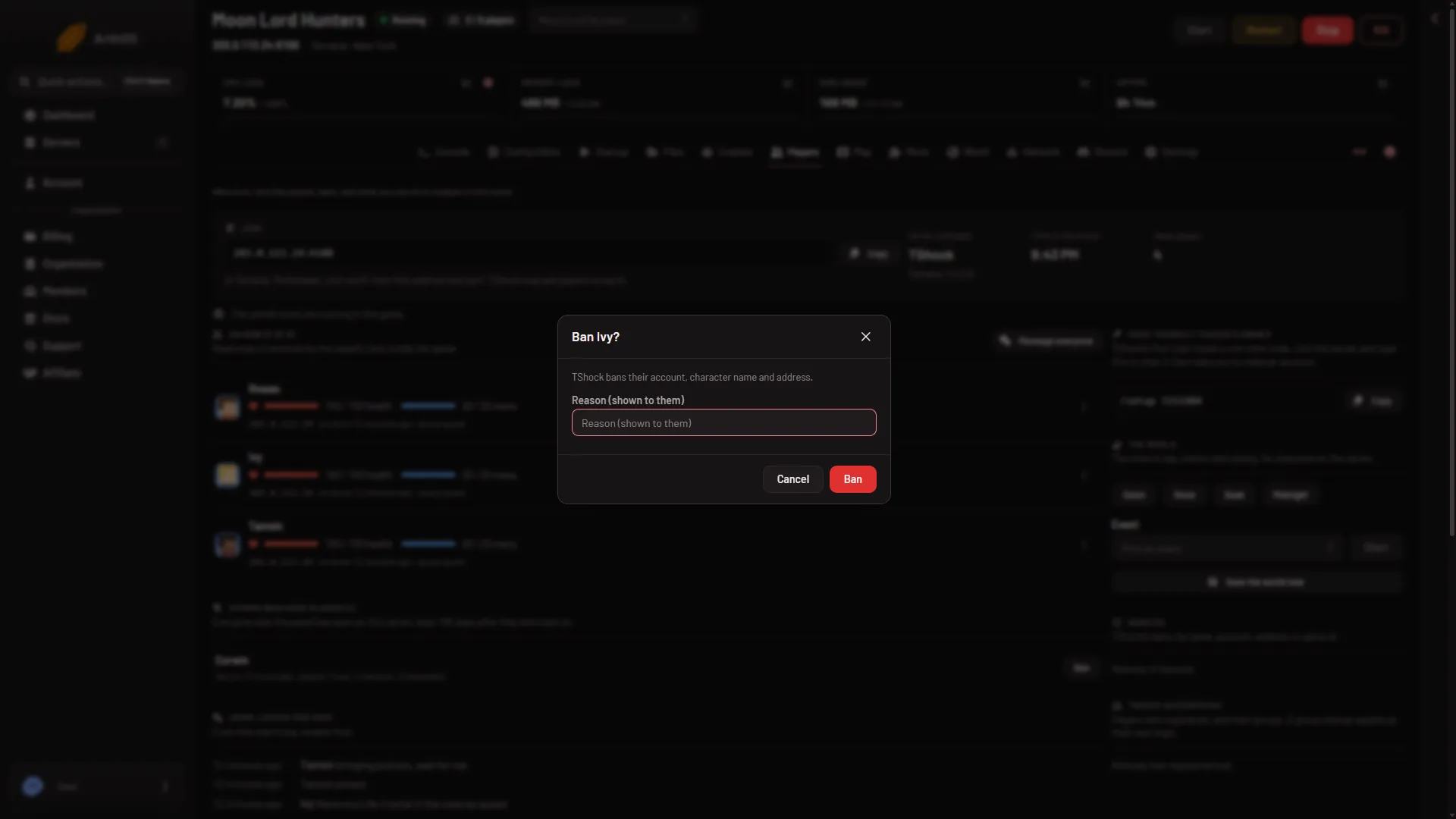
Ban a player from the panel
- Open the Players page.
- Open the menu on the player’s row. It is named “What to do with (name)”.
- Choose Ban (account, character and address). The row menu shows this only to a role that allows moderating players.
- Write a reason in Reason (shown to them). The box says “TShock bans their account, character name and address.”
- Confirm.
The page answers “Banned by their account, character and address.”
TShock’s own ban command holds the account name, the game id (UUID) and the address when no flags are given. It holds the character name only with the flag -n. The dialog text above is the panel’s own wording. Not checked on TShock 6.2.1 as of 13 November 2026: which of these parts a ban made from the panel really holds, and what happens for a player with no account.
Read the Bans list
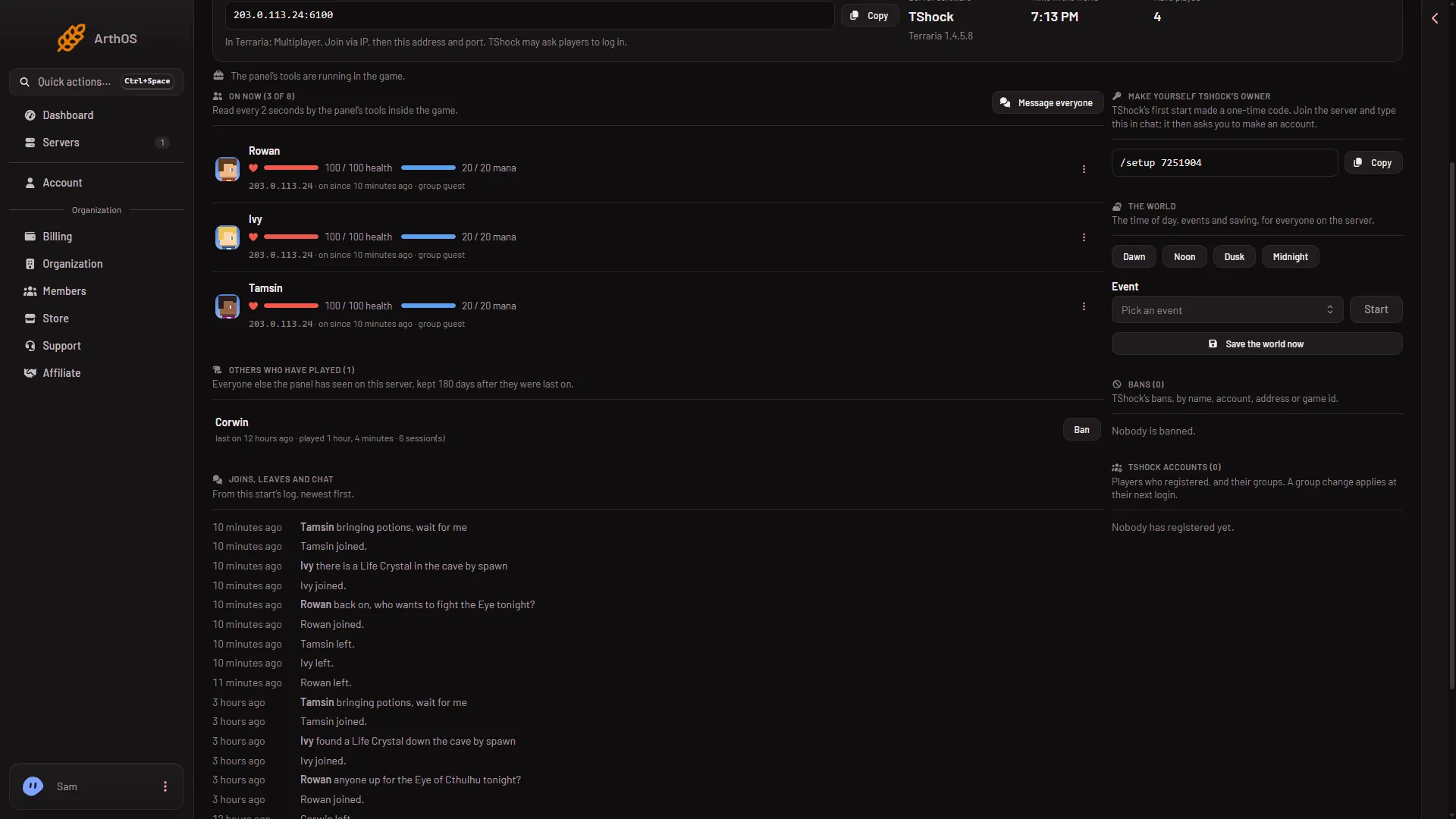
The Bans list (1) sits in the right column of the Players page. It was empty when this picture was taken, so it shows no rows here.
- The Bans list
Each row shows who is banned, the kind of each part, and the end:
- for good means the ban never ends.
- until (date) means the ban ends on that date.
Addresses show only to a role that allows seeing them. Others see the list without them.
Lift a ban
- In the Bans list, find the row.
- Choose Lift.
The panel tells TShock to remove that ban. This works only while the server is running. A stopped server answers “the server is not running”. Start it, then lift the ban.
If it does not work
- The note says the database could not be read. The page shows “TShock’s database could not be read just now, so this list may be short.” Wait a moment and open the page again. The list is not final until that note is gone.
- Lift does nothing. The server is stopped. Start it first.
- The Bans hint talks about a name and an address only. The server runs Vanilla or tModLoader, not TShock. Check the World page.
Not checked on TShock 6.2.1 as of 13 November 2026: what a banned player sees on screen, and how a real game client is refused.
Sources: github.com: TShock, terraria.wiki.gg: Server