
















TShock’s server-side characters are set in one file, tshock/sscconfig.json. In the panel, open the Config Editor, then choose the button TShock server-side characters. The key that switches the feature on is Enabled. Changes apply after a restart.
TShock lists server-side characters among its tools. This guide shows where the file is and what its main keys are. It works on a Terraria server that runs TShock.
Open the file
- Open Config Editor.
- Above the settings, choose TShock server-side characters. It is listed only when the server runs TShock.
- The panel gives this file no named settings, so it opens as the file itself, with the keys as they are written in it.
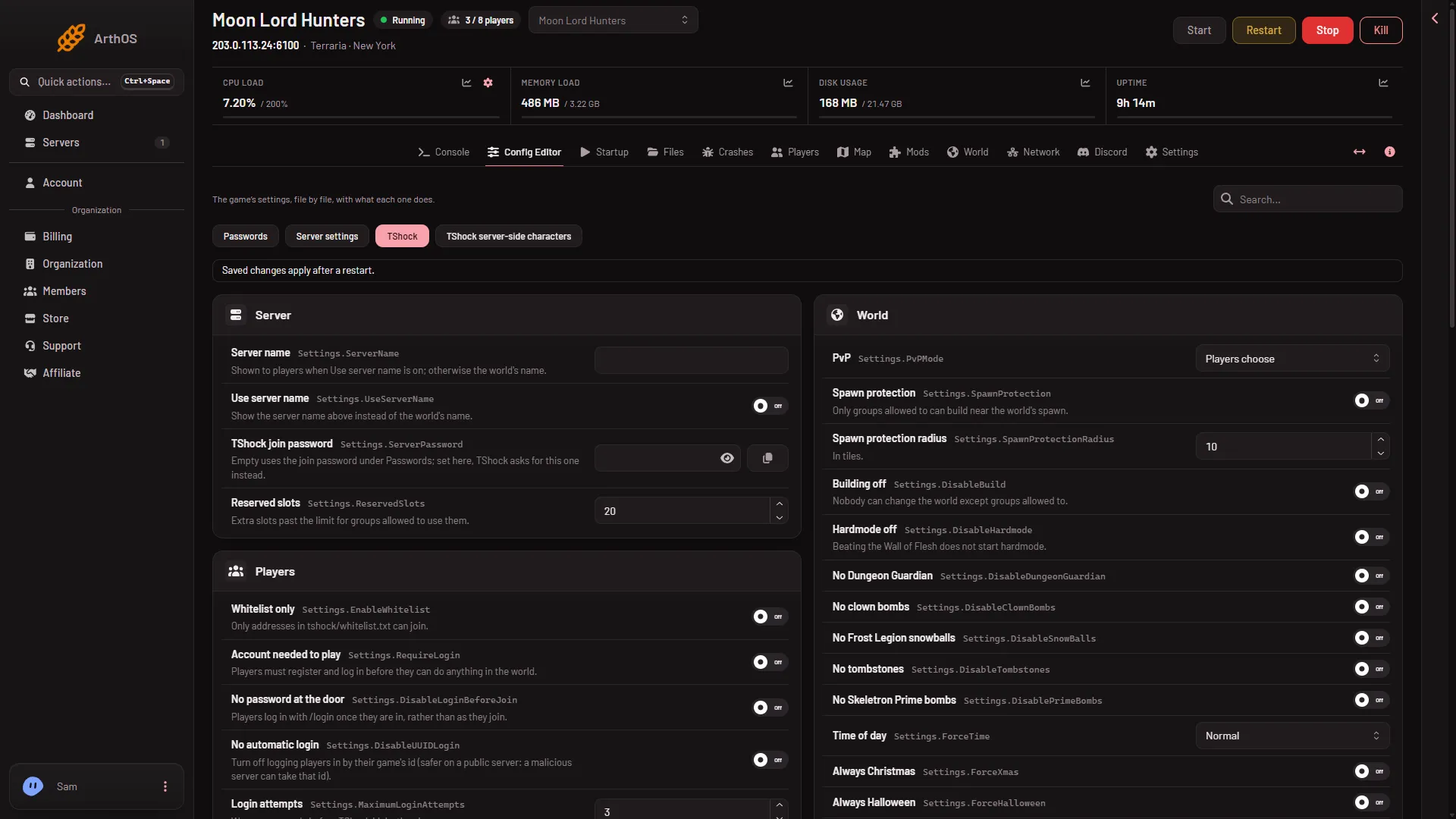
If you do not see the button, open the World page and check that Server software is TShock. Changing the program applies at the next start.
The keys you will meet
The file keeps all its keys inside one Settings object. The values below come from the file on a Loafhosts test server, so yours may differ.
Enabled: the on and off switch for the feature. It readsfalsein that copy.StartingHealth: health a new character starts with. It reads100in that copy.StartingMana: mana a new character starts with. It reads20in that copy.StartingInventory: the items a new character starts with, each with an item number (netID), aprefix, astackand afavoritedflag.
The file also has a few more keys: ServerSideCharacterSave, LogonDiscardThreshold, WarnPlayersAboutBypassPermission and KeepPlayerAppearance.
Change a value
- Open the file as above. Find the key and change its value. For example, change
"Enabled": falseto"Enabled": true. - Choose Save in the bar that appears.
- Restart the server. The panel says: “Saved. Restart the server to apply the changes.” A restart disconnects everyone who is on. Warn them first with Message everyone on the Players page.
If you edit the file by hand in Files, stop the server first and keep the file valid JSON. A missing comma or bracket makes the file unreadable.
If it does not work
- The button is missing. The server does not run TShock.
- Nothing changed in the game. The server was not restarted after saving.
- The file will not save. Check that it is still valid JSON.
Not checked on TShock 6.2.1 as of 13 November 2026: what each key does beyond its name, how the editor shows this file, and what players see and keep when the feature is switched on for a world they already play in.
Sources: github.com: TShock