











To play your single-player world on a VEIN server, upload its .vns file to the upload folder in Files, stop the server, then choose Use this world on the World page. The panel makes a copy of the save the server has now and keeps it, so nothing is lost.
Before you start
A single-player world is one file that ends in .vns. Not checked on 0.025 as of 27 October 2026: where the game keeps single-player saves on a PC.
The file name must use only letters, numbers, -, _ and .. It must not have spaces and must not start with a dot. Rename it on your PC if it does. The file must end in .vns.
Settings do not come with a save. Your player limit, rules and passwords stay as they are on the server. Set them in the Config Editor or on Startup.
Upload the file
- Open the World page.
- In the card Copies and uploads, choose Open the upload folder. Files opens at
/.arthos/uploads. - Choose New, then File from Upload, and pick your
.vnsfile. - Wait until the upload finishes.
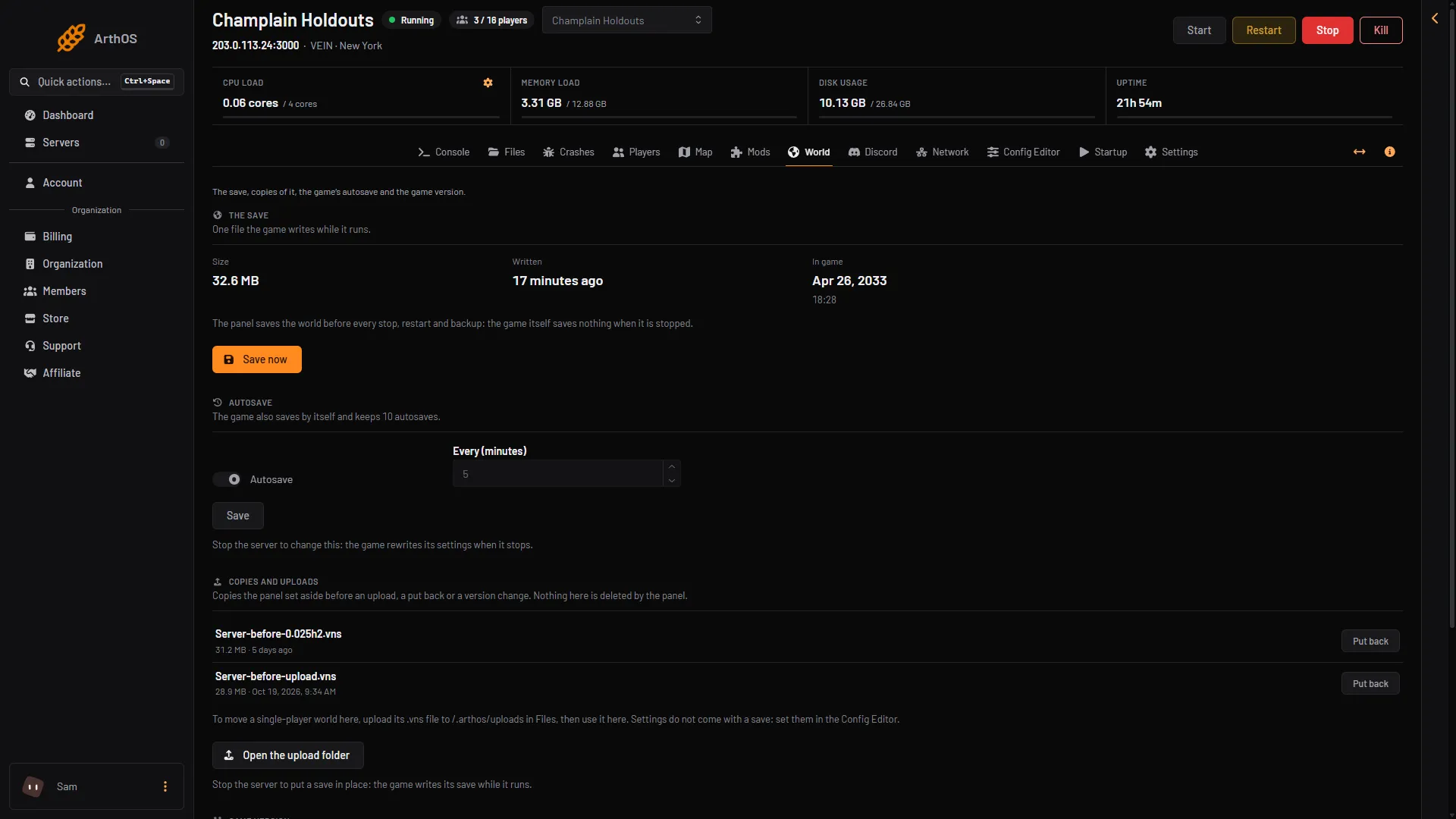
- Open the upload folder
If you do not see Open the upload folder, your role may not allow Files.
Make the uploaded world the live save
-
Stop the server. The panel saves the world before it stops.
-
Open the World page again. Your file is listed under Uploaded worlds.
-
Choose Use this world next to it.
-
A box asks “Put (name) in place?”. It says the save as it is now is kept as a copy first, and that the uploaded world becomes the server’s save. Choose Put it in place (1).
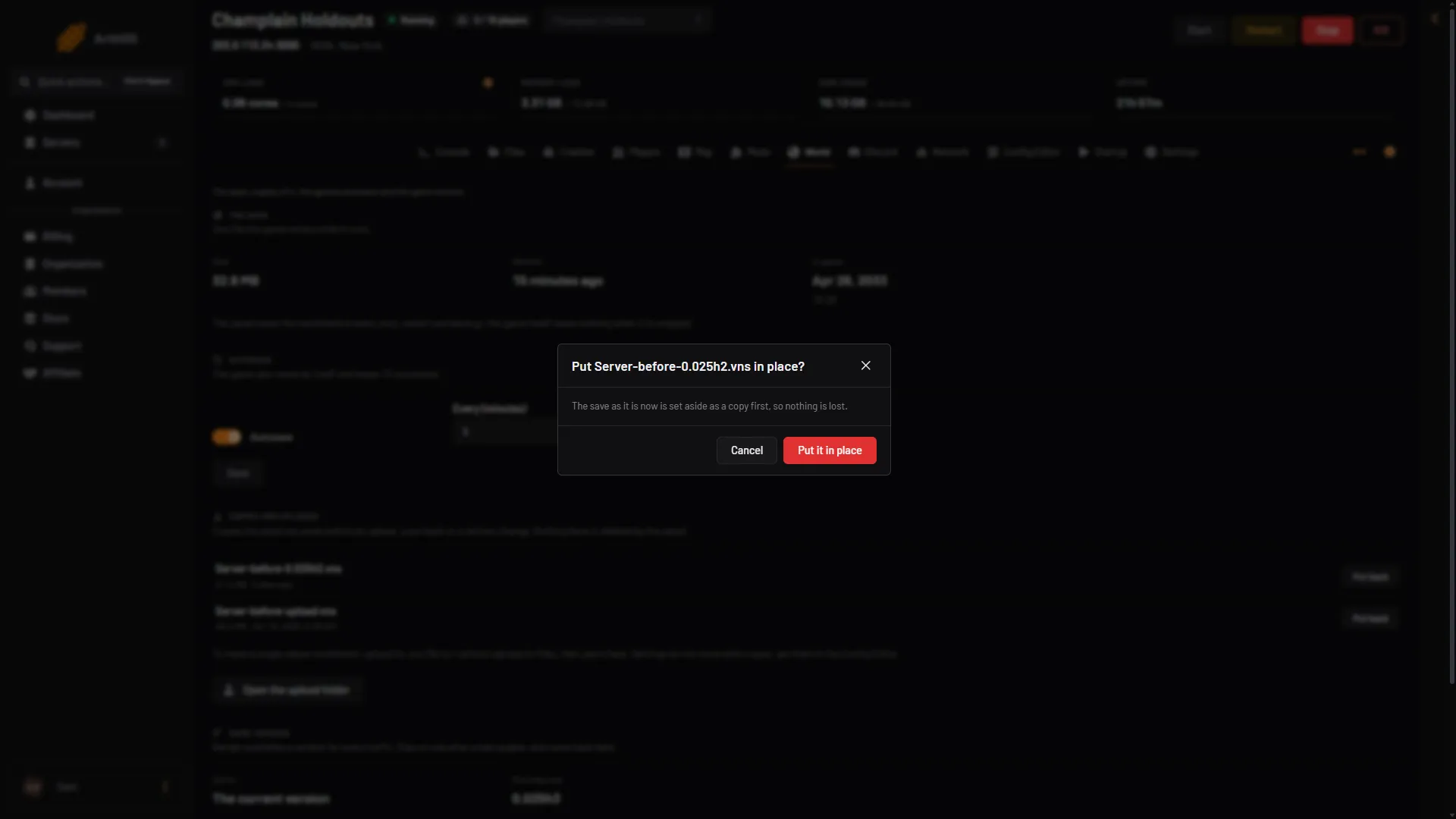
- Put it in place
-
The page says “Done. The save it replaced is kept as a copy.”
-
Start the server.
The old save is now a file called Server-before-upload-(time).vns in the list of copies. Put back on a copy means the copy becomes the live save again. See save copies.
The uploaded file moves out of the upload folder when you use it. It becomes Server.vns, the name the game reads.
If it does not work
- The file is not listed under Uploaded worlds. Its name has a space or another character the panel does not accept, or it does not end in
.vns. Rename it and upload it again. - Use this world is greyed out. The server is running. Stop it first.
- “That file is not a VEIN save (too small or too large)”. Files under 1 KB or over about 4 GB are refused. Upload the real
.vnsfile. - “That save is not on the server any more”. The upload did not finish, or someone removed it. Upload it again.
- The world is not the one you expected. Stop the server and put back the copy
Server-before-upload-(time).vnsto go back.
Not checked on 0.025 as of 27 October 2026: what happens with a world saved by a different game version than the server runs.