











VEIN saves your world by itself. By default it saves every 300 seconds (5 minutes). You can change this on the World page or in the Config Editor. Stop the server first. The change applies at the next start.
Why stop first
The game rewrites its settings files when it stops. A change made while it runs would be written over. So the panel only lets you change autosave while the server is stopped. To stop it, choose Stop at the top right of the server page.
On the World page
- Stop the server.
- Open the World page.
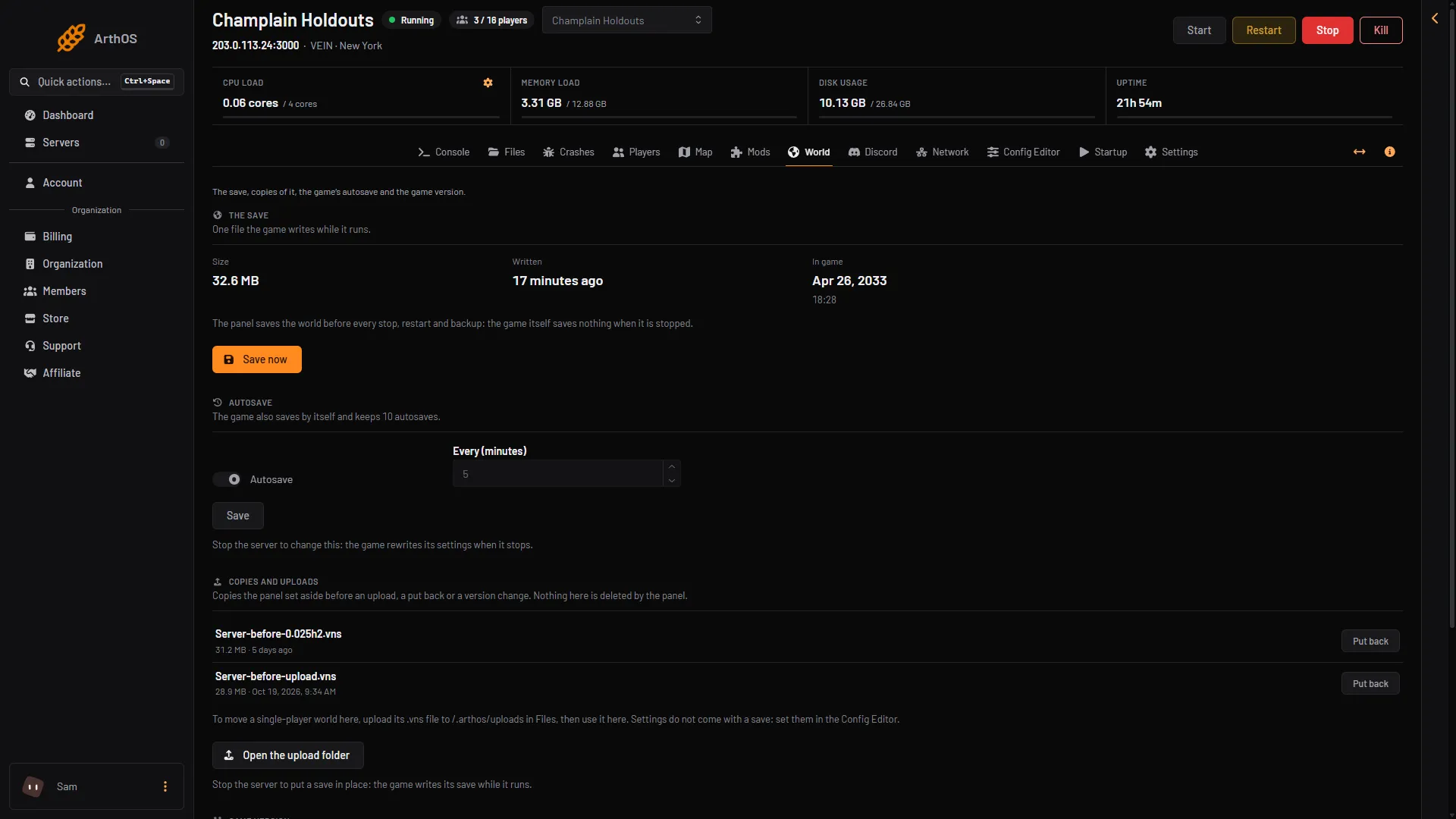
- In the card Autosave, use the switch Autosave to turn it on or off.
- Set Every (minutes), from 1 to 60.
- Choose Save. The page says “Saved. It applies when the server starts.”
- Start the server.
- Autosave switch
- Set the minutes
While the server runs, the switch and the box are greyed out and the card says to stop the server to change them, as in the picture.
In the Config Editor
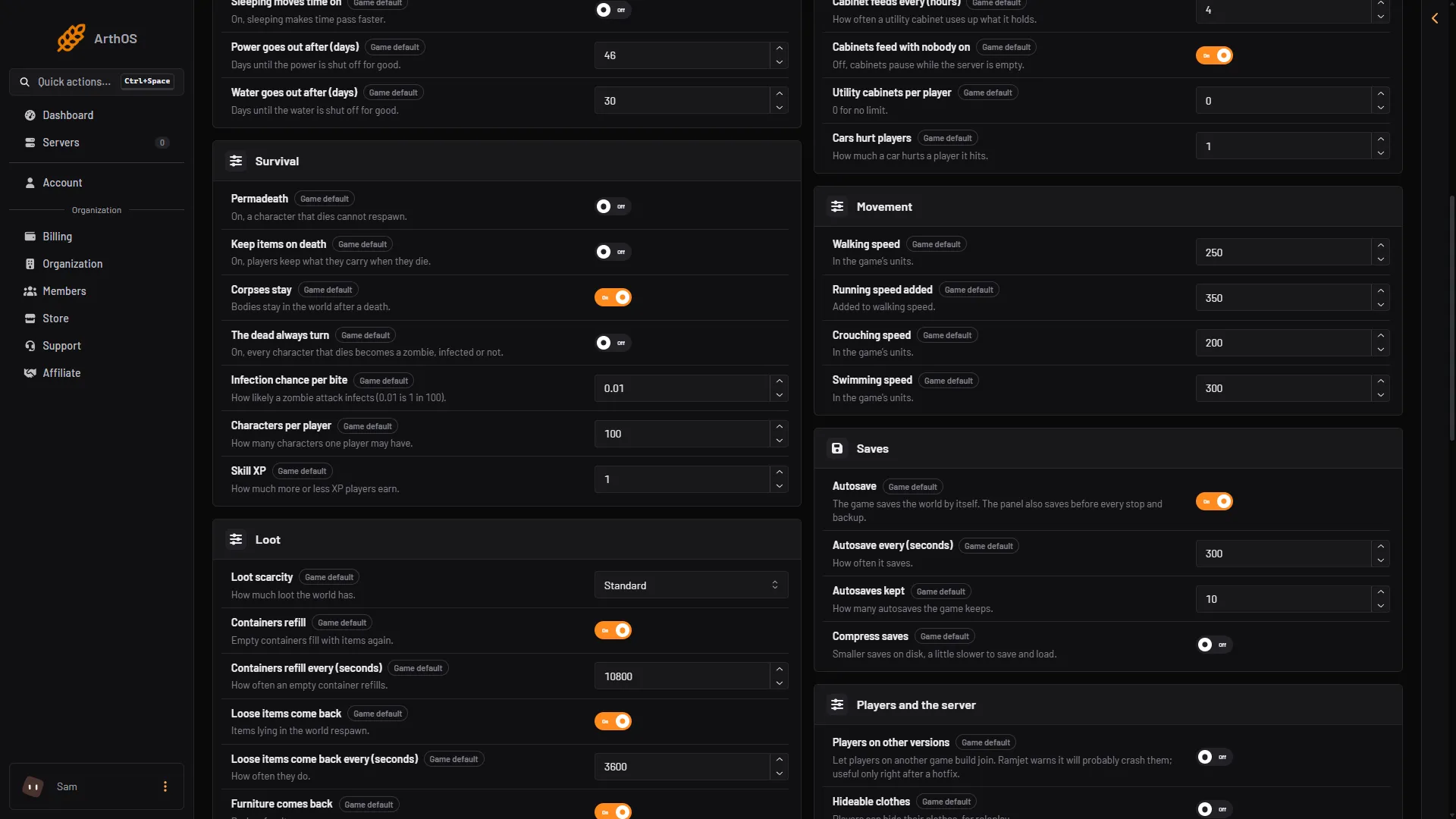
The Config Editor has the autosave settings in the group Saves.
- Stop the server.
- Open the Config Editor and choose the file Game rules.
- Find the group Saves.
- Change what you need:
- Autosave: the game saves the world by itself. On to start with.
- Autosave every (seconds): how often it saves, from 60 to 3600. 300 to start with.
- Autosaves kept: the game’s own setting, 10 to start with. On the server only
Server.vnsis there, so it does not add files. - Compress saves: smaller saves on disk, a little slower to save and load. Off to start with.
- Save, then start the server.
- Autosave every (seconds)
- Autosaves kept
- Compress saves
The page and the editor change the same setting. The World page uses minutes, and the editor uses seconds. 5 minutes is 300 seconds.
Good values
A shorter time between saves loses less if the game crashes. Each save also takes a moment, longer on a big world. The default is 5 minutes.
The panel also saves the world before every stop, restart and backup, even with autosave off. You can save by hand with Save now. Turn autosave off only if you save by hand.
By hand
The file is Vein/Saved/Config/LinuxServer/Engine.ini, in Files. Edit it only while the server is stopped. Not checked on 0.025 as of 27 October 2026: the folder of a Windows server. Example:
[ConsoleVariables]
vein.Autosave.Enabled=1
vein.Autosave.Interval=300
vein.Autosave.MaxQuantity=10
If it does not work
- The Autosave card is greyed out. The server is running. Stop it first.
- The setting is not in the file. The game engine (Unreal Engine) leaves out every line that equals the default, so a setting at its default is not in
Engine.ini. The page shows the default. - The new time is not used. Start the server again. The setting applies at the next start.
More about the game: VEIN servers.