











Keep items on death is off by default. Turn it on and players keep what they carry when they die. Corpses stay is on by default: a body stays in the world after a death.
What each one does
- Keep items on death: default off. On, players keep what they carry when they die.
- Corpses stay: default on. Bodies stay in the world after a death.
They are two separate switches. Keeping your items does not remove the body, and removing bodies does not return items.
Not checked on 0.025 as of 27 October 2026: whether a body left behind still holds any items when Keep items on death is on.
Change them
- Choose Stop at the top right of the server page and wait until the server is offline.
- Open Config Editor and choose Game rules.
- In the group Survival, change Keep items on death or Corpses stay.
- Choose Save, then choose Start at the top right of the server page.
Both apply at the next start. A setting at its default is not written in the file. If you turn Corpses stay off, it is written as vein.PersistentCorpses=0 in [ConsoleVariables]. Keep items on death is vein.RetainItemsOnDeath=1 in the same section. The file is Vein/Saved/Config/LinuxServer/Engine.ini, edited with the server stopped. See the Config Editor.
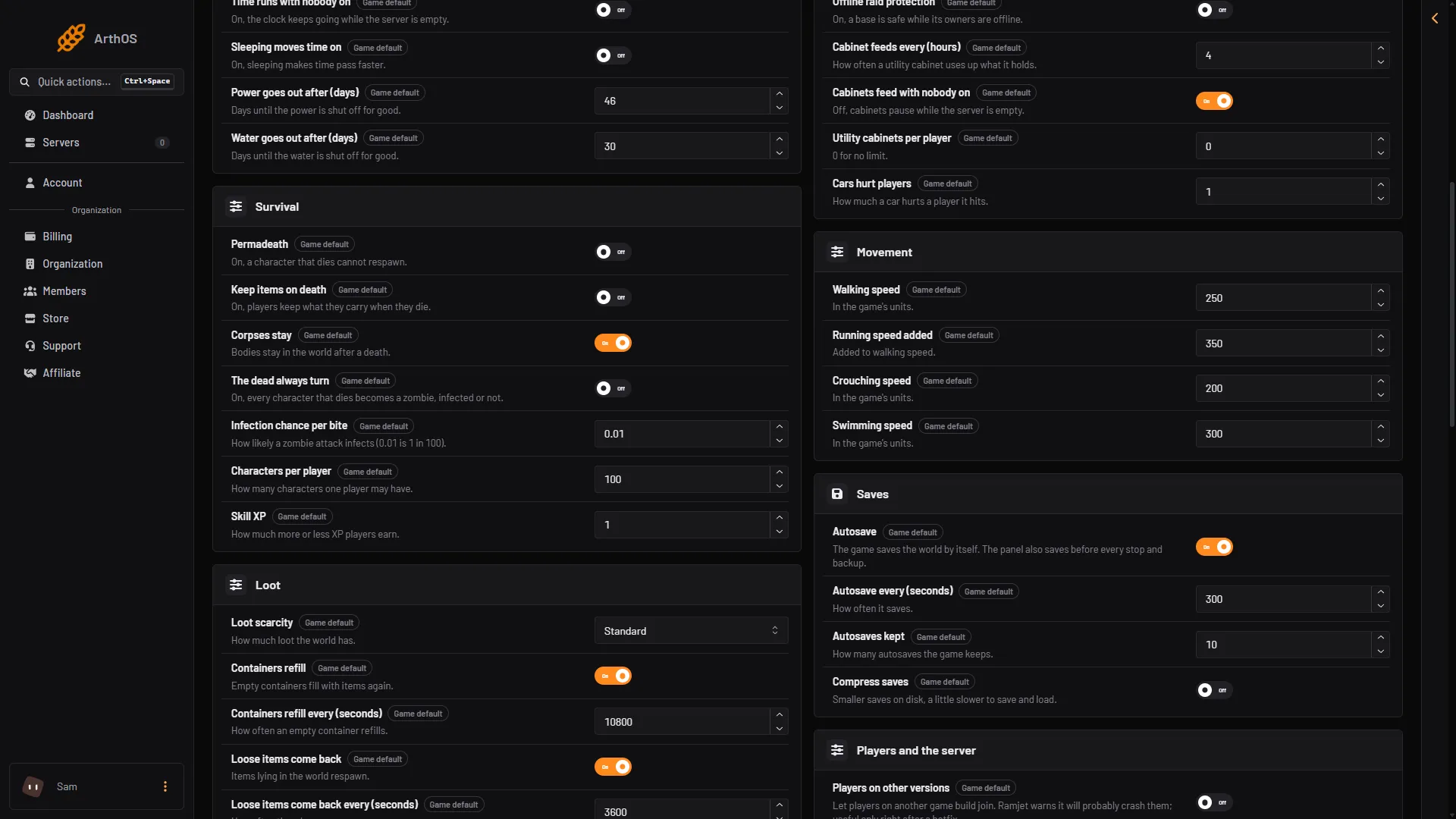
- Keep items on death
- Corpses stay
Which to use
- For an easier server, turn on Keep items on death.
- For a hard server, leave it off. For a heavier cost, also turn on permadeath.
- If dead bodies make the world feel crowded, turn Corpses stay off.
If it does not work
- Players still lose items. The server was not restarted after you saved.
- Save is greyed out. The server is running. Stop it first.
More about the game: VEIN servers.
Sources: ramjet.notion.site