


Valheim
server hosting
Run a persistent Valheim world that's online 24/7 for your whole crew. Full LoafHub treatment: upload an existing world via the File Manager, scheduled backups, the Server Auto-Restarter, sub-users, and a live console.
- Switch between vanilla, expanded and modded builds
- Worlds kept with their metadata so a restore loads
- Install a mod by pasting its link
- Expanded settings file as a searchable form
- Admin, permitted and banned lists in the panel
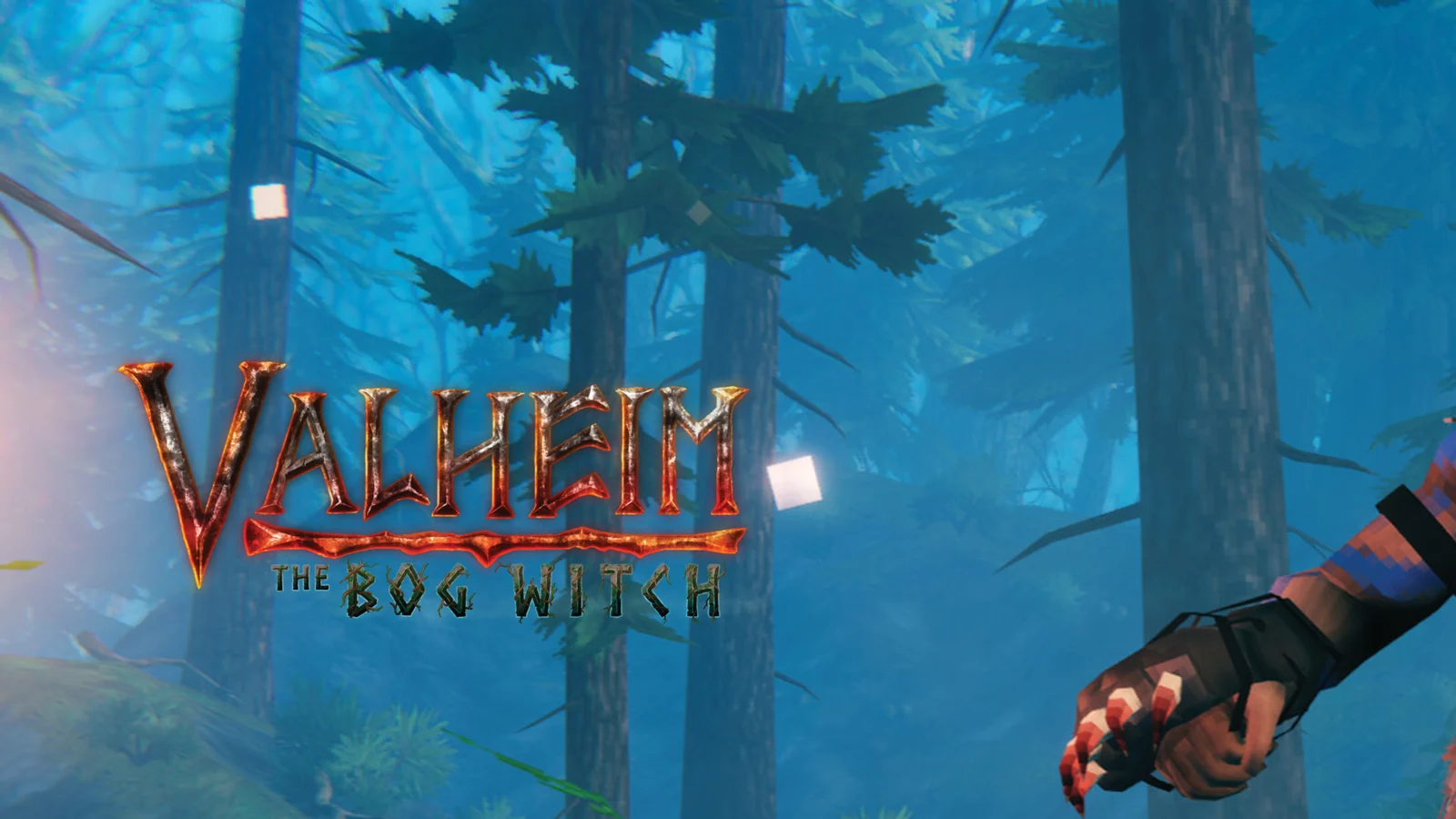
- VIKING
- Up to 10
- About a minute
- Ryzen 9
- 7950X and 9950X, up to 5.7 GHz, in every node.
- DDR5
- Across every build, no exceptions.
- NVMe
- SSD throughout, with daily snapshots.
- 5
- New York, Dallas, Los Angeles, Frankfurt, Sydney.
Valheim panel features that pull weight.
Every tool LoafHub adds for Valheim server hosting, included free, no add-ons, no upsells.
Build Switcher
NewMove a server between the plain vanilla build, the expanded-settings build and the modded build in one click. The panel carries your server name, password, active world and settings across the switch and snapshots your worlds before it starts. Mods installed on the modded build are reset by a switch, so note what you are running before you move.
Valheim Config Editor
NewThe expanded settings file as a grouped, searchable form with a tip under each field and one-click tuning presets, plus your admin, permitted and banned player lists on the same screen. That form only appears when the expanded build is installed; on a plain server you get the raw editor for any config file instead of a form full of settings that would do nothing.
World Manager
Every world on the server in one list, with the active one marked. Download, back up, restore, import or delete. A world is a save plus its metadata file, and the panel keeps the pair together, which is the difference between a restore that loads and one that does not.
Mod Manager
Paste a mod's link, or its namespace and name, and the panel downloads and installs it into the modded build's plugin folder. Enable, disable, update or remove from the same list.
Hardware that holds up. A panel that does the work.
Every Valheim server runs on current-generation Ryzen 9 desktop silicon and the LoafHub panel, the same one we run our own communities on.
- 500+ Tbps
- Plus 13+ Tbps of stateful filtering. Always on, on every build, through raid nights and event spikes.
- Ryzen 9
- 7950X and 9950X, up to 5.7 GHz, with DDR5 in every node.
- One login
- Console, files, scheduler, backups, sub-users and the game's own tools, with billing behind the same login.
- 60s
- Pick a region and your server boots in about a minute. No setup fees, cancel any time.
Build it, then just pay.
Slide memory, CPU and storage to whatever Valheim needs.
Standard · 4 GB RAM · 2 cores · 30 GB NVMe
A settled world.
- Up to 16 cores
- DDR5 + NVMe
- Up to 10 slots
- Terabit DDoS Protection
- Cancel anytime
Every price is quoted live by LoafHub in the builder · longer billing cycles save up to 25%.
Terabit DDoS Protection on every build: 500+ Tbps volumetric and 13+ Tbps stateful. Refunds: 3 days on game servers. Dedicated servers are non-refundable.
Common Valheim hosting questions.
How much does Valheim server hosting cost?
A Valheim server at Loafhosts is built to order: you slide memory from 1 to 64 GB, CPU from 1 to 16 cores, and storage from 10 to 500 GB. The Standard build most people pick for Valheim is 4 GB memory with 30 GB NVMe at $17.00/month. Builds for Valheim run from $14.75 to $23.50/month, every one on an AMD Ryzen 9 7950X and 9950X with DDR5 RAM, up to 10 slots and the full LoafHub panel. Longer billing cycles save up to 25%.
How much memory should my Valheim server have?
Every Valheim server is built to order: you set memory from 1 to 64 GB, CPU from 1 to 16 cores, and storage from 10 to 500 GB with sliders, or start from a preset. The Standard build, 4 GB memory with 30 GB NVMe, is what most Valheim communities pick. Smaller crews and test servers run happily on less, and heavily modded setups or high player counts want more. You pick the core count that fits, and every build runs on a Ryzen 9 7950X and 9950X with the full LoafHub panel and Valheim tools.
Does Valheim hosting include Build Switcher?
Yes, Move a server between the plain vanilla build, the expanded-settings build and the modded build in one click. The panel carries your server name, password, active world and settings across the switch and snapshots your worlds before it starts. Mods installed on the modded build are reset by a switch, so note what you are running before you move. It's included on every plan at no extra cost.
Can I use Valheim Config Editor on my Valheim server?
The expanded settings file as a grouped, searchable form with a tip under each field and one-click tuning presets, plus your admin, permitted and banned player lists on the same screen. That form only appears when the expanded build is installed; on a plain server you get the raw editor for any config file instead of a form full of settings that would do nothing.
Where are Loafhosts Valheim servers located?
You pick your region in the builder. Valheim servers deploy from New York, Dallas, and Los Angeles in the United States, and Frankfurt in Germany, all at no extra cost, with Sydney, Australia available for Asia-Pacific coverage. Any region surcharge is quoted live before checkout.
Does Valheim hosting include DDoS protection?
Yes. Terabit DDoS Protection is included on every Valheim build at no extra cost, with 500+ Tbps of volumetric capacity and 13+ Tbps of stateful filtering, across Dallas, Los Angeles, New York, Frankfurt and Sydney. There is no tier to choose and no upsell.
Can I migrate my existing Valheim server to Loafhosts?
Yes, migration is free. Open a Hub ticket and our team will move your world, configs, mods, scheduled tasks, and admin lists across with zero downtime.
What is the LoafHub panel?
LoafHub is our in-house game-server panel at hub.loafhosts.com. Console, file manager, schedules, backups, networking, sub-users, and the Valheim tools all live in the same dashboard as your billing and invoices, one login, no separate portals.
Valheim guides.
Setup walkthroughs and panel deep dives for your Valheim server, written by the crew that runs the fleet.
Valheim Config Editor: ValheimPlus Settings and Presets
Edit ValheimPlus valheim_plus.cfg as a searchable form, apply one-click optimization presets, and manage admin, whitelist and banned lists.
Valheim Mod Manager: Install Thunderstore Mods
Install Valheim mods from Thunderstore in a few clicks: paste a URL or Author/ModName and the panel downloads it into BepInEx/plugins. No files to touch.
How to Host a Valheim Server: Vanilla or Modded
Host a Valheim dedicated server on Loafhosts and switch between Vanilla, ValheimPlus and BepInEx in one click, with world manager and mod installer.
Valheim World Manager: Back Up, Restore and Switch
Manage Valheim worlds from LoafHub: list saves with sizes, download, snapshot, restore from automatic backups, import and set the active world. No FTP.

Run Valheim on Loafhosts.
It stays up while you are logged off, so the world keeps its seasons, its crops and its raids running on your schedule.