
















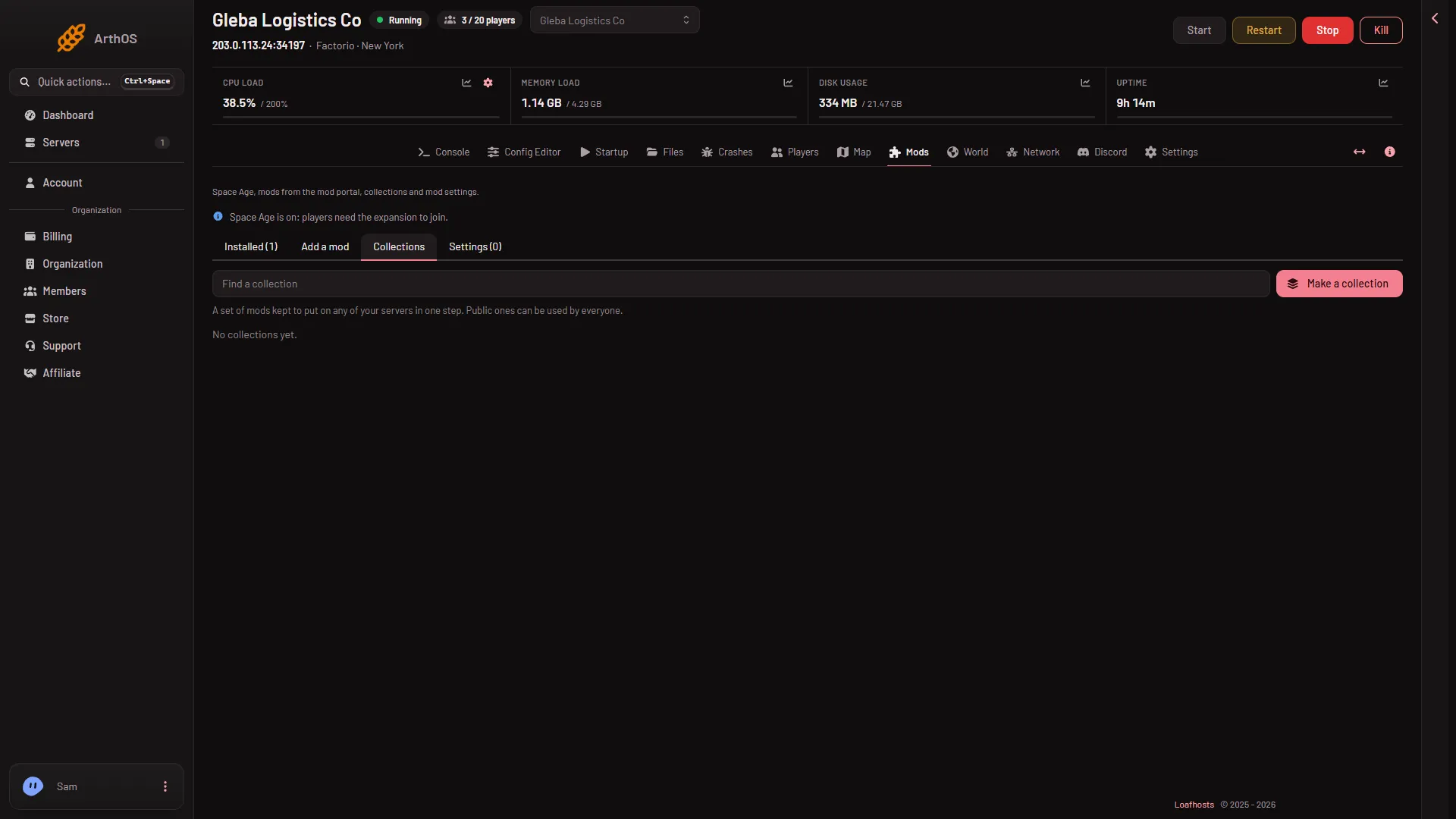
A collection is a saved list of mods. Make one from a server you have set up, then use it on another server in one step instead of installing each mod. You find collections on the Mods page, in the Collections tab.
Make a collection
- Open the Mods page and choose the Collections tab.
- Choose Make a collection.
- In Made from, pick where the list comes from:
- This server’s mods: the mods on this server.
- A list I paste: one mod name per line, or a whole
mod-list.jsonfile. The box counts how many mods it found.
- Type a Name and, if you like, a Description.
- Keep each mod’s version decides what the collection remembers. When it is on, the collection uses the exact versions. When it is off, each mod is its newest release whenever the collection is used.
- In Who can use it, pick Public or Your organization. A public collection can be used by every panel user, so anyone can see it. Only your organization can change it.
- Choose Save. The panel says “Collection made.”
A collection holds 1 to 500 mods. A name is 1 to 80 characters. An organization can keep up to 50 collections. The server must belong to an organization, because the collection is kept there.
Use a collection
- On the Collections tab, type in Find a collection to search.
- Each card shows its mods, the game version it is for, and how many times it was used.
- Choose Use to add the collection’s mods to what the server already has. Choose Use and turn off everything else to turn off every other mod from the portal, so the server has only this set.
- A box lists what will be installed, turned on and turned off. Read it, then agree.
Only releases made for the server’s game version are used. A mod in the collection that has no release for this version is left out, and the box names it. Whether Use and turn off everything else also turns off Wube’s own mods (Space Age and the others) is not checked on 2.1.24 as of 13 November 2026.
Downloads need the server’s own factorio.com account: the username on Startup and its token under Passwords in the Config Editor. The account must own Factorio. Without them, the mods cannot be downloaded.
Change or remove one
Choose Edit on a card to change it. Choose Delete to remove it. Servers keep the mods they have. Only the collection goes.
If it does not work
- Use is missing. Your role may not allow changing mods on this server.
- “This server belongs to no organization”. A collection needs an organization to be kept in.
- A mod is left out. It has no release for the game’s current version, and the box names it. See a mod for another game version.
- Downloads are refused. Check the factorio.com username and token. See install mods.
More about the game: Factorio servers.
Sources: mods.factorio.com