
















mod-list.json is the file that tells Factorio which mods to load. It sits in the mods folder, next to the mod .zip files. If the file is missing, every official mod is on. The game reads the list when the server starts.
What is in it
The file is a list of mods. Each has a name and an enabled value of true or false. This is a real list from a Loafhosts server with the game’s own mods:
{
  "mods": [
    { "name": "base", "enabled": true },
    { "name": "elevated-rails", "enabled": true },
    { "name": "quality", "enabled": true },
    { "name": "recycler", "enabled": true },
    { "name": "space-age", "enabled": true }
  ]
}
base is the game itself. The other four are Wube’s own mods that come with the game: Space Age, Quality, Elevated Rails and Recycler. A mod you add is a file named like my-mod_1.2.3.zip in the same folder, and it gets a line in this list.
Where it is
- Open Files.
- Open the
modsfolder. - You see the mod
.zipfiles,mod-list.jsonandmod-settings.dat. The last one holds the mods’ settings. Do not edit it by hand: use the Settings tab on the Mods page.
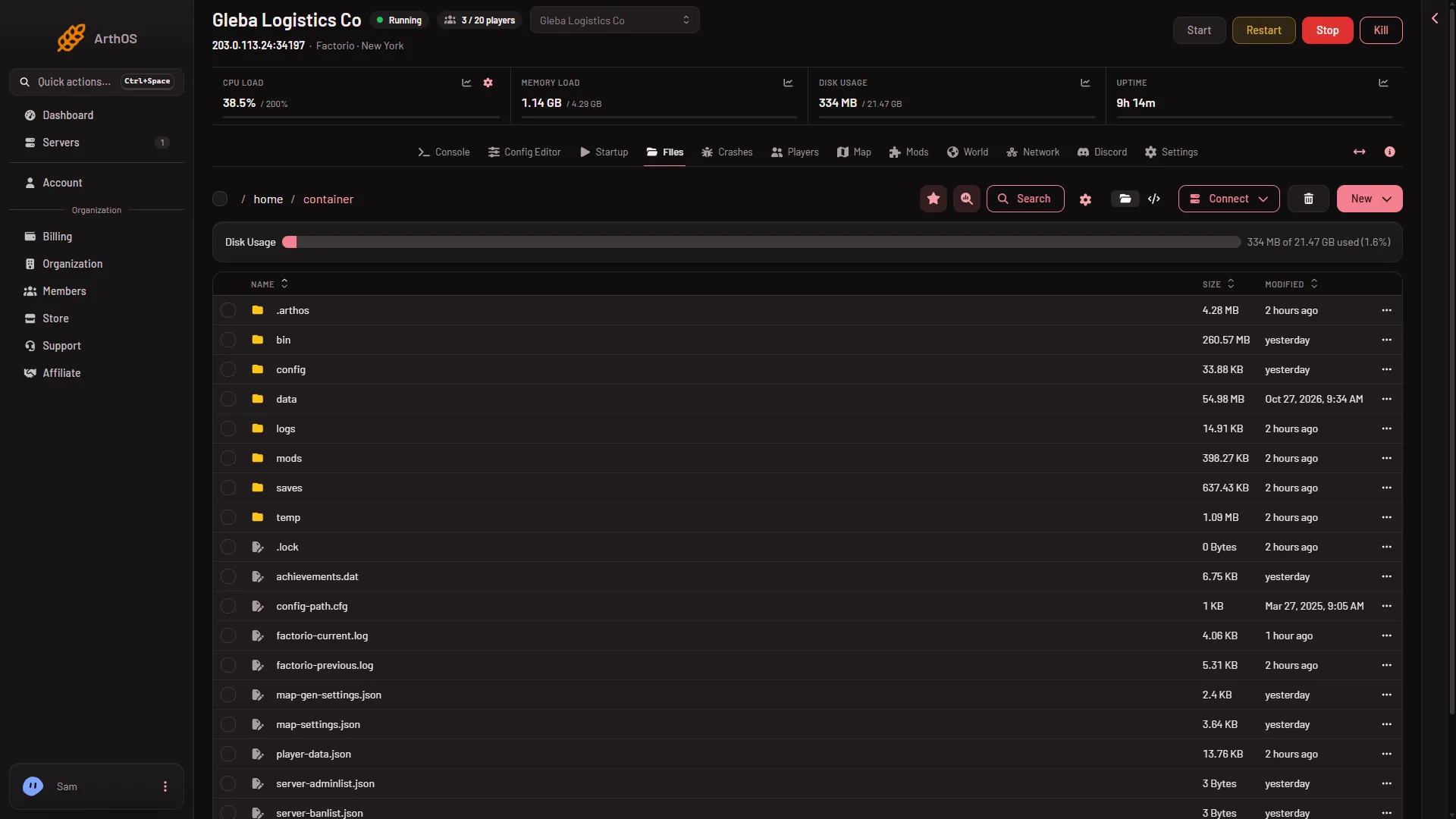
- Open the mods folder
Open the folder (1).
If the file is missing
With no mods/mod-list.json, every official mod is on: Space Age, Quality, Elevated Rails and Recycler. While Space Age is on, players need the expansion to join.
Edit it by hand
- Stop the server. The game reads the list at the next start.
- Open
mod-list.jsonin Files and change a mod’senabledtofalseto turn it off, ortrueto turn it on. - Keep the file valid JSON: commas between entries, none after the last one, and quotes around names.
- Save, then start the server.
Space Age needs the other three Wube mods: Quality, Elevated Rails and Recycler. Set all four to the same value, because Space Age on with one of them off stops the start. A mod set to true also needs every mod it depends on to be on and in the folder. Every player who joins needs the same mods.
The easier way
The Mods page does the same job and checks the result. It turns mods on and off, and installing a mod brings what it needs. A collection can also be made from a pasted mod-list.json. See mod collections.
If it does not work
- The server does not start after an edit. A mistake in the JSON, or a mod that is on while a mod it needs is off or missing. Put the file back, or fix it, then start again. The Crashes page may name the mod.
- Space Age turns on again. With no list file, all four official mods are on. Keep a list that says
falsefor the ones you do not want. - A mod is on but does not load. It may be made for another game version. See the version problem.
More about the game: Factorio servers.
Sources: wiki.factorio.com: Multiplayer