
















Mod settings are the options a mod offers, such as a size, a speed or an on and off switch. On Loafhosts you change them on the Mods page, in the Settings tab. A Startup setting applies at the next start. A Map or Per player setting is what a new world starts with, and an existing world keeps its own.
The three kinds
Factorio keeps mod settings in three groups. The panel shows each as a section.
- Startup. The game reads these when it starts, before any world loads. Mods use them to change items and recipes. They need a restart.
- Map. Settings for the whole world. The wiki says that on a server only admins can change these in the game’s own mod settings.
- Per player. Settings each player can have for themselves.
The panel says it in one line: “A world keeps its own runtime settings, so those changed here are what a new world starts with.” Runtime settings are the Map and Per player ones. A world you already play on keeps the values it has.
Change a setting
- Open the Mods page.
- Choose the Settings tab (1). Its name shows a number such as Settings (0): the number in brackets is how many settings the mods on this server have.
- Type in Find a setting to find one by its name.
- Change the value. A row marked Shown only can be read here but not changed.
- Choose Save. The button names how many rows you changed, for example Save 2 changed. You can save 1 to 200 settings at once.
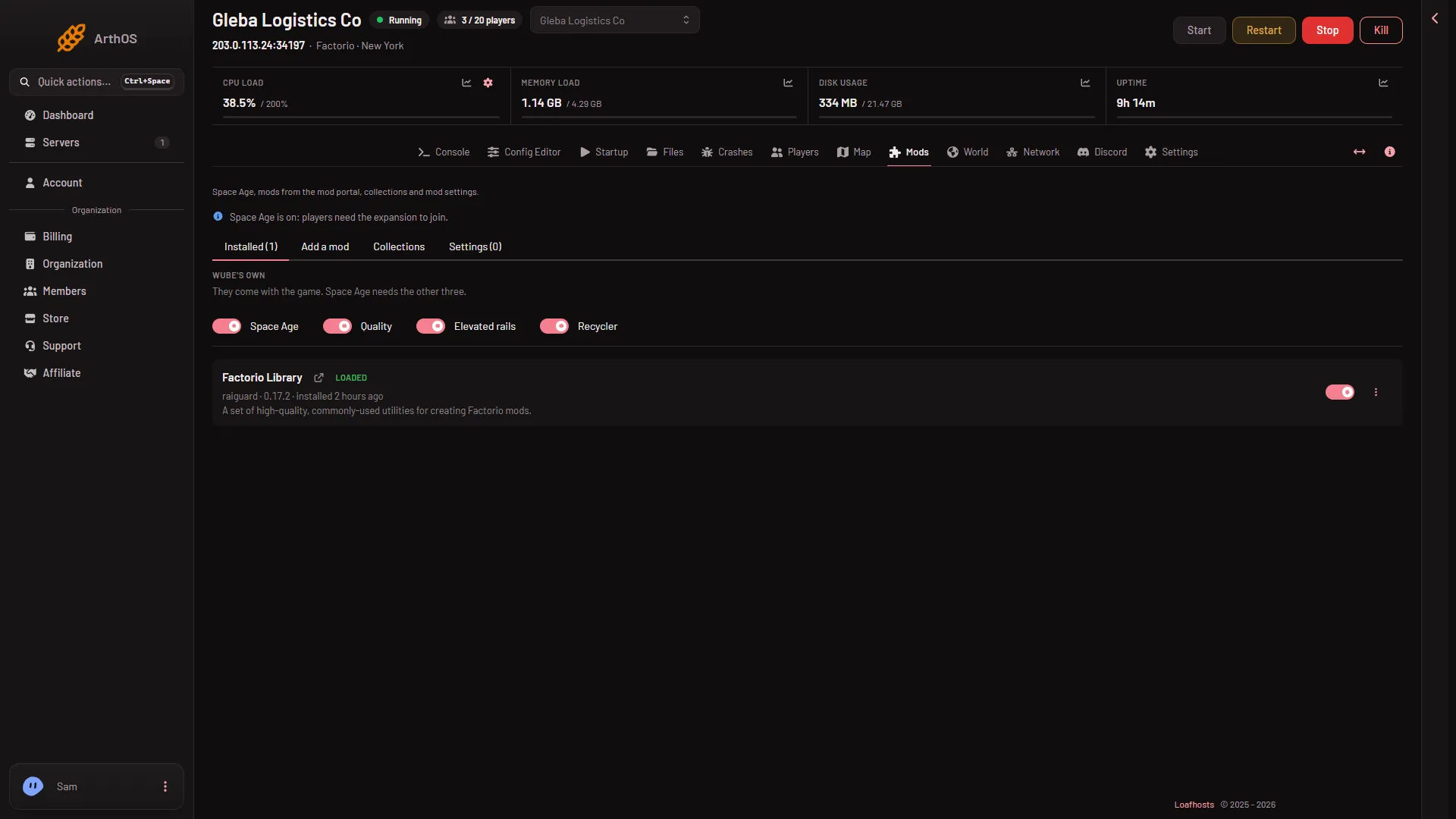
- Open Settings
When it applies
- Startup settings: at the next start. Use Restart at the top of the server page; it drops everyone who is on, so warn them first with Message everyone on the Players page. See restart the server.
- Map and Per player settings: they are what a new world starts with. Make a new world on the World page to use them. A world that already exists keeps its own.
The game writes its mod settings file at every start. A change saved while the server runs was kept through a stop and a start.
If it does not work
- The tab says “No mod settings yet.” The game writes the settings when it starts with mods on. Install a mod, then start the server once.
- Save is refused with “the game has not written its mod settings yet”. Start the server once with the mods turned on, then try again.
- A row cannot be changed. It is marked Shown only.
- The setting did not change in the running game. A Startup setting needs a restart. A Map setting does not change a world that already exists.
- A mod is missing from the list. Check it is installed and turned on under the Installed tab. See the mod list file.
More about the game: Factorio servers.
Sources: wiki.factorio.com: Mod settings