

















You can message everyone on the server, or one player, from the Players page. A message is up to 200 characters on one line, and it shows in the game’s chat as coming from “Server”. It needs the panel tools to be on and running.
Message everyone
- Open the Players page.
- Above the On now list, press Message everyone.
- In the box that opens (1), type your text in Message. Press Enter, or press Send (2).
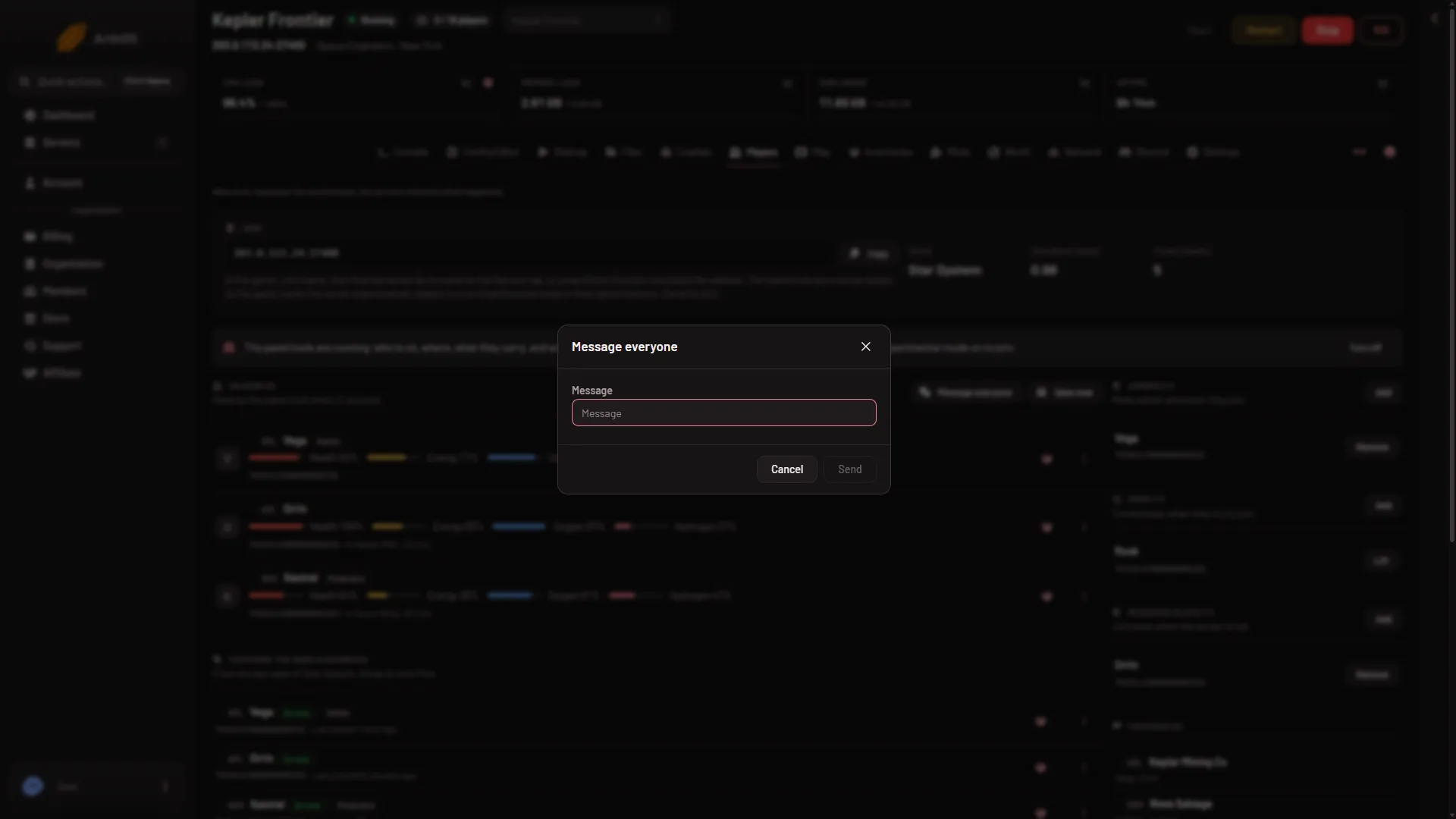
- Message everyone
- Send
Send stays grey while the box is empty. The panel confirms with “Sent to everyone on the server”. Everyone on the server sees it at once.
Message one player
- In On now, find the player’s row.
- Open the three-dots menu on the row and choose Message.
- Type the text and press Send.
Only that player sees it. The panel says “Sent to (name)”. If the player left a moment before, it says “that player is not on the server”.
What the panel keeps
A message to everyone is kept in What happened, lower on the same page, as “The panel sent: (your text)”. A message to one player is not kept there. The server’s Activity records that the panel acted, never the words.
Warn players before a restart
A restart from Schedules does not warn players. Before one, send a message to everyone yourself. For how to set a restart time, see a daily restart schedule.
Who can do it
The owner can always do it. A member needs the permission to moderate players on this server, given through a role on the organization page (Settings, Access, Manage roles). Without it the buttons are not shown.
If it does not work
- There is no Message everyone button. The panel tools are off, or still loading. The strip above On now says which. Turn them on, and restart the server so they load. Players then need nothing new: a new server already needs Experimental mode in their game.
- A red message says the tools are not running yet. The server is starting. Wait until the world has loaded.
- A red message says the game did not answer. The game may be busy saving. Try again in a moment.
- A red message says the server is not running. Start it first.
- The panel refuses your text. A message must be 1 to 200 characters and one line.
More about the game: Space Engineers servers.