












To save a Palworld world right now, open the Players page and choose Save now. You can also type Save in the Console, or /Save in the game’s chat as an admin. All three ask the game to write the world to disk.
The first two need the game’s API. The game’s API is how the panel talks to the game. The panel keeps it on while the Admin password is 16 characters or more (a new server gets a 20-character one).
Why save by hand
The game saves by itself every 30 seconds. Most of the time you do not need to do anything. Save by hand when you want the newest moment on disk:
- Before a panel backup. A backup copies the files as they are, so it holds the last save.
- Before you download the world. See download a Palworld world.
- Before a risky change, such as a mod or a big settings change.
- When something odd just happened and you want it kept or not kept.
In the panel
- Open the Players page.
- Choose Save now (1).
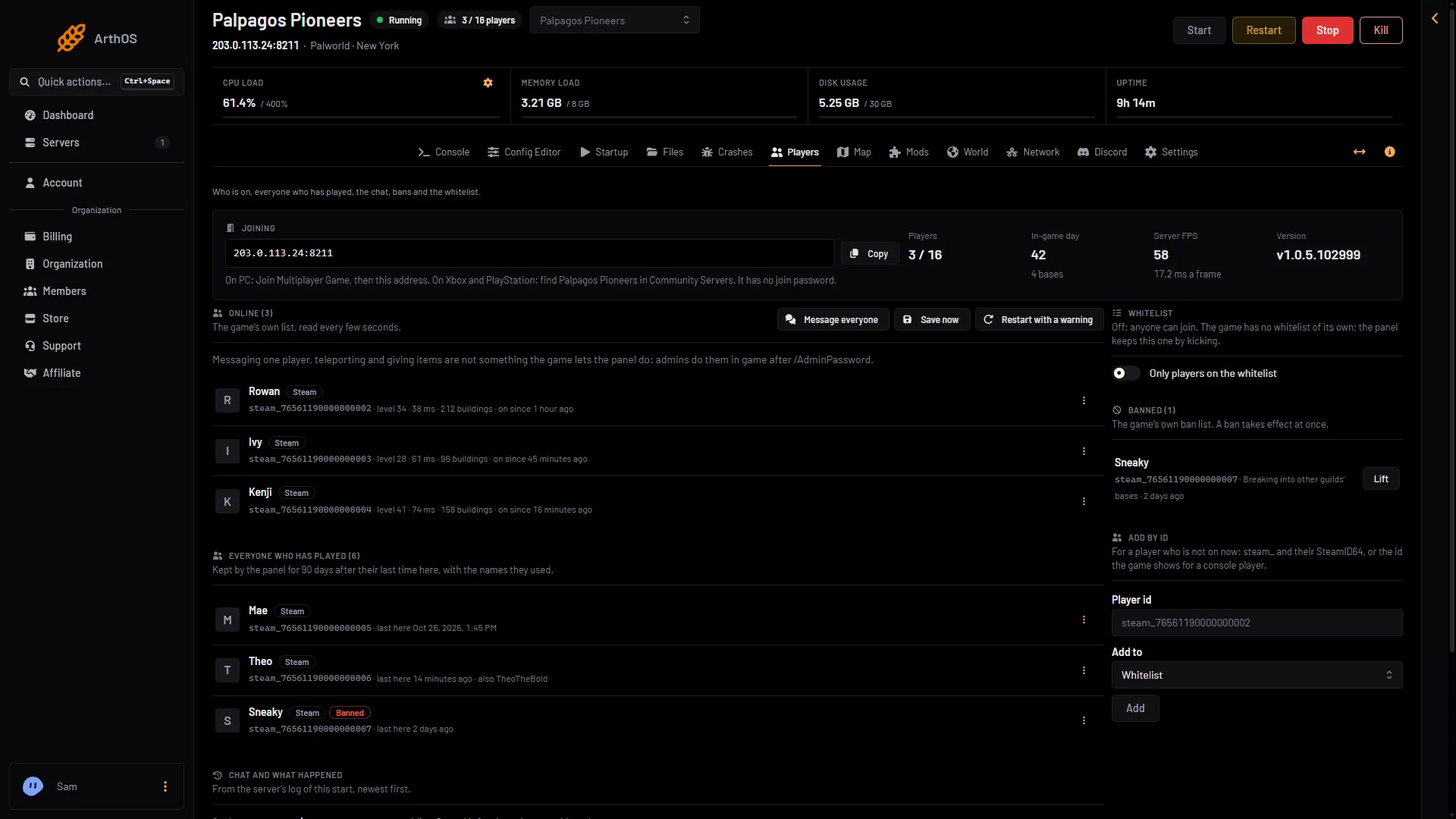
- Save now
The server must be running. The button needs the players.game permission.
In the console
Open the Console. The command box (1) is at the foot. It takes any command. Type:
Save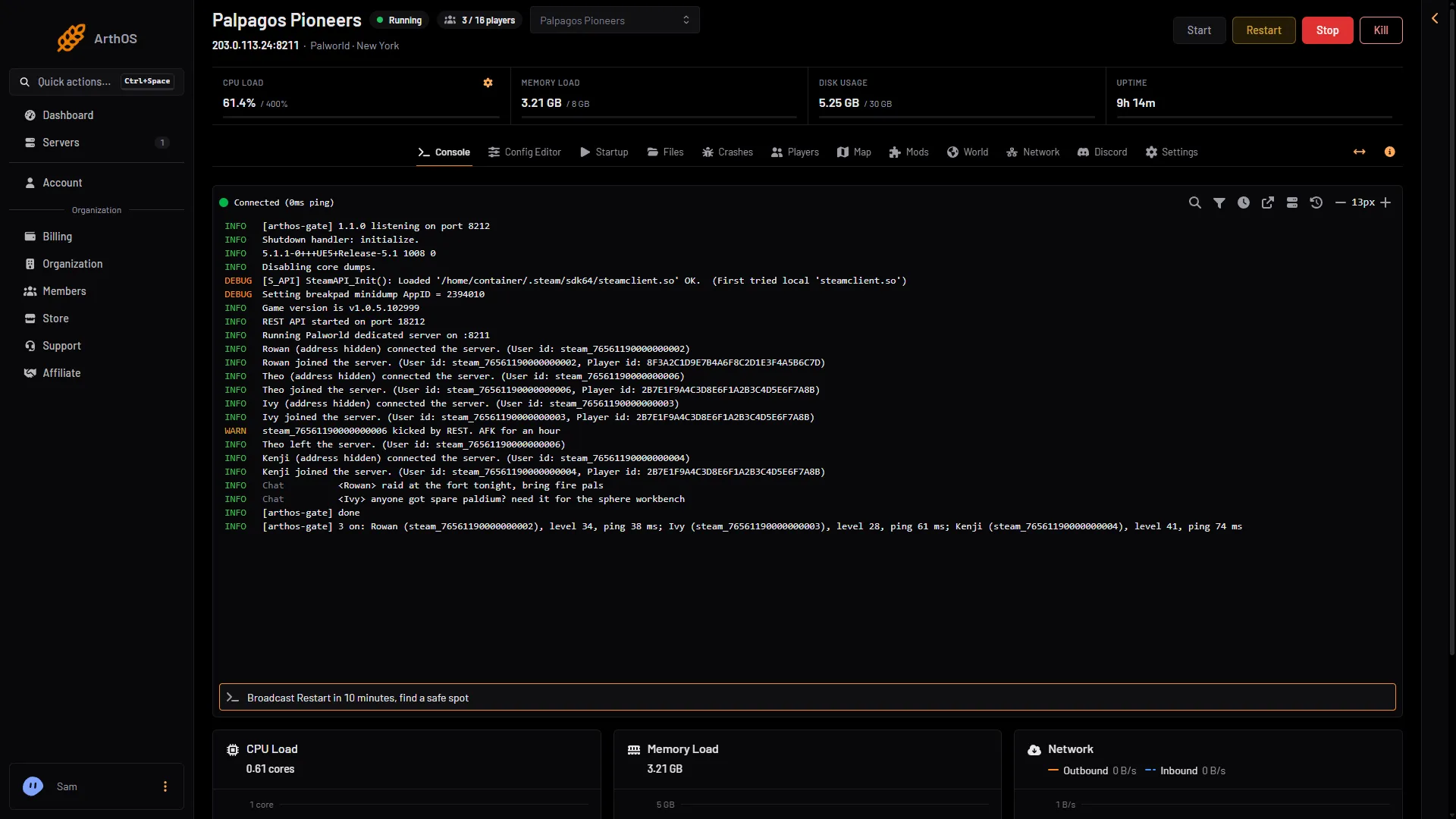
- The command box
With or without a /, in any case. The answer prints in the console as [arthos-gate] done. Typing commands needs the control.console permission.
In the game
- In game, press Enter and type
/AdminPassword (your admin password). - Press Enter and type
/Save.
Type /AdminPassword again after you leave and rejoin. /Save is one of Pocketpair’s admin commands: “Save the world data.”
The panel saves before it stops
When you stop or restart the server from the panel, it saves the world first, while the game’s API is on. The same goes for a restart with a warning and for a schedule’s restart. You do not need to save by hand before them.
If it does not work
- The Players page says the admin password is shorter than 16 characters. The panel keeps the API off, and Save now does not work either. Wait for the next autosave, then restart, or set a longer password first in the Config Editor, under Passwords. See the admin password.
- Save now is missing. Your role may not allow it.
- Nothing happens right after a start. The Players page says “The server is starting. Players show here once it has loaded its world.” Wait until it has.
More about the game: Palworld servers.
Sources: docs.palworldgame.com: Commands