

















When a player dies in Space Engineers, what they carried stays in the world where they fell. The Inventories page lists these as Dropped bags, with the player’s name and the items in each bag. The list comes from the world’s last save, so a bag that dropped a minute ago may not show yet.
The panel only reads bags. It has no button to give or remove items in a bag.
See the bags
- Open the Inventories page of your Space Engineers server.
- Look under Ships and stations in the left column for Dropped bags (1). It shows how many there are, and the line “What a player had when they died, where they fell, as of the last save.”
- Under that heading each row shows the player’s name, then the items and their amounts, such as ore in kilograms and everything else counted whole. If the game cannot say whose bag it is, the row says “Someone”.
The heading is only there when the last save has at least one bag. If you see no Dropped bags, the last save has none.
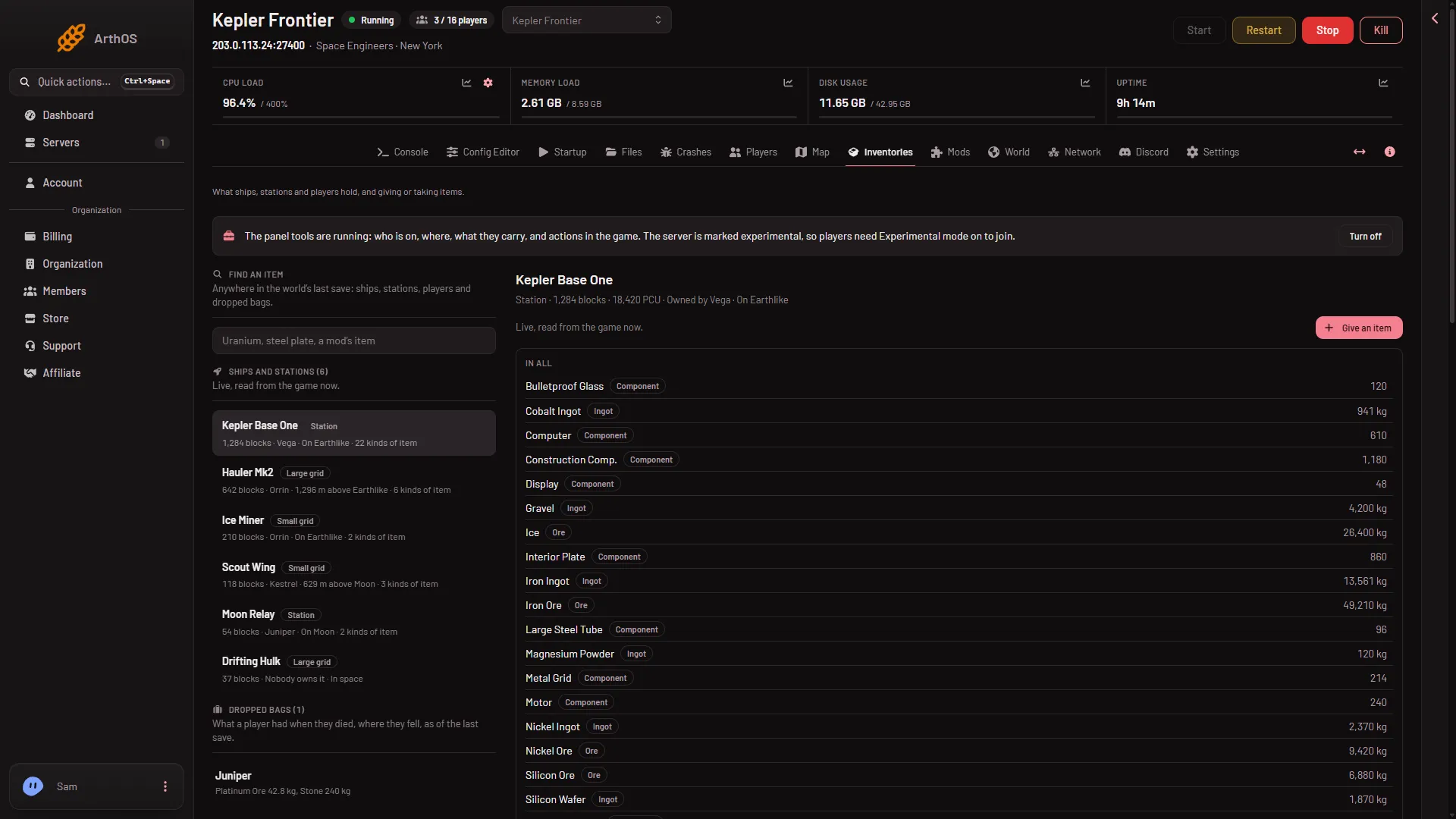
- Dropped bags
Find an item that is in a bag
Find an item looks in bags too. Type two letters or more, and a result inside a bag reads “In a bag (name) dropped”. See find an item anywhere.
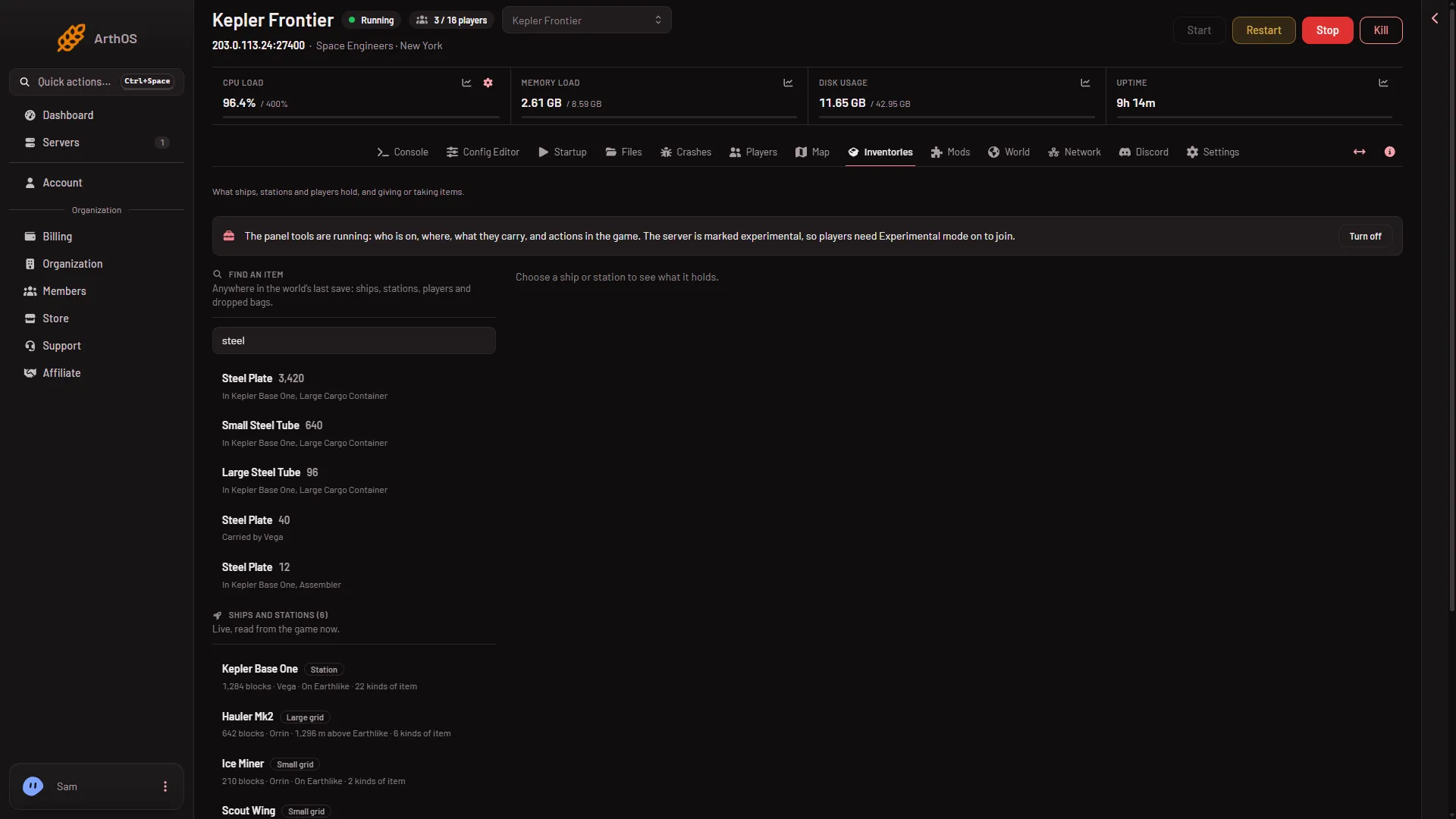
- Find an item
Why a bag is missing or out of date
- It is as of the last save. The page reads the save, not the live game. A bag made after the last save shows after the next one. On a server with the panel tools on, press Save now on the Players page, wait a few seconds (the button does not wait for the save to end), then reload. Without the panel tools there is no Save now: a normal Stop saves the world, then start the server again.
- The player is at the respawn screen. Sending a player to the respawn screen from the panel kills their character where it stands. What they carry stays with the body, as in any death.
- Your role cannot see the private map. Ships, stations and bags are part of it. The page says so if your role lacks
live-map.privateunder Game server access. The owner has every permission. Roles are changed on the organization page: Settings, Access, Manage roles.
What you can do with the contents
Nothing on this page changes a bag. With the panel tools on, you can hand a living player new items with Give an item on the Players page, but that adds new items. It does not move the ones in the bag. See a player’s inventory.