

















Experimental mode is a setting in Space Engineers that allows features the game treats as unstable. A server using any of those features is marked experimental, and players must turn Experimental mode on in their game to join it. A player turns it on under Options, Game, General.
A new Loafhosts server is already marked experimental, with the panel tools off. The world it makes has Programmable block scripts on and Block limits on None, and the game counts both as reasons.
What it is
Keen Software House, the game’s makers, say in the game’s own text: “Experimental mode is a setting that enables features that are considered unstable and can possibly cause performance issues.” The game’s wiki adds that it does not break saves. At worst, the game gets slow.
By default the game runs in safe mode. A player can turn Experimental mode on to run scripts, to play on a server that is marked experimental, or to use other advanced features.
Why your server is marked experimental
The game marks a world experimental for a list of reasons. The wiki says the list also includes “a few more”, so do not treat it as closed. The ones you meet on a Loafhosts server are:
- The panel tools are on. They are a plugin (an add-on the server loads), and a server with a plugin is marked experimental. This is the Panel tools switch on Startup.
- Programmable block scripts are on. This row is in the Config Editor, under World settings (the game’s key is
EnableIngameScripts). - Block limits are set to None. The row’s help says: “None marks the world experimental.” (
BlockLimitsEnabled) - The PCU limit is above the game’s own. PCU means Performance Cost Unit, the game’s measure of what a block costs the server. The row’s help says: “Above the game’s own marks the world experimental.”
- Spectator camera or Permanent death is on. Keen lists both among the features that can mark a world.
- Hardware below Keen’s minimum. Keen’s minimum names 3 logical cores, and a Small plan has 2. Not checked whether that counts as of 15 November 2026.
Since update 1.206, mods no longer make a world experimental.
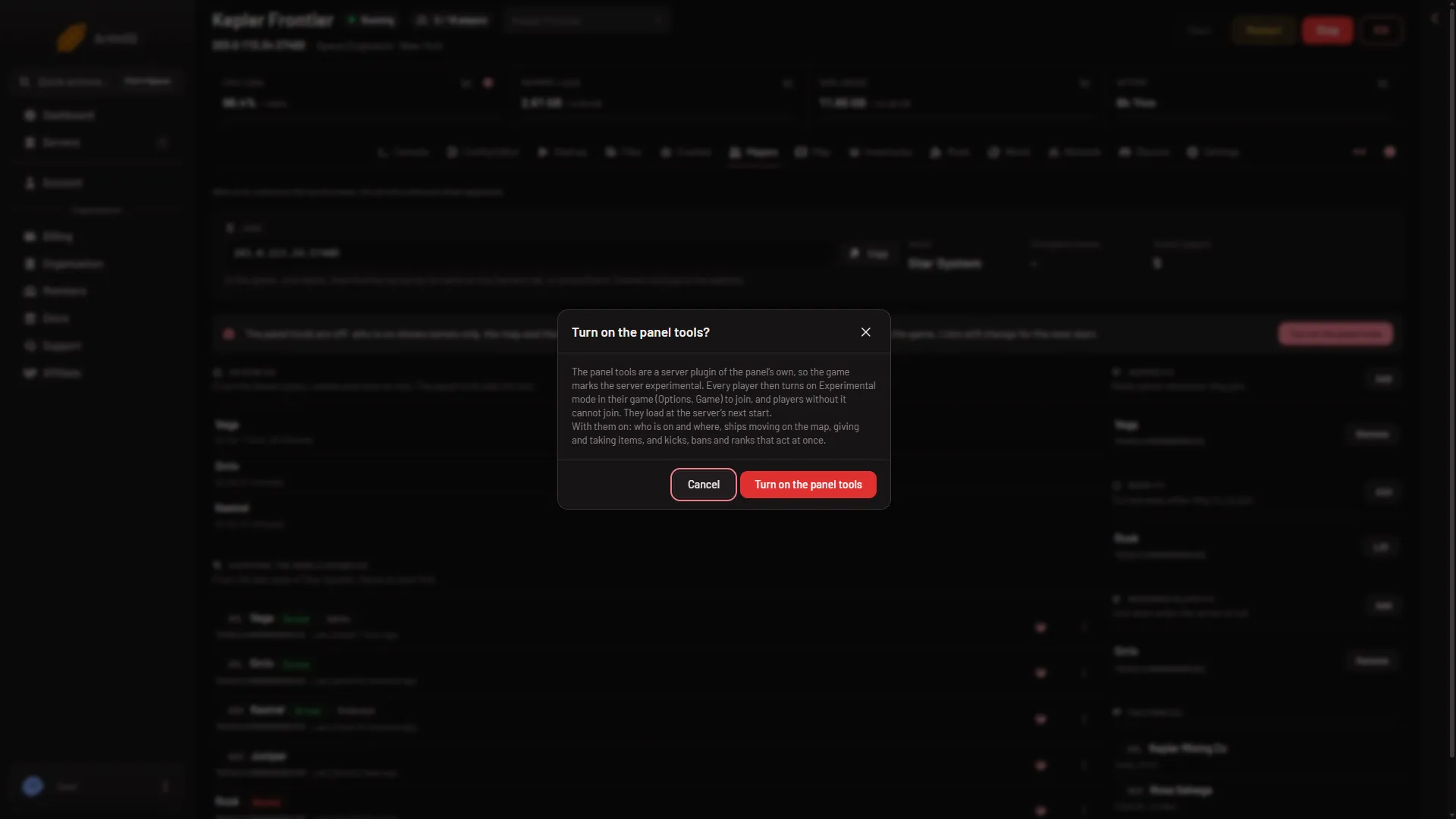
- Experimental
- Turn on
Find the reasons for your server
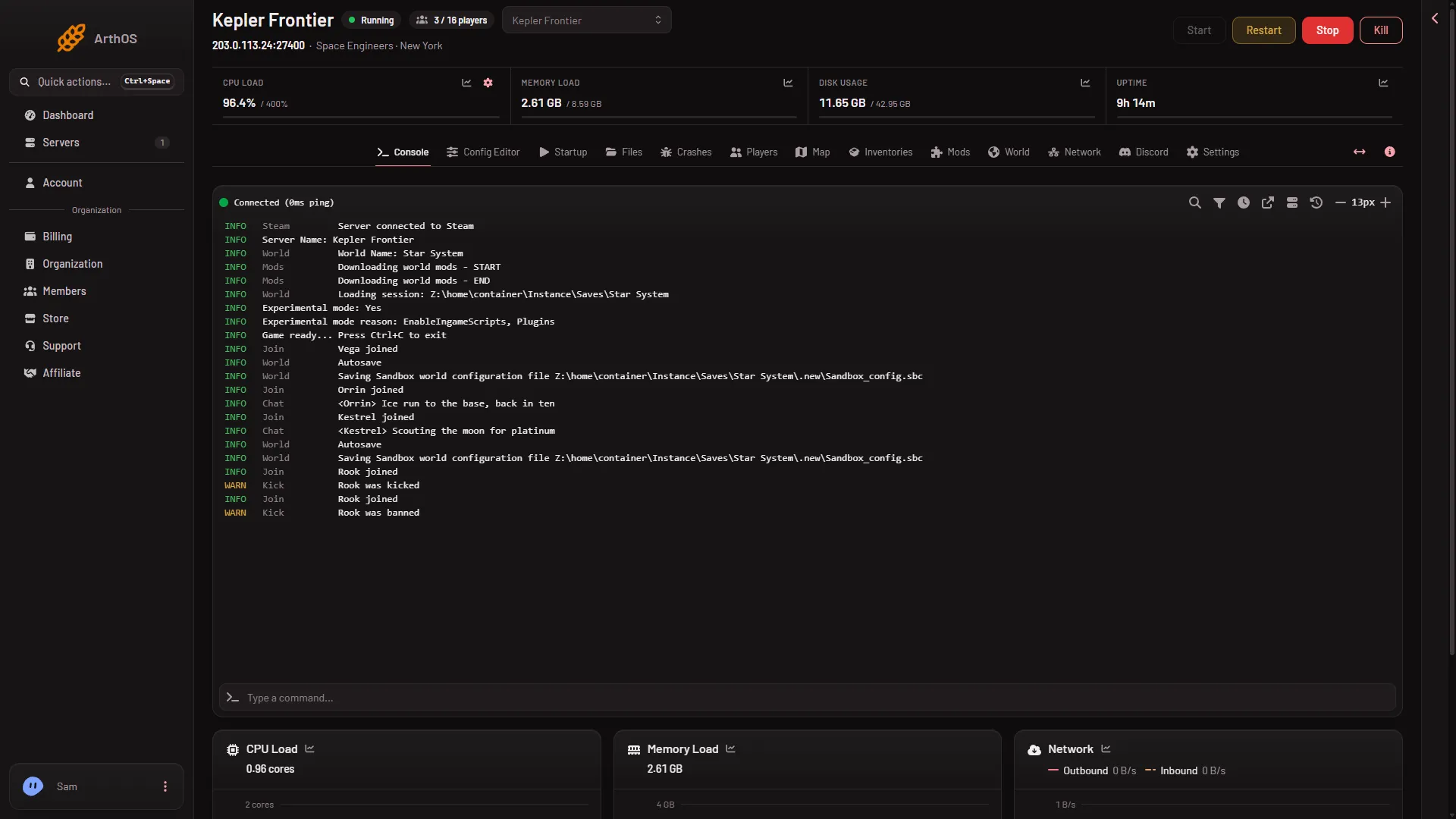
The Console shows the game’s own lines at every start. After Loading session, look for two:
Experimental mode: YesorNoExperimental mode reason:followed by the reasons
In the picture, a made-up demo server, the reason line names two reasons: EnableIngameScripts, Plugins. The real start log of a new server with the tools on, scripts on and block limits on None reads BlockLimitsEnabled, EnableIngameScripts, Plugins. Your server’s line may differ. It is the truth for your world.
Where a player turns it on
- On the main screen of the game, choose Options.
- Choose Game, then General.
- Tick Experimental Mode.
It applies to all games on that computer, not one world. If the tick is greyed out, the player is inside a world. They save, leave to the main screen, and then change it.
A server’s lock and warning symbols appear in the game’s server list. The warning symbol means the server is experimental and needs the mode on. See how players join.
The Experimental mode row in the Config Editor
World settings has an Experimental mode row. Its help says players need the mode on to join, and that the game turns it on by itself for scripts, plugins and settings past its safe limits, whatever the row says. The row can only force it on. It cannot force it off.
The game turns Experimental mode on by itself. You can only remove the reasons that make it do so. A server stops being experimental only when every reason is gone, so turning the tools off is not enough on its own. That is in turn off Experimental mode.
If it does not work
- A player is refused. They need Experimental mode on. Ask them to follow the steps above.
- The option is greyed out. They are in a world. Leave to the main screen first.
- You turned the tools off and it is still experimental. The change applies at the next start, and the other reasons still count. Read the reason line in the Console to see what is left.
Sources: spaceengineers.wiki.gg: Experimental mode, spaceengineers.wiki.gg: SessionSettings, support.keenswh.com: Update 1 206 fieldwork