

















The panel can back up your whole Space Engineers server. Open Settings, then the Backups tab, press Create and choose Create Backup. Take it just after you press Save now, or with the server stopped, so the world files are complete.
These are the panel’s backups. They are not the game’s own backups, which hold one world each and are listed on the World page. See restore a backup for those.
Take a backup
- Make sure the world is saved. Either stop the server from the top of the page (a normal stop saves), or, with the panel tools on, open the Players page, press Save now and wait a few seconds: the button asks the game to save and does not wait.
- Open Settings, then the Backups tab.
- Press Create (1). It opens a small menu: choose Create Backup, and give it a name if the box asks.
- Wait for it to appear in the list.
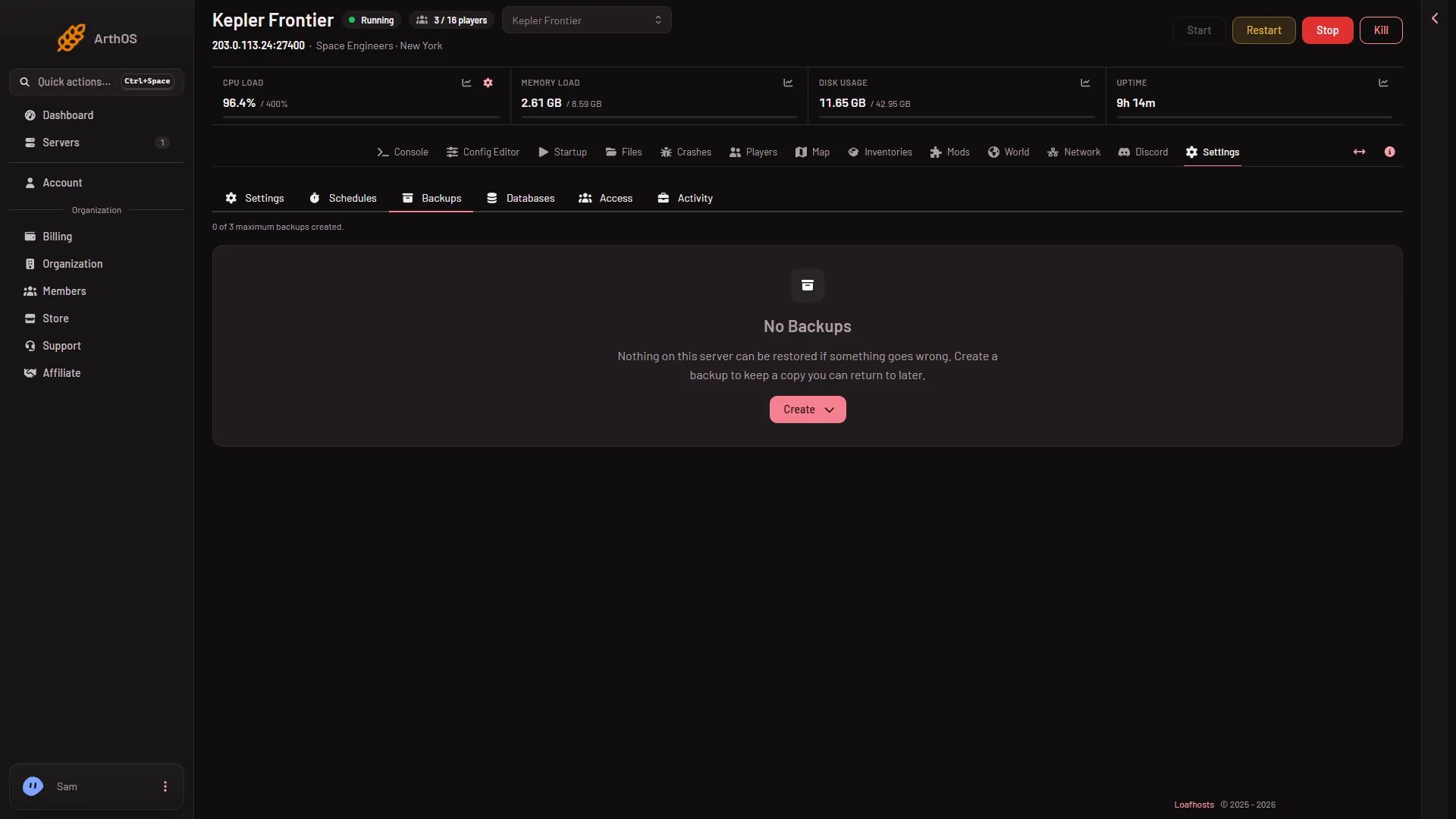
- Create
The top of the tab says, for example, “0 of 3 maximum backups created.” The number after “of” depends on your plan. A manual backup is refused when you are at the limit. Delete an unlocked backup you no longer need, then try again.
What you can do with a backup
Each backup in the list has these buttons:
- Restore. Puts the backup’s files back. This stops the server and overwrites files. See below.
- Lock and Unlock. A locked backup is never removed to make room. Lock the ones you must keep.
- Browse. Look inside the backup.
- Export to Files. Copies the backup into the server’s file area, where you can download it.
When backups run on a timer, a new one removes the oldest unlocked backup once you are at the limit. Locked ones are skipped. To run one on a timer, add a Create Backup step to a schedule in Settings, Schedules.
Restore
- Open Settings, Backups.
- Choose Restore on the backup.
- Read the box, then confirm.
A restore stops the server and overwrites the files with the ones from the backup. Anything newer is gone. If you only need an older world, use Put back on the World page instead: it never overwrites.
If it does not work
- Create is refused. You are at the limit shown at the top. Delete a backup you do not need, then try again.
- You cannot delete a backup. It is locked. Unlock it first.
- The backup misses recent building. The world was not saved first. Press Save now and wait a few seconds, or stop the server, and take another.
- The Backups tab is missing. Your role may not allow backups. The owner of the organization can change the role.
More about the game: Space Engineers servers.