

















Space Engineers has five ranks above a normal player: Scripter, Moderator, Space Master, Admin and Owner. Each one can do everything the rank below it can, and a little more. You change a player’s rank from the Players page, with Change rank on their row. That item needs the panel tools to be running.
Ranks are the game’s own. The panel only asks the game to set them. The game’s own messages call the Moderator rank “Observer”, so you may see that word in game.
What each rank may do
From lowest to highest, as the game’s wiki lists them:
- No rank. A normal player. They need an admin to spawn blueprints, edit scripts or teleport.
- Scripter. Can edit scripts in a Programmable Block, which normal players cannot. This rank only matters when the world setting Only Scripters may run scripts (
EnableScripterRole) is on. See the Scripter role. - Moderator. Everything a Scripter can do, and can kick and ban players. Moderator and above can open the Admin Screen with
Alt+F10. - Space Master. Everything a Moderator can do, and can cycle through and clean up objects in the world.
- Admin. Everything a Space Master can do, and can use the admin tools and the Entity List.
- Owner. Everything an Admin can do, and cannot be demoted. This rank is the game’s own. The panel cannot give it.
Not checked with a player on 1.210 as of 15 November 2026: what each rank can do on a Loafhosts server beyond what the game’s wiki says.
Change a rank on the Players page
- Open the Players page of your server.
- Find the player under On now or Everyone the world knows. Open the three-dots menu on their row (Actions for (name)) and choose Change rank.
- In the box Rank of (name), open the Rank list (1). It holds No rank, Scripter, Moderator, Space Master and Admin.
- Pick a rank. The note (2) says what Admin also does, see below.
- Press Change (3).
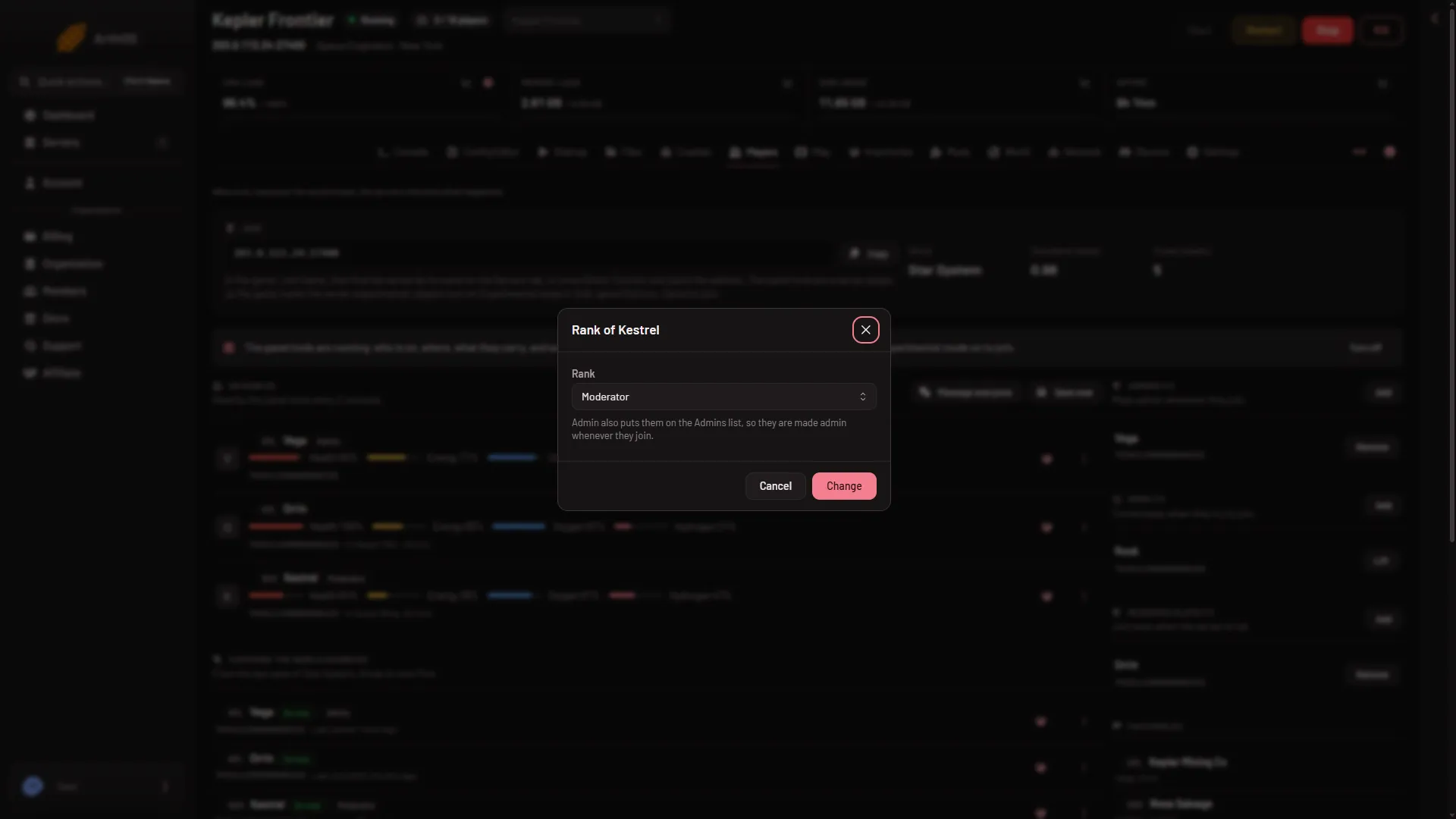
- Rank list
- Note about Admin
- Change
Here is the open list. The ticked item is the player’s rank now:
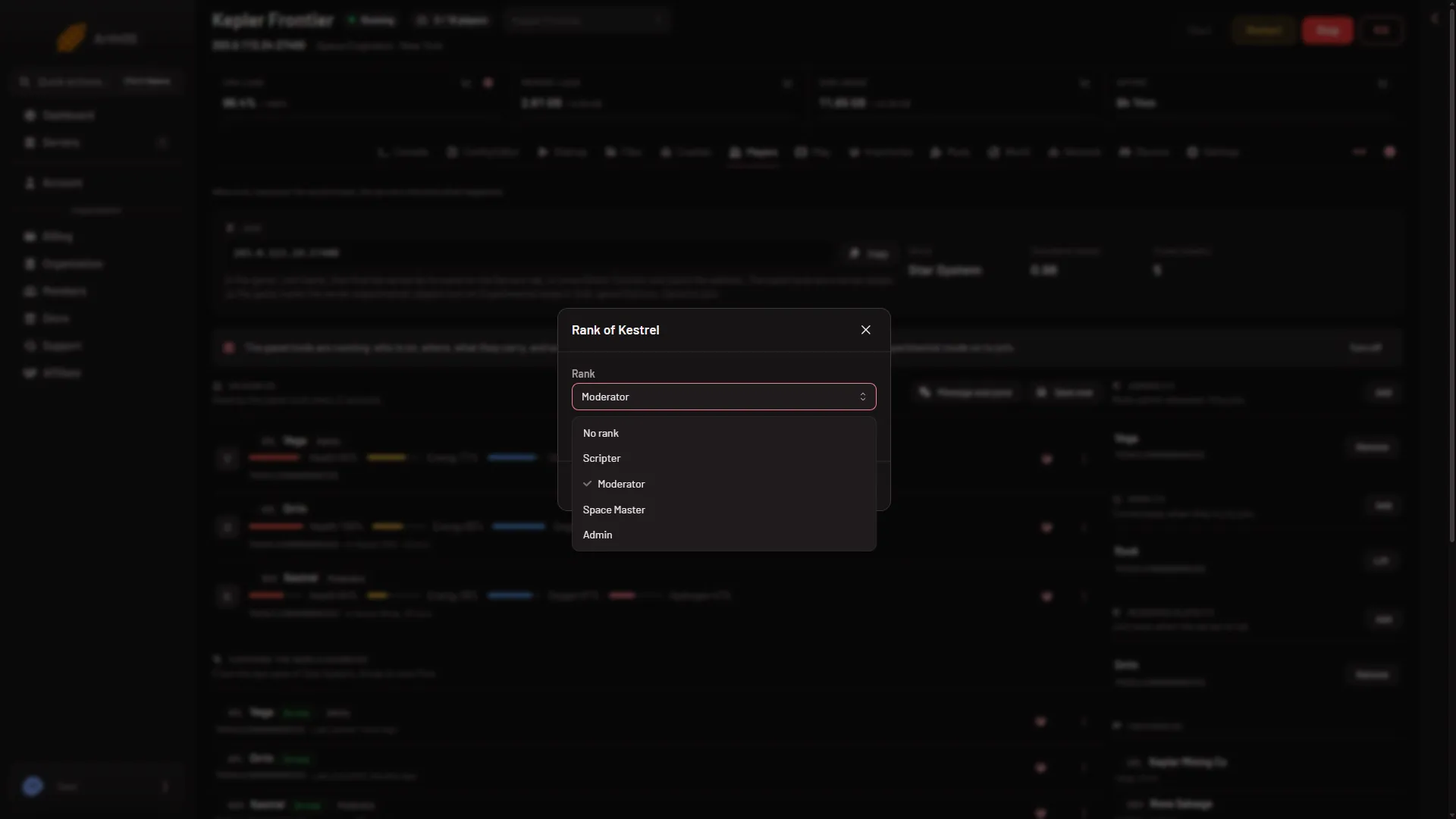
- Scripter
- Moderator
- Space Master
- Admin
When it takes effect
- Panel tools on and running: the rank is set at once, in the running game. The page shows “(name) is now (rank).” under What happened.
- Panel tools off, or the server stopped: Change rank is not offered, because it needs the tools. Under Everyone the world knows the row menu offers Make admin and No longer admin instead. They edit the Admins list, and the panel says “It applies at the next start.” So without the panel tools the panel cannot set Scripter, Moderator or Space Master.
The panel tools are a plugin (an add-on the server loads) that Loafhosts makes. On a new server players already need Experimental mode in their game, so the tools add nothing they must change. See the panel tools.
Admin and the Admins list
The box says it plainly: “Admin also puts them on the Admins list, so they are made admin whenever they join.” Any other rank takes them off that list. You can also add a SteamID64 (the 17-digit number of a Steam account) straight to Admins with Add on the right of the page. The game keeps that list as Administrators. Someone on the list gets Admin each time they join.
Leave the Admins list short. An Admin can use the admin tools, so only give it to people you trust.
If it does not work
- There is no Change rank on the row. The panel tools are not running, or your role has no permission to moderate players. The owner of the server has every permission. Other people get theirs from a role: on the organization page, Settings, Access, Manage roles.
- Scripter does nothing. The Scripter role is off in the world. Turn on Only Scripters may run scripts under World settings in the Config Editor. A new server shows only Passwords and Server settings until it has started twice: the first start makes the world, the next start names it as the world that loads. Start it again (or restart it), then stop it to change world settings.
- You cannot set Owner. The game’s Owner rank cannot be set from the panel.
More about the game: Space Engineers servers.
Sources: spaceengineers.wiki.gg: Multiplayer Screen, spaceengineersgame.com: Assign admin steam xbox