

















To free a player who is stuck, send them to the respawn screen. Their character dies where it is, and they choose where to respawn. You do this from the Players page or from the Map, and it needs the panel tools to be running.
In the game itself, an Admin can open the Admin Screen with Alt+F10 and use its Entity List, which has a teleport action for the entry you pick. Not checked with a player on 1.210 as of 15 November 2026.
From the Players page
- Open the Players page.
- In On now, find the player. Open the three-dots menu on their row.
- Choose Send to the respawn screen.
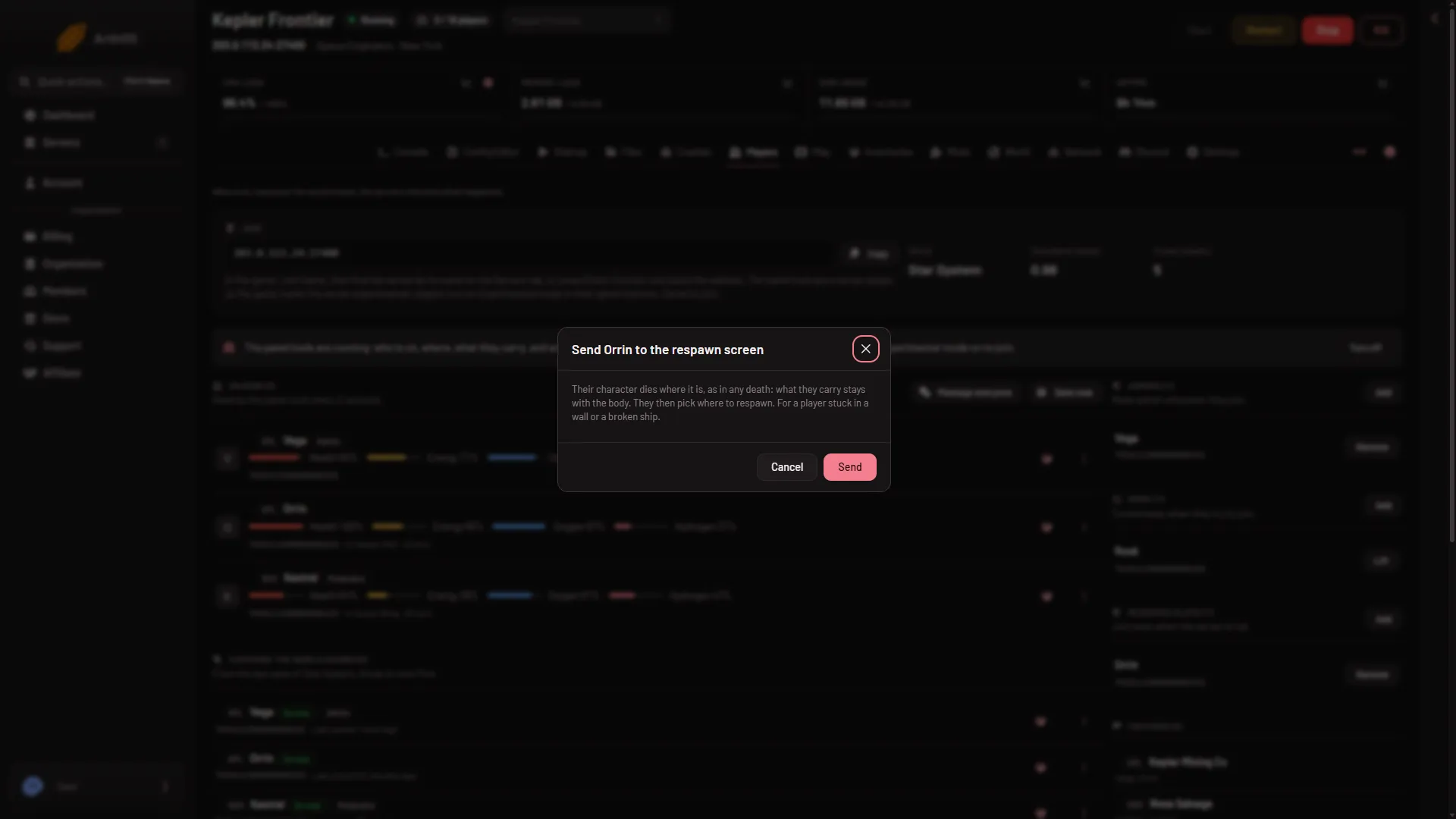
- Read the box and press Send (3 in the first picture).
- Send to the respawn screen
- What it does
- Send
The box says: “Their character dies where it is, as in any death: what they carry stays with the body. They then pick where to respawn. For a player stuck in a wall or a broken ship.” The panel confirms with “(name) is at the respawn screen”. It happens at once.
From the Map
- Open the Map page.
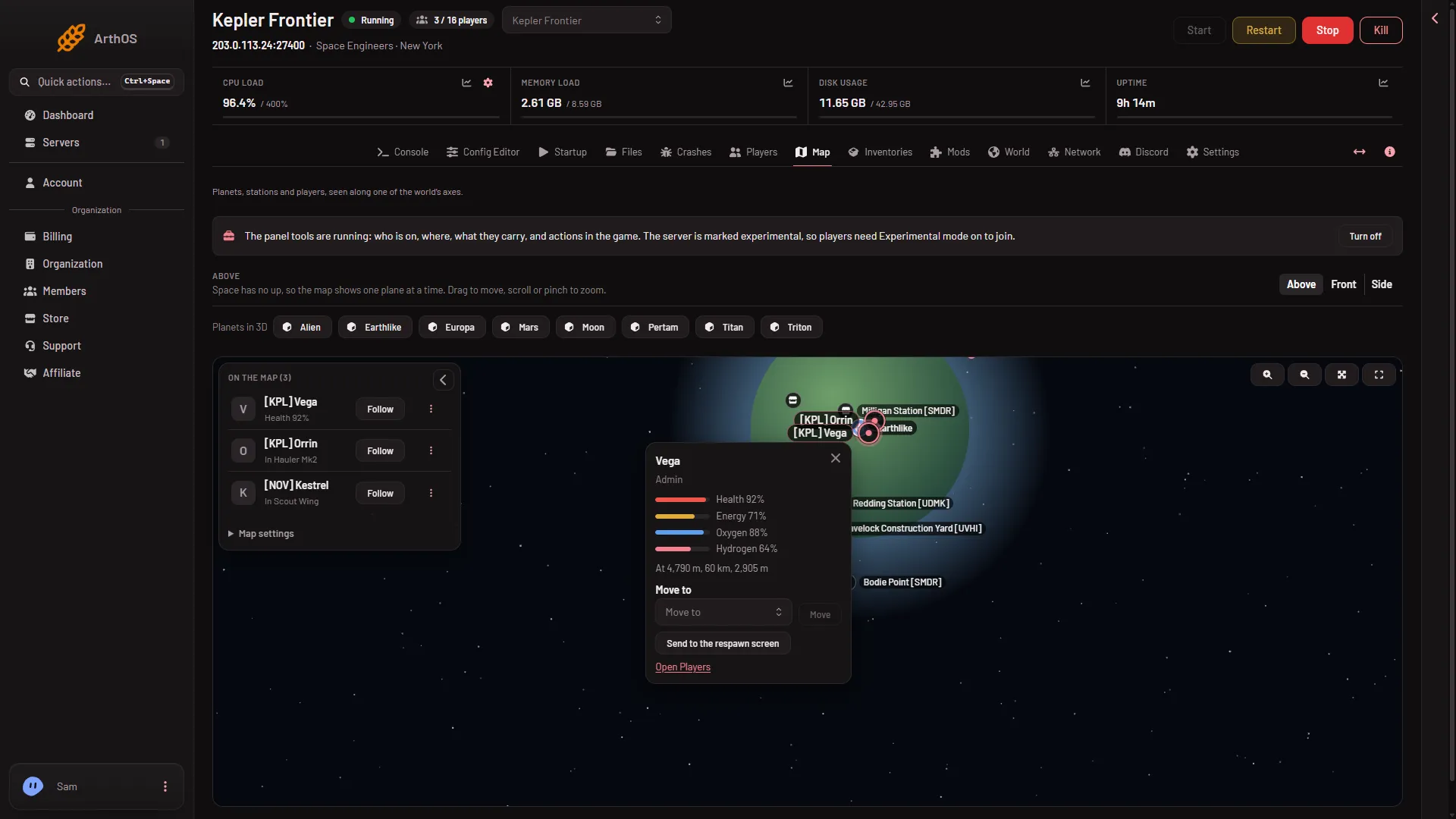
- Press the player’s marker, or the three-dots button beside their name in On the map. Their card opens.
- Press Send to the respawn screen (2 in the second picture). There is no box to confirm, so it acts straight away.
- Move to
- Send to the respawn screen
The card shows the player’s position, so you can check where they are first.
What happens to their things
Their character dies like in any death. What they carried stays in the world where they fell.
The Inventories page lists bags left by dead players under Dropped bags. That list is read from the last save, so a new one may take a while to show. See dropped bags.
Who can do it
The owner can always do it. A member needs the permission to run game actions on this server, given through a role on the organization page (Settings, Access, Manage roles). Without it the menu item and the card button are not shown.
If it does not work
- There is no such menu item. The panel tools are off or still loading. See the panel tools.
- A red message says the player is already at the respawn screen. They are dead already. They only need to pick where to respawn.
- A red message says the player is not on the server. They left.
- On the map the button is missing. The map shows these buttons only while the tools are fully running with their key. Use the Players page, or wait for the next start.
More about the game: Space Engineers servers.
Sources: spaceengineers.wiki.gg: Admin Screen