

















Open the Map page, press the ship or station, then press Delete in its dialog. The dialog asks you to confirm: press Delete for good. The grid and everything inside it leave the world at once. This needs the panel tools running.
In Space Engineers a ship or station is called a grid. The panel cannot undo a delete, so be sure first.
Delete it from the map
- Open the Map page. The panel tools must be running, and your role needs the permissions
players.gameandlive-map.private. Roles are changed on the organization page: Settings, Access, Manage roles. - Find the grid and press its marker. See ships and stations on the map if you cannot see any.
- Check its name, owner and block count in the dialog. Press See what it holds if you want to look inside first.
- Press Delete (1). This does not delete anything yet.
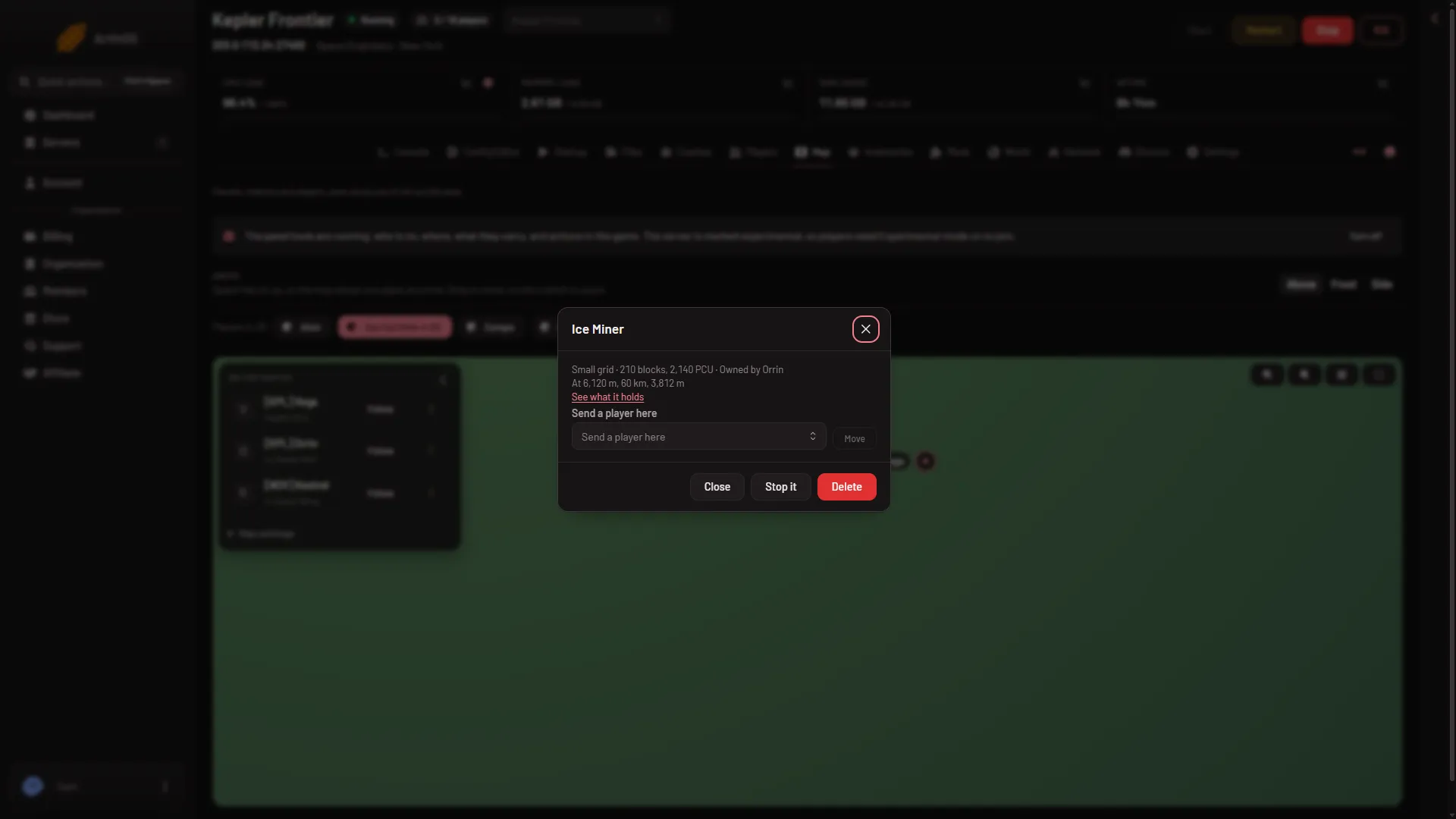
- Delete
- The dialog now says the grid “and everything in it are taken out of the world. The game’s backups still have it.” (1) The red button now reads Delete for good (2). Press it to delete, or Close to keep the grid.
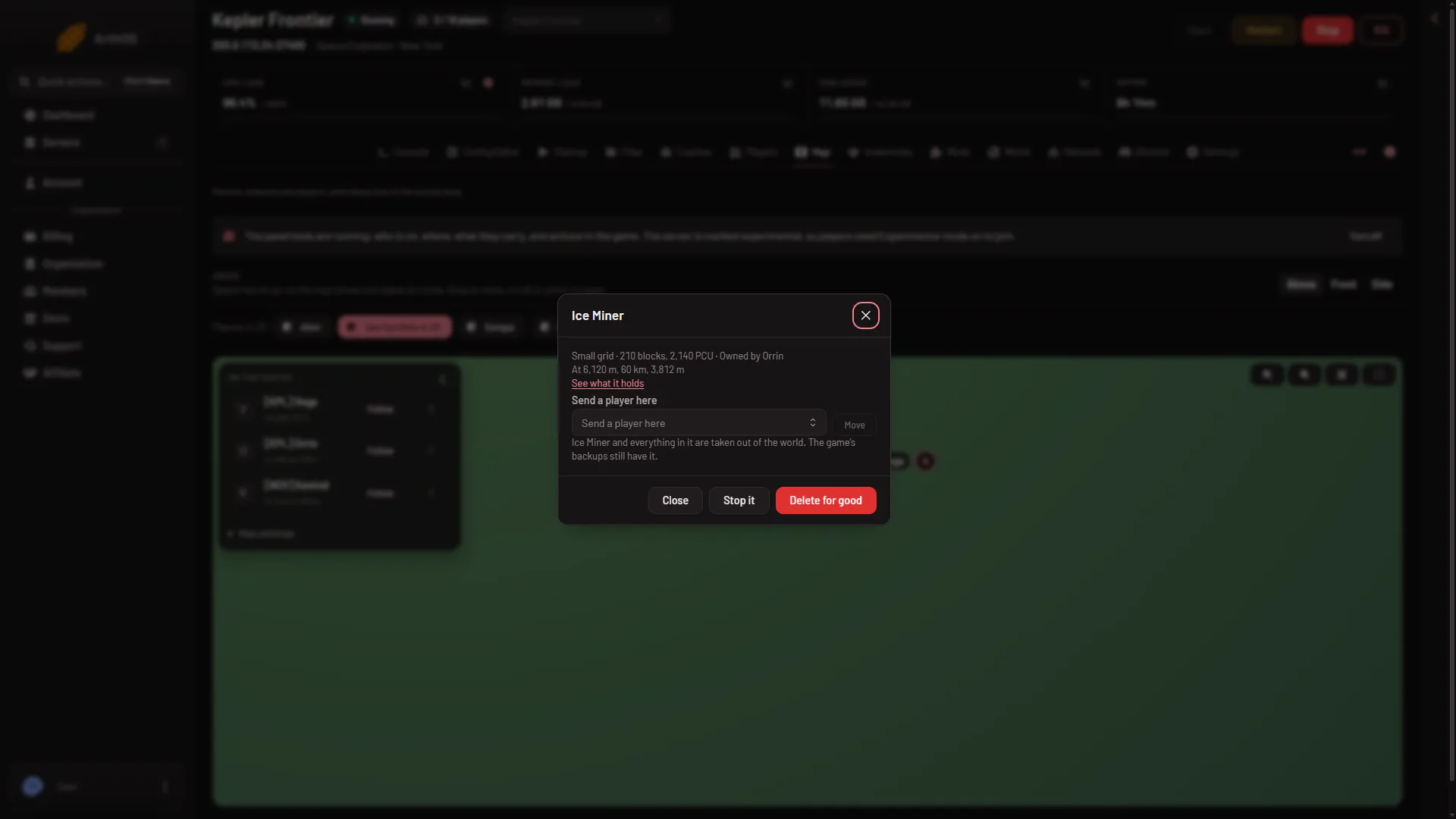
- What Delete does
- Delete for good
- A green message says the grid was deleted. The Players page lists “(name) was deleted.” under What happened, and the server’s Activity records it.
It acts at once, on a running server, with no restart.
Can you get it back?
Not from the panel. The warning says the game’s own backups still have the grid. Those backups are whole copies of the world, made as it saves. Putting one back replaces the whole world, not one ship, so everything built or changed since that copy is lost too. See restore a backup.
Delete it from inside the game
The game has its own way. A player presses Alt+F10 in a running game to open the Admin Screen. It is open to Moderator and above (the game’s own messages call the Moderator rank Observer). Space Master adds entity cycling and clean-up. Admin adds the admin tools and the Entity List. The Entity List can be filtered by type (such as large or small grids) and sorted by name, block count, mass, owner, distance, speed or PCU. It offers actions on the grid you pick, including remove. The game’s own wiki describes the Admin Screen. Only players with the Admin rank get the Entity List. A player without a rank sees that the menu is for admins and above. See make yourself admin.
Use the panel when you are not in the game, or when you do not want to be admin in game.
If it does not work
- Delete is missing. The panel tools are not running, or you lack one of the two permissions. A new server starts with the panel tools off.
- “that grid is not in the world any more”. It is already gone, or the list on screen is out of date. Reload the Map page.
- The panel says the world is still loading, or the server is not running. Wait for the server to finish starting.
- The game did not answer. It may be busy saving. Try again in a moment.
More about the game: Space Engineers servers.
Sources: spaceengineers.wiki.gg: Admin Screen