
















A start can be slow and still be fine. The server is ready when the Console prints Type 'help' for a list of commands. Until then, read the Console: it tells you what the server is doing.
A Terraria server does several things before the game opens. Each one can take time.
What the server does, in order
- It checks and downloads its software. With Update at start on, the server asks the download site at every start. It only downloads when the version is new or missing. You see
[Loafhosts] Downloading the Terraria server, or the same line for TShock or tModLoader. - tModLoader sets up its .NET. The first start of a tModLoader server prints
Installing .NET (number) for tModLoader. Later starts skip this. - It loads or makes the world. If the world named in World does not exist yet, the game makes a new one. The Console shows one line for each step, such as
World: (step). The panel says a large world takes a minute or two. - It prints the ready line. Then the Players page leaves The server is starting.
The Console is the page to watch. Lines from a start in progress, such as the download and world steps above, appear there.
Things that make a start slower
- The first start of a new server. It downloads the software and may make a world.
- Switching program. Choosing TShock or tModLoader on the World page means the next start downloads it first. See change the server software.
- A new large world. Plan on a minute or two.
- TShock’s first start. It also prints a one-time code. The Players page shows it. This does not slow the start, but people think the server is stuck when they see an unfamiliar line.
- Many mods on tModLoader. The game loads every mod on the list before it is ready, so a long list has more to load.
What to do
- Open the Console and watch. New lines mean it is working. Give it a few minutes.
- If the last line is a download line and nothing follows, the download site may be slow. Wait. If it ends with
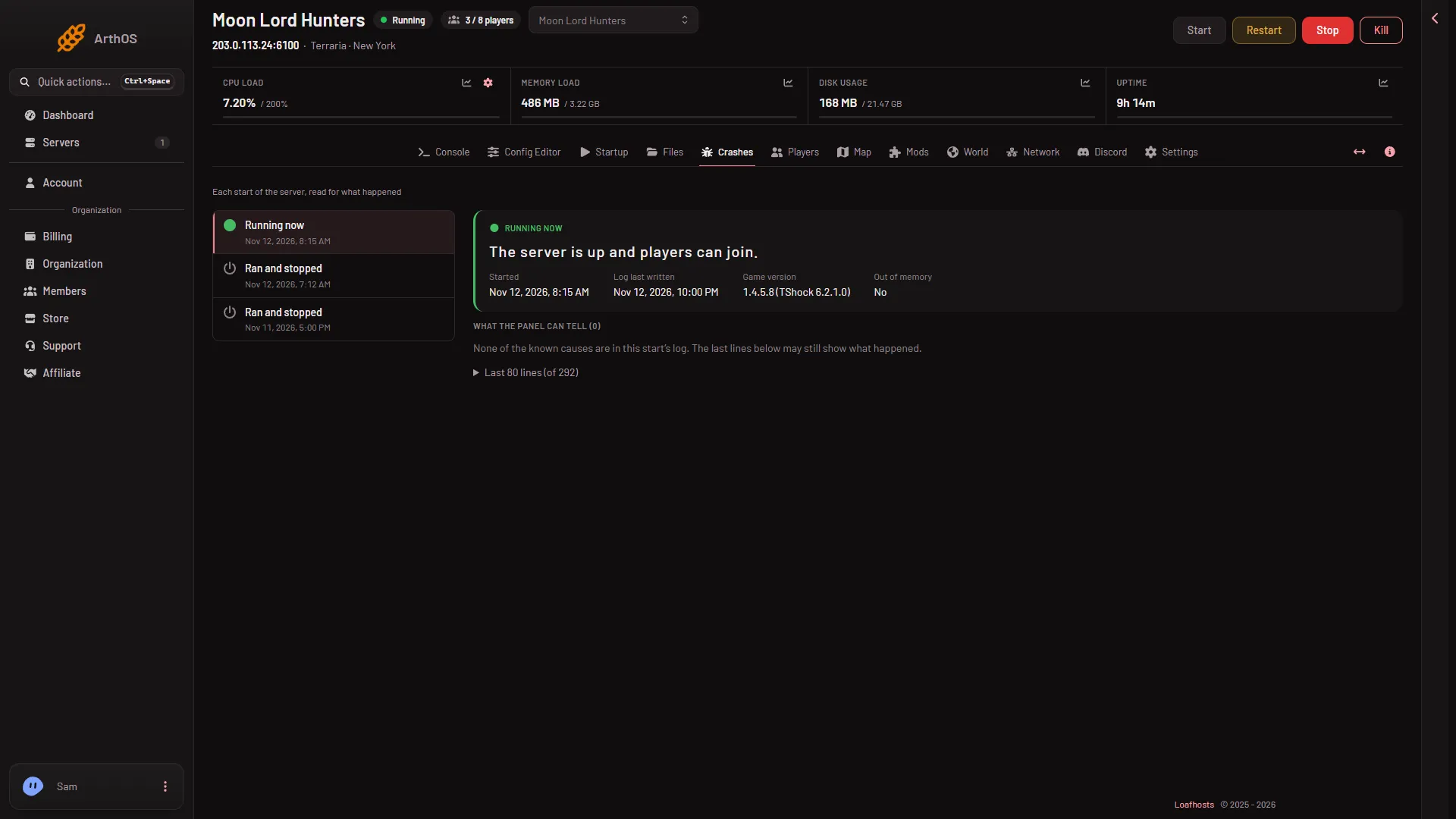
the download failed, see software could not be downloaded. - Open the Crashes page. If the start failed, it shows a finding with a fix. The panel keeps the last ten starts.
- If the server is truly stuck, use Restart or Stop at the top of the server page, once. A stop asks the game to save and quit. Both disconnect anyone who is on.
If it does not work
- The Console is empty. The server may be offline. Press Start and watch again.
- It reaches the ready line, but nobody can join. That is not a slow start. See cannot connect to the server.
- It stops after a few lines. Read the Crashes page and see the server will not start.