











The Players page shows who is on your VEIN server right now. The list comes from the game itself and the page reads it every few seconds, so you do not need to refresh it.
Open the list
- Start the server and wait until it has loaded its world.
- Open the Players tab.
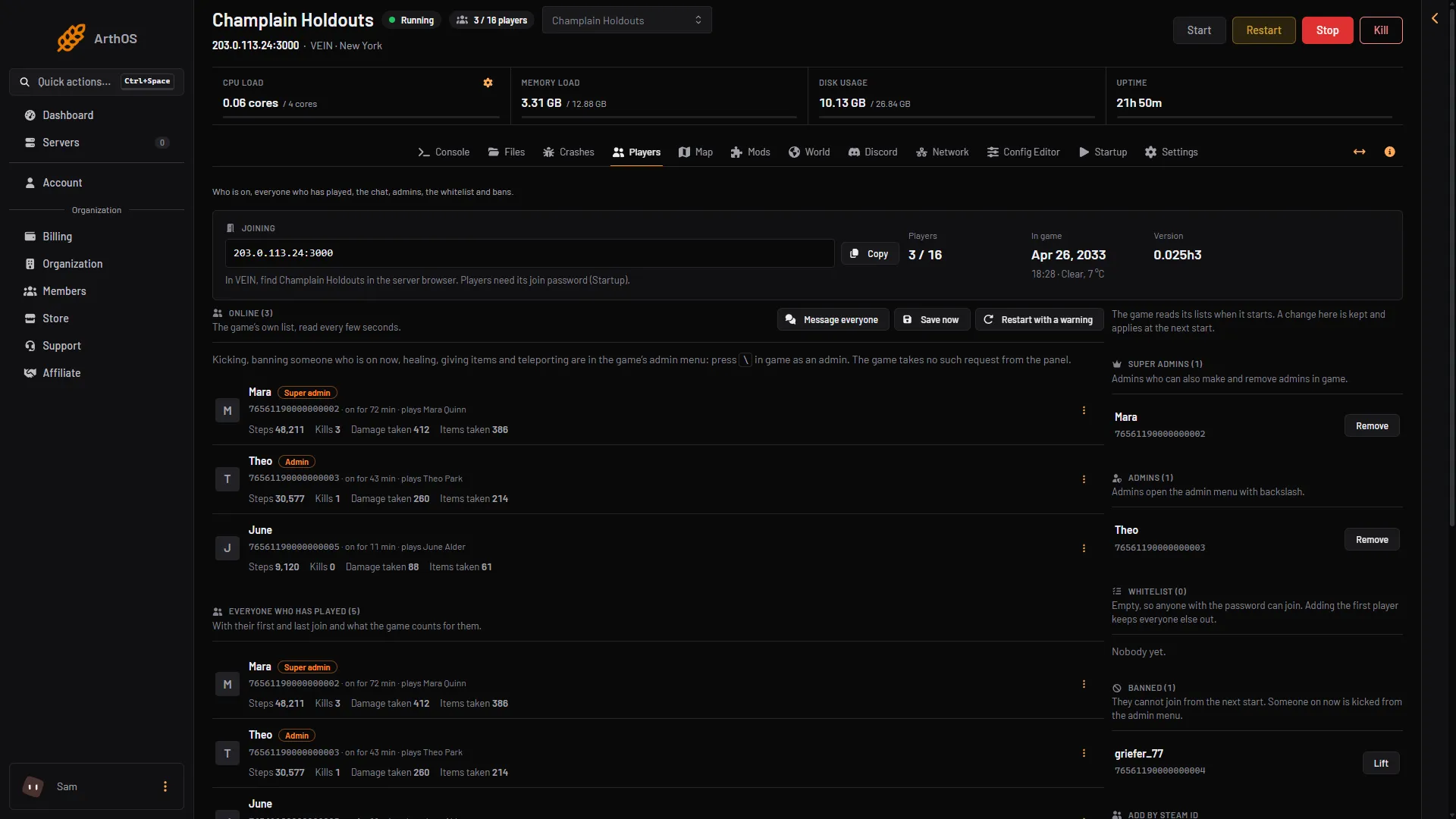
- Look at the section Online. The number in its title is how many people are on, for example Online (3).
- Version
- In the game only
Each row shows:
- the player’s Steam name, with tags such as Admin or Super admin if they are on those lists;
- their SteamID64, the 17-digit number that identifies their Steam account, starting 7656. Click it to copy it;
- how long they have been on, for example “on for 42 min”;
- the character they play, for example “plays Sam Cook”.
If nobody is on, the page says “Nobody is online.”
The numbers at the top
The card at the top of the page has three figures:
- Players: how many are on and the most the server allows, such as
3 / 16. The limit is the Players setting on Startup. See VEIN player limit. - In game: the date and time on the game’s own clock, with the weather and temperature. This is the date in the game’s world, not today’s date. It is not the player count.
- Version: the game version the server runs, such as
0.025h3.
Everyone who has played
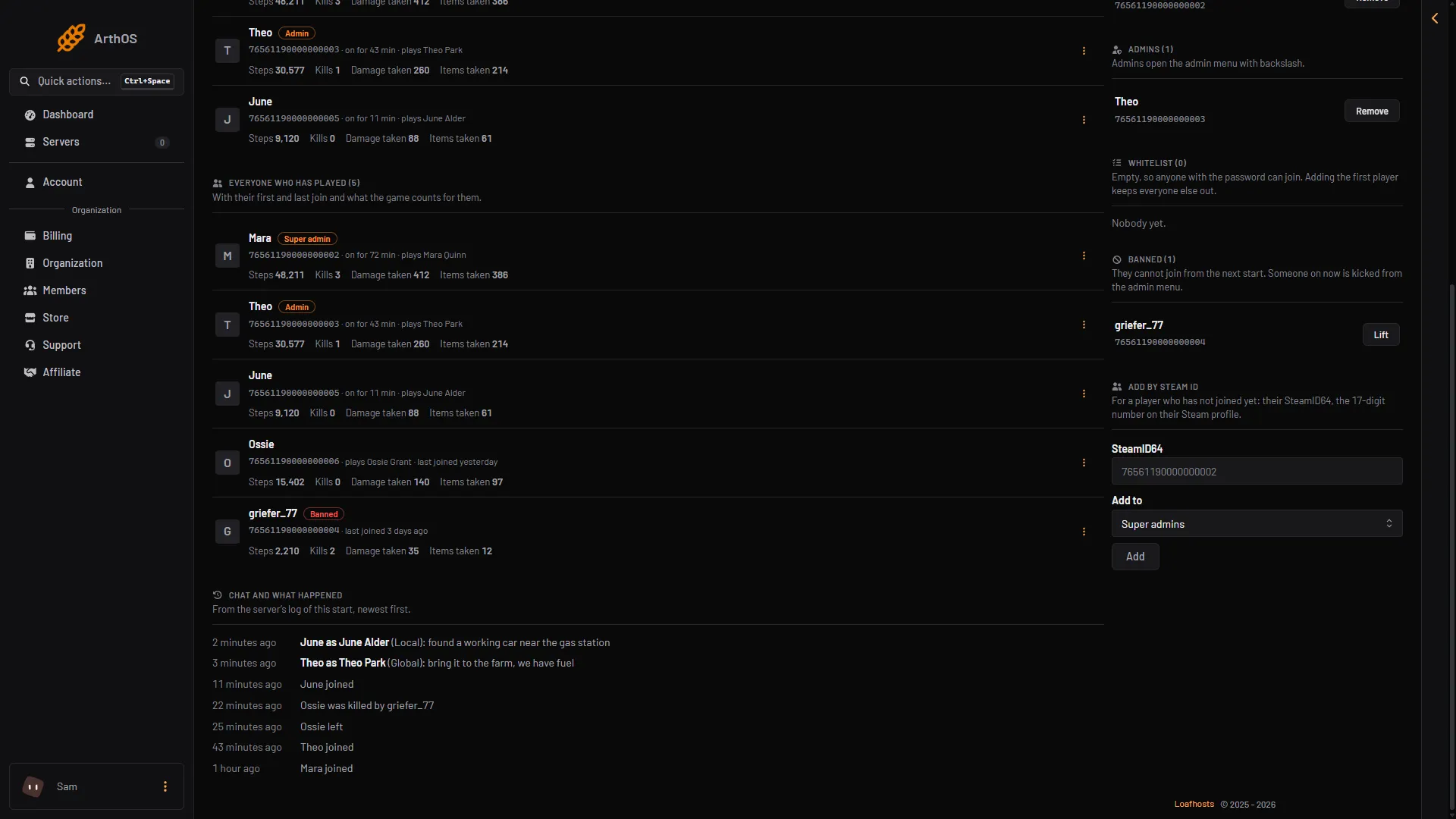
Below the online list is Everyone who has played, with a count. It holds everyone the game remembers, not only people on now. The most recent players come first.
A player who is not on shows “last joined” with the time, and a banned player carries a Banned tag. The list comes from the game, so it only fills in while the server is running.
- Everyone who has played
- Banned
The page reads a limited number of players at a time. If the title says more are “read on the next refresh”, wait a few seconds and the rest appear.
If the list is empty or missing
- “The server is starting.” The server has not loaded its world yet. The list shows once it has.
- “The server is running but has not answered the panel yet.” Wait a minute. Check again.
- “The server is stopped.” Nothing is read from a stopped server. Start it.
- A player you expect is missing. The player may not have finished joining. The game lists them once they are in.
To see where each player is on the map, see the VEIN live map. To act on a player, see the guides for kicking and banning. More about the game: VEIN servers.