






Guides / Rust
Rust server guides.
One task per guide: how to do it in the ArthOS panel, and by hand where there is a way.
Basics
7 guides-
 Basics
 Choose your Rust map size and seed
Pick a Rust world size from 1000 to 6000 and a seed, preview the map first, or load a custom map by URL. A new size or seed makes a new world. - Basics
Connect to a Rust server
Join a Rust server by searching the in-game server browser, or press F1 and type client.connect with the server's address and game port. - Basics
Rust forced wipe day: what it wipes and what to do
Rust forces a map wipe on the first Thursday of each month, when Facepunch ships its update. What it wipes, what happens to blueprints, and what owners do. - Basics
Set up a Rust server from scratch
Set up a Rust dedicated server: order one on Loafhosts or install it with SteamCMD, set the name, map and player limit, start it, and get players in. - Basics
Set your Rust server name and description
Change the name, description, website, header image, logo and tags players see in the Rust server browser. Set them on the Startup tab and press Save. - Basics
Wipe your Rust server and schedule the next wipe
Which files to delete for a map, blueprint or full wipe of a Rust server, how to pick a new seed, and how to set the wipe timer for a regular schedule. - Basics
Change the maximum players on a Rust server
Set Maximum players on the Rust Startup page (1 to 500), restart to apply it, and see why a bigger number needs more memory and a faster processor.
server.cfg
11 guides-
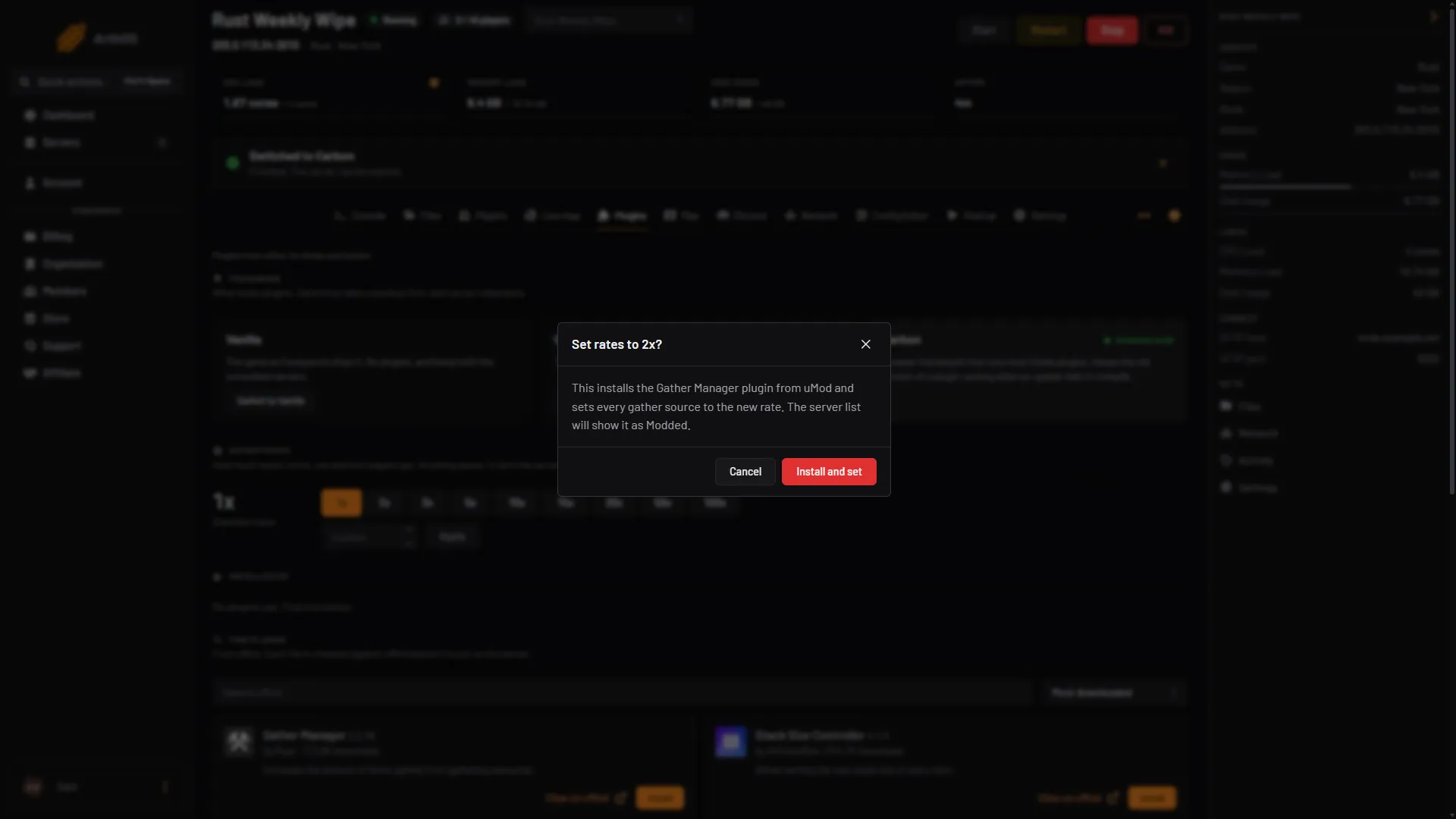
Change gather rates on your Rust server
Vanilla Rust cannot change gather rates, so a plugin does it. Use the panel's Gather rates buttons, or install Gather Manager and run gather.rate. - server.cfg
Make a Rust server PvE
Switch on PvE in the Rust Config Editor so players cannot hurt each other. What the built-in mode stops, what it leaves, and when to add the TruePVE plugin. - server.cfg
Rust server.cfg explained and the Config Editor
server.cfg holds your Rust gameplay settings and is read when the server starts. Edit it in the panel Config Editor or by hand, then restart to apply. - server.cfg
Set the team size limit on your Rust server
Set relationshipmanager.maxteamsize to cap team size. Change it in the panel Config Editor or in server.cfg, then restart the server. - server.cfg
Change day and night length on a Rust server
Rust has env.daylength for how long a full day lasts, but no night setting and no Config Editor row. How to set it, and when a plugin is the better way. - server.cfg
Change decay and upkeep on a Rust server
Set Decay speed and Upkeep in the Rust Config Editor: what 1, 0 and 2 mean, how tool cupboard upkeep works, and the console settings for a gentler server. - server.cfg
Set the idle kick on your Rust server
Kick players who stand idle on your Rust server. What Idle kick (minutes), Idle kick mode (0, 1, 2) and Idle kick admins too do, and how to set them. - server.cfg
Turn building stability off on a Rust server
Switch off Building stability in the Rust Config Editor so anything can be built in the air. What stability is, who turns it off, and how to restart. - server.cfg
Turn on instant crafting on a Rust server
Switch on Instant crafting in the Rust Config Editor so every item crafts at once, then restart. Or use the Crafting Controller plugin for faster crafting. - server.cfg
Turn radiation off on a Rust server
Switch off the Radiation row in the Rust Config Editor so monuments stop poisoning players. What changes for rad suits and pills, and how to restart. - server.cfg
Turn Rust server events on or off
Switch Rust world events such as the cargo ship, patrol helicopter and airdrops on or off in the Config Editor, and what Facepunch documents for one event only.
Plugins
19 guides- Plugins
Add /home and /tpr to your Rust server
Install NTeleportation so players can set homes and send teleport requests. Grant the permissions, then change cooldowns, daily limits and VIP limits. - Plugins
Add kits to your Rust server with the Kits plugin
Install Rust Kits by k1lly0u, give yourself the admin permission, make a kit in game with a cooldown and permission, and set kits players get on respawn. - Plugins
Change item stack sizes on a Rust server
Install Stack Size Controller from the Plugins page and set stack multipliers in its config. Checked in October 2026: version 4.1.3 did not load on Carbon. - Plugins
Grant plugin permissions on a Rust server
Give a player or a group a plugin permission with oxide.grant, add players to groups, revoke or check them. Includes the Carbon commands. - Plugins
Install Oxide or Carbon on your Rust server
Pick a plugin framework for Rust, Oxide or Carbon, install it from the Plugins page, and switch between them later without losing your plugins. -
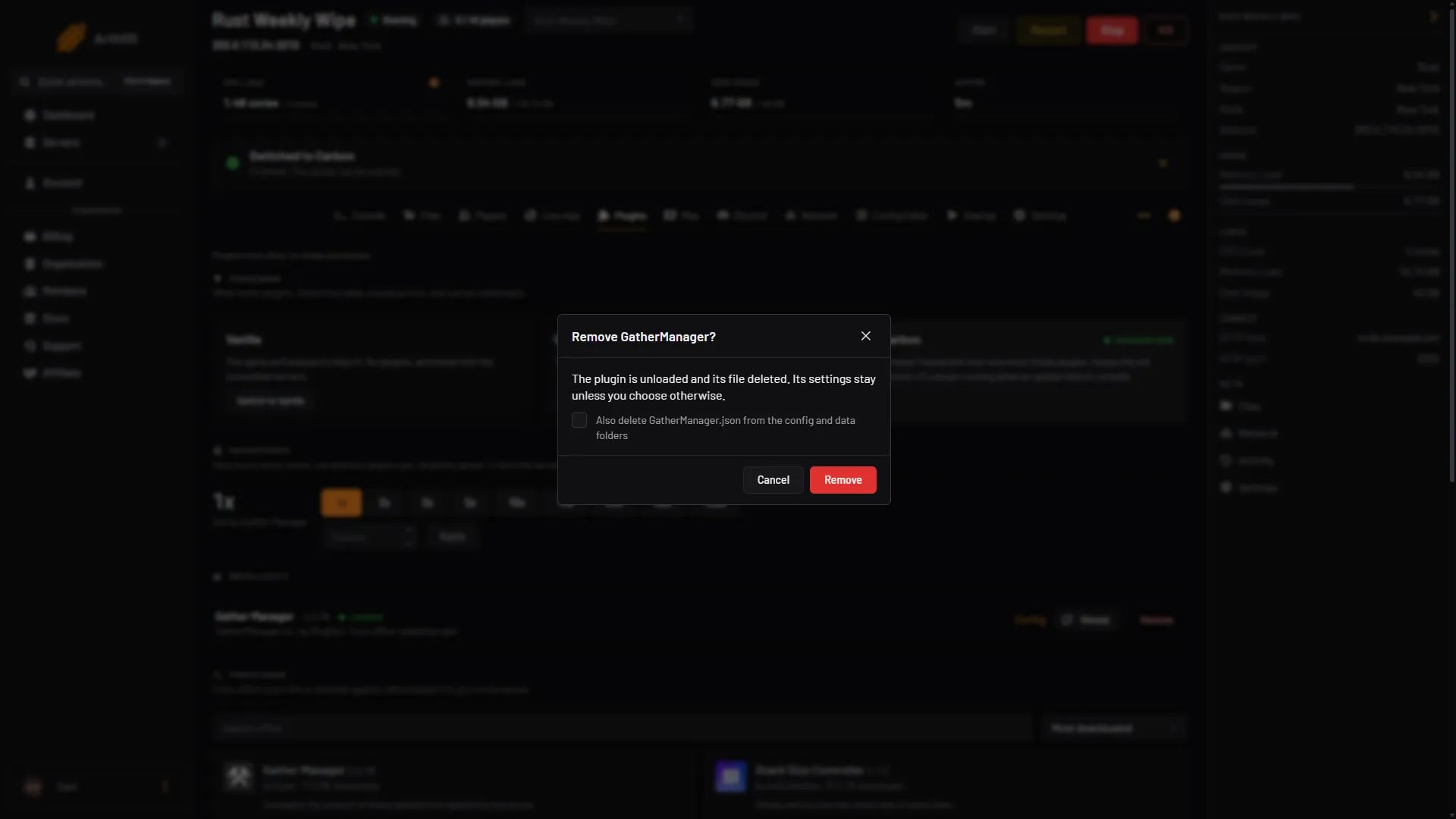
Install uMod plugins on your Rust server
Add, update, configure and remove uMod plugins on a Rust server with Oxide or Carbon. Drop the .cs file in the plugins folder, or use the Plugins page. - Plugins
Add backpacks to a Rust server with Backpacks
Install Backpacks for Rust, let players open an extra inventory with /backpack or a key, set its size by permission, and choose what happens on death and wipe. - Plugins
Become invisible as a Rust admin with the Vanish plugin
Install Vanish by Whispers88 on your Rust server, give staff vanish.allow, and type /vanish to hide from players. Covers the other permissions and settings. - Plugins
Connect your Rust server to Discord
Three ways to link Rust and Discord: a live status channel, event posts through a webhook, and a chat relay plugin. What each does and how to set it up. - Plugins
Let players remove their own buildings with Remover Tool
Install Remover Tool on your Rust server, give players removertool.normal, set the /remove command, refund and cooldown, and use the admin remove modes. - Plugins
Let players vote to skip the night in Rust
Install the Skip Night Vote plugin by k1lly0u on your Rust server. Players type /voteday during the night, and enough votes move the clock to morning. - Plugins
Make furnaces smelt faster with the Quick Smelt plugin
Install Quick Smelt by misticos on your Rust server, set its speed multiplier and the quicksmelt.use permission, and see how it differs from gather rates. - Plugins
Set up Better Chat on your Rust server
Install Better Chat by LaserHydra, make chat groups with titles and colours, add players to them, and pair it with Better Chat Mute on a Rust server. - Plugins
Set up clans on your Rust server with Clans
Install the Clans plugin by k1lly0u: how players create, invite, join and leave a clan, how alliances work, the config limits, and team size versus clan size. - Plugins
Set up Raidable Bases on a Rust server
Raidable Bases spawns NPC bases players can raid. Install it with Copy Paste, add base files, set how many spawn, and learn the free and paid versions. - Plugins
Set up Server Rewards on a Rust server
Install Server Rewards for Rust, open the point store with /s, add products, give points by hand, and pay points for playtime with Playtime Tracker. - Plugins
Set up the Economics plugin on a Rust server
Install Economics for Rust, set the starting balance, give admins the money commands, and wipe balances. It is the money other uMod plugins spend. - Plugins
Split ore across furnace slots with Furnace Splitter
Install Furnace Splitter by FastBurst on your Rust server, give players furnacesplitter.use, and ore you load into a furnace spreads across its slots by itself. - Plugins
Use Admin Radar on your Rust server
Install Admin Radar by nivex to see players, sleepers, stashes and more as an admin. Its /radar command, filters, permissions and why only admins can use it.
Admin
9 guides- Admin
Ban and kick players on a Rust server
Kick with kick, ban with banid and a Steam ID, lift it with unban, then run server.writecfg. The panel Players page does the same with a click. - Admin
Make someone owner or moderator on Rust
Give a Steam account admin rights on your Rust server with ownerid or moderatorid. Use the panel Players page, or run the command in the console. - Admin
Rust admin commands for the F1 console
Become a Rust admin with ownerid, then use noclip, god, teleport, kick, ban, spawnitem and the other F1 console commands every server owner needs. - Admin
Use the Rust live map to watch and manage players
The Live map tab draws your Rust server in 3D with players, events, vehicles and bases, and lets you act on a player from the map. What it can and cannot do. -
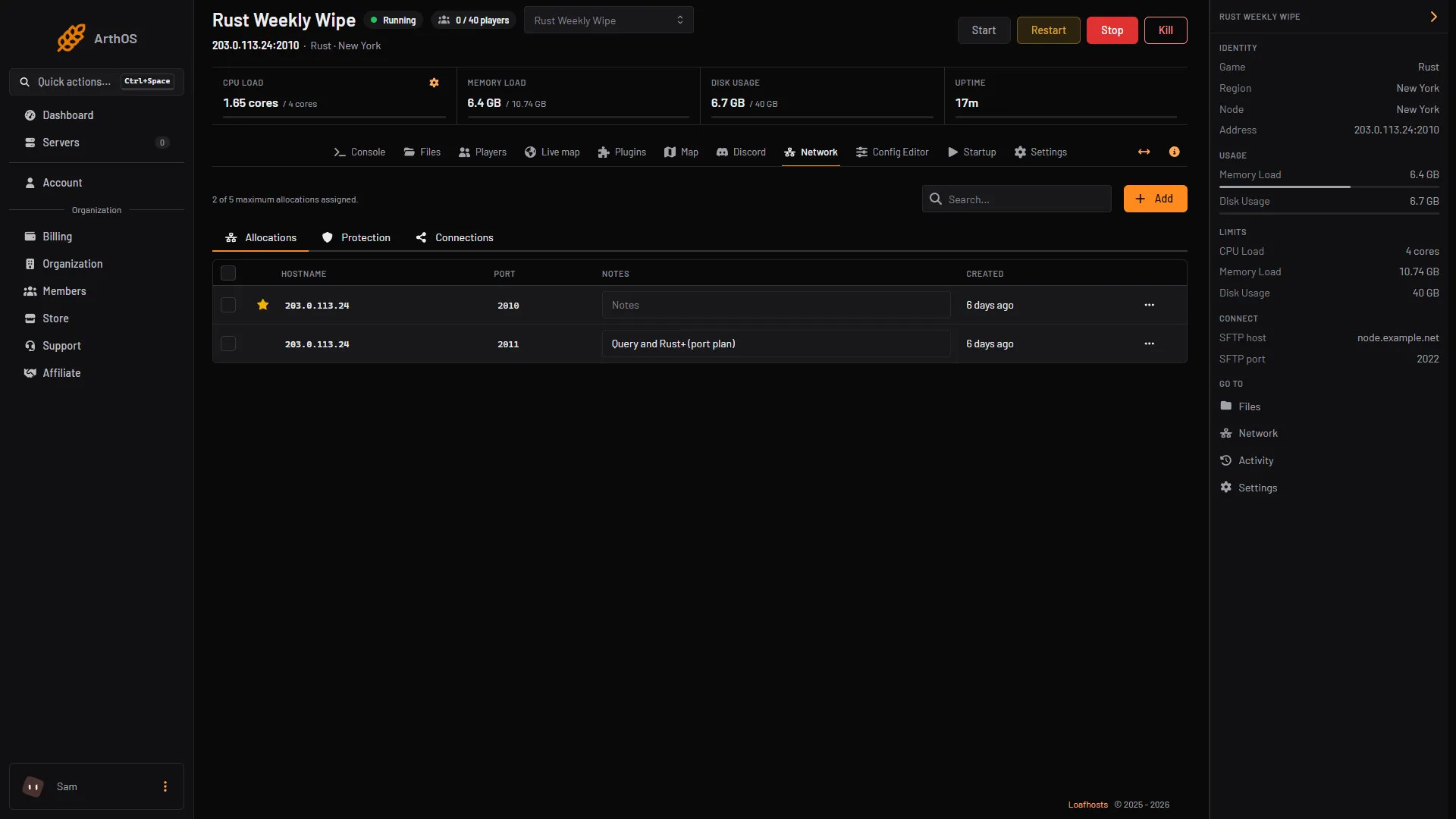
Connect an RCON tool to a Rust server
Find your Rust server's RCON address, port and password in the panel and connect a web RCON tool. Plus how to change the password and what never to share. - Admin
Give items to a player on a Rust server
Give a player an item on your Rust server from the Players tab, or with inventory.giveto in the console. How to find short names and fix the usual errors. - Admin
Mute a player in Rust chat
Rust has a built-in mute for admins. Mute a player from the panel's Players tab or with the mute command, and see what the Better Chat Mute plugin adds. - Admin
Restart your Rust server with a warning
Give players 1, 5 or 10 minutes of warning in chat before the server restarts, straight from the players page. - Admin
Teleport a player on a Rust server
Move a Rust player to another player from the panel's player window, or use teleport, teleport2me and teleportpos from the F1 console as an admin.
Fixes
8 guides- Fixes
Rust plugins not loading after an update
After a monthly Rust update, plugins fail when the framework or the plugin is for the old game build. Restart, update plugins, and read the compiler message. - Fixes
Rust server not showing in the server list: fixes
Your Rust server runs but players cannot find it. Check that it finished starting, the query port, browser tags, the Modded list, region and the list filters. - Fixes
Fix a Rust custom map that will not load
A Rust custom map needs a direct .map download link that is always online. Fix download errors, world mismatch, a freeze while loading, and map size limits. - Fixes
Fix a Rust server running out of memory
A Rust server's memory use grows with map size and entities. Read Memory Load, check serverinfo, and cut it with a smaller map, a wipe or a bigger plan. - Fixes
Fix a Rust wipe that went wrong
After a Rust wipe the old map still loads, blueprints are still there, plugin data was not reset, or the server will not start. Causes and fixes. - Fixes
Fix EAC disconnects and kicks on a Rust server
Easy Anti-Cheat disconnects and kicks in Rust are fixed on the player's PC: start from Steam, repair EAC, verify files. What a server owner can and cannot do. - Fixes
Fix lag and low server FPS on a Rust server
Read your Rust server's FPS and entity count, then find the cause: old bases, plugins, map size or memory. Safe settings to change in the Config Editor. - Fixes
Fix Steam Auth Timeout on a Rust server
Steam Auth Timeout means Rust could not finish its Steam login while joining. Player fixes that work most often, and what a server owner can check.
Gameplay
2 guides- Gameplay
Where to get a red keycard in Rust
You earn a red keycard by finishing the blue puzzle at six monuments, then spend it at five more. The monuments, getting a blue card, and what changed lately. - Gameplay
What was workbench tax in Rust? Removed in 2025
Workbench tax was a scrap surcharge on tech tree unlocks, added in May 2024. Facepunch removed it on 6 November 2025, so no Rust server charges it now.
- Add /home and /tpr to your Rust server Install NTeleportation so players can set homes and send teleport requests. Grant the permissions, then change cooldowns, daily limits and VIP limits.
- Add kits to your Rust server with the Kits plugin Install Rust Kits by k1lly0u, give yourself the admin permission, make a kit in game with a cooldown and permission, and set kits players get on respawn.
- Ban and kick players on a Rust server Kick with kick, ban with banid and a Steam ID, lift it with unban, then run server.writecfg. The panel Players page does the same with a click.
- Change gather rates on your Rust server Vanilla Rust cannot change gather rates, so a plugin does it. Use the panel's Gather rates buttons, or install Gather Manager and run gather.rate.
- Change item stack sizes on a Rust server Install Stack Size Controller from the Plugins page and set stack multipliers in its config. Checked in October 2026: version 4.1.3 did not load on Carbon.
- Choose your Rust map size and seed Pick a Rust world size from 1000 to 6000 and a seed, preview the map first, or load a custom map by URL. A new size or seed makes a new world.
- Connect to a Rust server Join a Rust server by searching the in-game server browser, or press F1 and type client.connect with the server's address and game port.
- Grant plugin permissions on a Rust server Give a player or a group a plugin permission with oxide.grant, add players to groups, revoke or check them. Includes the Carbon commands.
- Install Oxide or Carbon on your Rust server Pick a plugin framework for Rust, Oxide or Carbon, install it from the Plugins page, and switch between them later without losing your plugins.
- Install uMod plugins on your Rust server Add, update, configure and remove uMod plugins on a Rust server with Oxide or Carbon. Drop the .cs file in the plugins folder, or use the Plugins page.
- Make a Rust server PvE Switch on PvE in the Rust Config Editor so players cannot hurt each other. What the built-in mode stops, what it leaves, and when to add the TruePVE plugin.
- Make someone owner or moderator on Rust Give a Steam account admin rights on your Rust server with ownerid or moderatorid. Use the panel Players page, or run the command in the console.
- Rust admin commands for the F1 console Become a Rust admin with ownerid, then use noclip, god, teleport, kick, ban, spawnitem and the other F1 console commands every server owner needs.
- Rust forced wipe day: what it wipes and what to do Rust forces a map wipe on the first Thursday of each month, when Facepunch ships its update. What it wipes, what happens to blueprints, and what owners do.
- Rust plugins not loading after an update After a monthly Rust update, plugins fail when the framework or the plugin is for the old game build. Restart, update plugins, and read the compiler message.
- Rust server not showing in the server list: fixes Your Rust server runs but players cannot find it. Check that it finished starting, the query port, browser tags, the Modded list, region and the list filters.
- Rust server.cfg explained and the Config Editor server.cfg holds your Rust gameplay settings and is read when the server starts. Edit it in the panel Config Editor or by hand, then restart to apply.
- Set the team size limit on your Rust server Set relationshipmanager.maxteamsize to cap team size. Change it in the panel Config Editor or in server.cfg, then restart the server.
- Set up a Rust server from scratch Set up a Rust dedicated server: order one on Loafhosts or install it with SteamCMD, set the name, map and player limit, start it, and get players in.
- Set your Rust server name and description Change the name, description, website, header image, logo and tags players see in the Rust server browser. Set them on the Startup tab and press Save.
- Use the Rust live map to watch and manage players The Live map tab draws your Rust server in 3D with players, events, vehicles and bases, and lets you act on a player from the map. What it can and cannot do.
- Where to get a red keycard in Rust You earn a red keycard by finishing the blue puzzle at six monuments, then spend it at five more. The monuments, getting a blue card, and what changed lately.
- Wipe your Rust server and schedule the next wipe Which files to delete for a map, blueprint or full wipe of a Rust server, how to pick a new seed, and how to set the wipe timer for a regular schedule.
- Add backpacks to a Rust server with Backpacks Install Backpacks for Rust, let players open an extra inventory with /backpack or a key, set its size by permission, and choose what happens on death and wipe.
- Become invisible as a Rust admin with the Vanish plugin Install Vanish by Whispers88 on your Rust server, give staff vanish.allow, and type /vanish to hide from players. Covers the other permissions and settings.
- Change day and night length on a Rust server Rust has env.daylength for how long a full day lasts, but no night setting and no Config Editor row. How to set it, and when a plugin is the better way.
- Change decay and upkeep on a Rust server Set Decay speed and Upkeep in the Rust Config Editor: what 1, 0 and 2 mean, how tool cupboard upkeep works, and the console settings for a gentler server.
- Change the maximum players on a Rust server Set Maximum players on the Rust Startup page (1 to 500), restart to apply it, and see why a bigger number needs more memory and a faster processor.
- Connect an RCON tool to a Rust server Find your Rust server's RCON address, port and password in the panel and connect a web RCON tool. Plus how to change the password and what never to share.
- Connect your Rust server to Discord Three ways to link Rust and Discord: a live status channel, event posts through a webhook, and a chat relay plugin. What each does and how to set it up.
- Fix a Rust custom map that will not load A Rust custom map needs a direct .map download link that is always online. Fix download errors, world mismatch, a freeze while loading, and map size limits.
- Fix a Rust server running out of memory A Rust server's memory use grows with map size and entities. Read Memory Load, check serverinfo, and cut it with a smaller map, a wipe or a bigger plan.
- Fix a Rust wipe that went wrong After a Rust wipe the old map still loads, blueprints are still there, plugin data was not reset, or the server will not start. Causes and fixes.
- Fix EAC disconnects and kicks on a Rust server Easy Anti-Cheat disconnects and kicks in Rust are fixed on the player's PC: start from Steam, repair EAC, verify files. What a server owner can and cannot do.
- Fix lag and low server FPS on a Rust server Read your Rust server's FPS and entity count, then find the cause: old bases, plugins, map size or memory. Safe settings to change in the Config Editor.
- Fix Steam Auth Timeout on a Rust server Steam Auth Timeout means Rust could not finish its Steam login while joining. Player fixes that work most often, and what a server owner can check.
- Give items to a player on a Rust server Give a player an item on your Rust server from the Players tab, or with inventory.giveto in the console. How to find short names and fix the usual errors.
- Let players remove their own buildings with Remover Tool Install Remover Tool on your Rust server, give players removertool.normal, set the /remove command, refund and cooldown, and use the admin remove modes.
- Let players vote to skip the night in Rust Install the Skip Night Vote plugin by k1lly0u on your Rust server. Players type /voteday during the night, and enough votes move the clock to morning.
- Make furnaces smelt faster with the Quick Smelt plugin Install Quick Smelt by misticos on your Rust server, set its speed multiplier and the quicksmelt.use permission, and see how it differs from gather rates.
- Mute a player in Rust chat Rust has a built-in mute for admins. Mute a player from the panel's Players tab or with the mute command, and see what the Better Chat Mute plugin adds.
- Restart your Rust server with a warning Give players 1, 5 or 10 minutes of warning in chat before the server restarts, straight from the players page.
- Set the idle kick on your Rust server Kick players who stand idle on your Rust server. What Idle kick (minutes), Idle kick mode (0, 1, 2) and Idle kick admins too do, and how to set them.
- Set up Better Chat on your Rust server Install Better Chat by LaserHydra, make chat groups with titles and colours, add players to them, and pair it with Better Chat Mute on a Rust server.
- Set up clans on your Rust server with Clans Install the Clans plugin by k1lly0u: how players create, invite, join and leave a clan, how alliances work, the config limits, and team size versus clan size.
- Set up Raidable Bases on a Rust server Raidable Bases spawns NPC bases players can raid. Install it with Copy Paste, add base files, set how many spawn, and learn the free and paid versions.
- Set up Server Rewards on a Rust server Install Server Rewards for Rust, open the point store with /s, add products, give points by hand, and pay points for playtime with Playtime Tracker.
- Set up the Economics plugin on a Rust server Install Economics for Rust, set the starting balance, give admins the money commands, and wipe balances. It is the money other uMod plugins spend.
- Split ore across furnace slots with Furnace Splitter Install Furnace Splitter by FastBurst on your Rust server, give players furnacesplitter.use, and ore you load into a furnace spreads across its slots by itself.
- Teleport a player on a Rust server Move a Rust player to another player from the panel's player window, or use teleport, teleport2me and teleportpos from the F1 console as an admin.
- Turn building stability off on a Rust server Switch off Building stability in the Rust Config Editor so anything can be built in the air. What stability is, who turns it off, and how to restart.
- Turn on instant crafting on a Rust server Switch on Instant crafting in the Rust Config Editor so every item crafts at once, then restart. Or use the Crafting Controller plugin for faster crafting.
- Turn radiation off on a Rust server Switch off the Radiation row in the Rust Config Editor so monuments stop poisoning players. What changes for rad suits and pills, and how to restart.
- Turn Rust server events on or off Switch Rust world events such as the cargo ship, patrol helicopter and airdrops on or off in the Config Editor, and what Facepunch documents for one event only.
- Use Admin Radar on your Rust server Install Admin Radar by nivex to see players, sleepers, stashes and more as an admin. Its /radar command, filters, permissions and why only admins can use it.
- What was workbench tax in Rust? Removed in 2025 Workbench tax was a scrap surcharge on tech tree unlocks, added in May 2024. Facepunch removed it on 6 November 2025, so no Rust server charges it now.